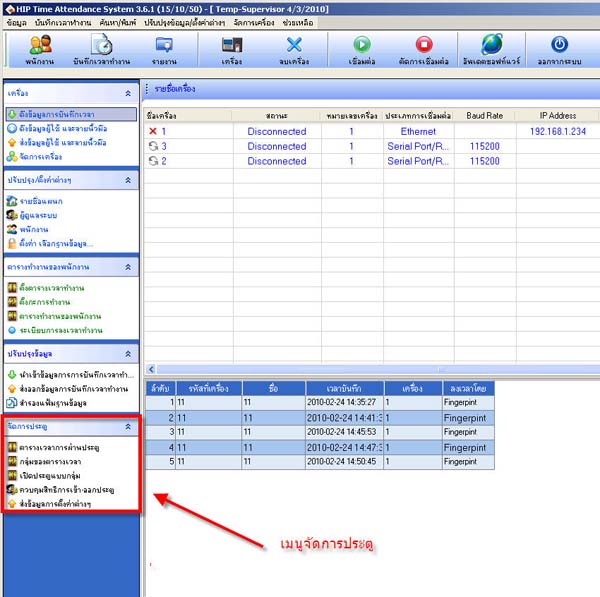
How to Access the Door Management System Menu
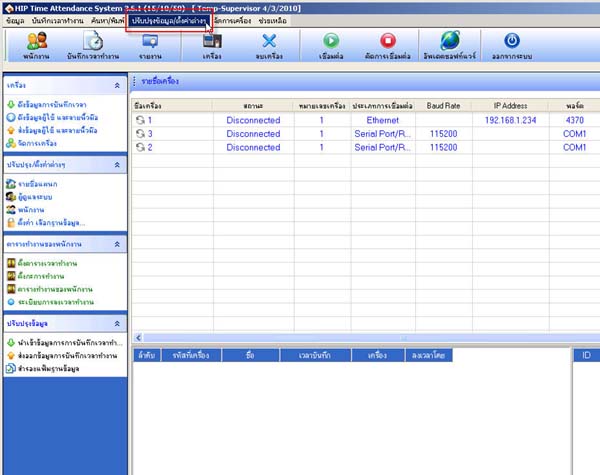
- Go to the menu Update information/Various settings
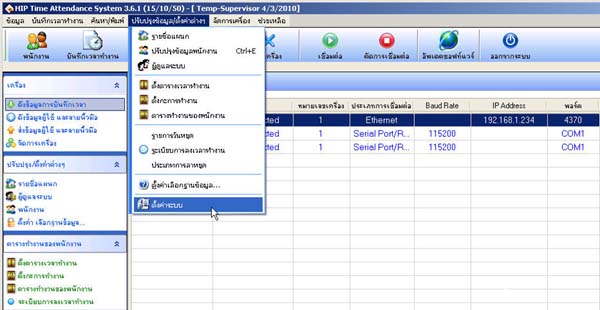
- Select System Settings
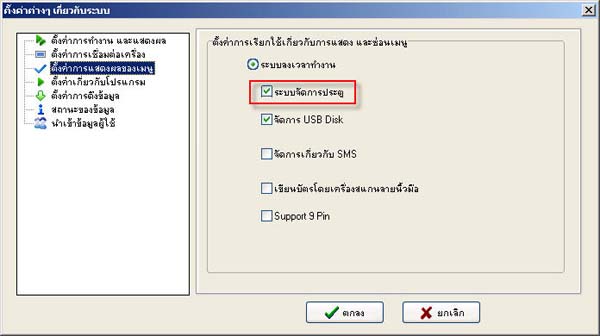
- Select the topic Menu Display Settings
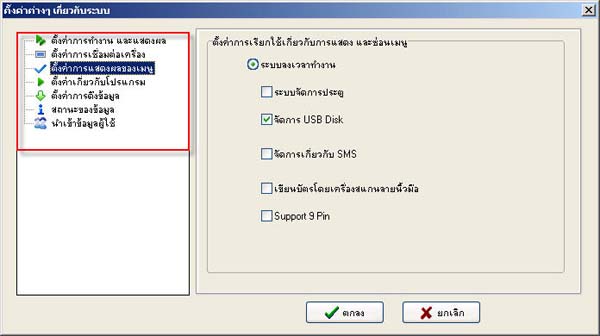
- Check the checkmark in front of the topic Door Management System
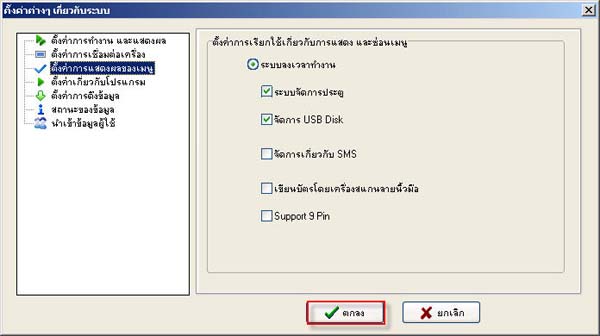
- When finished, click the OK button
- Then the menu will appear on the left side of the program