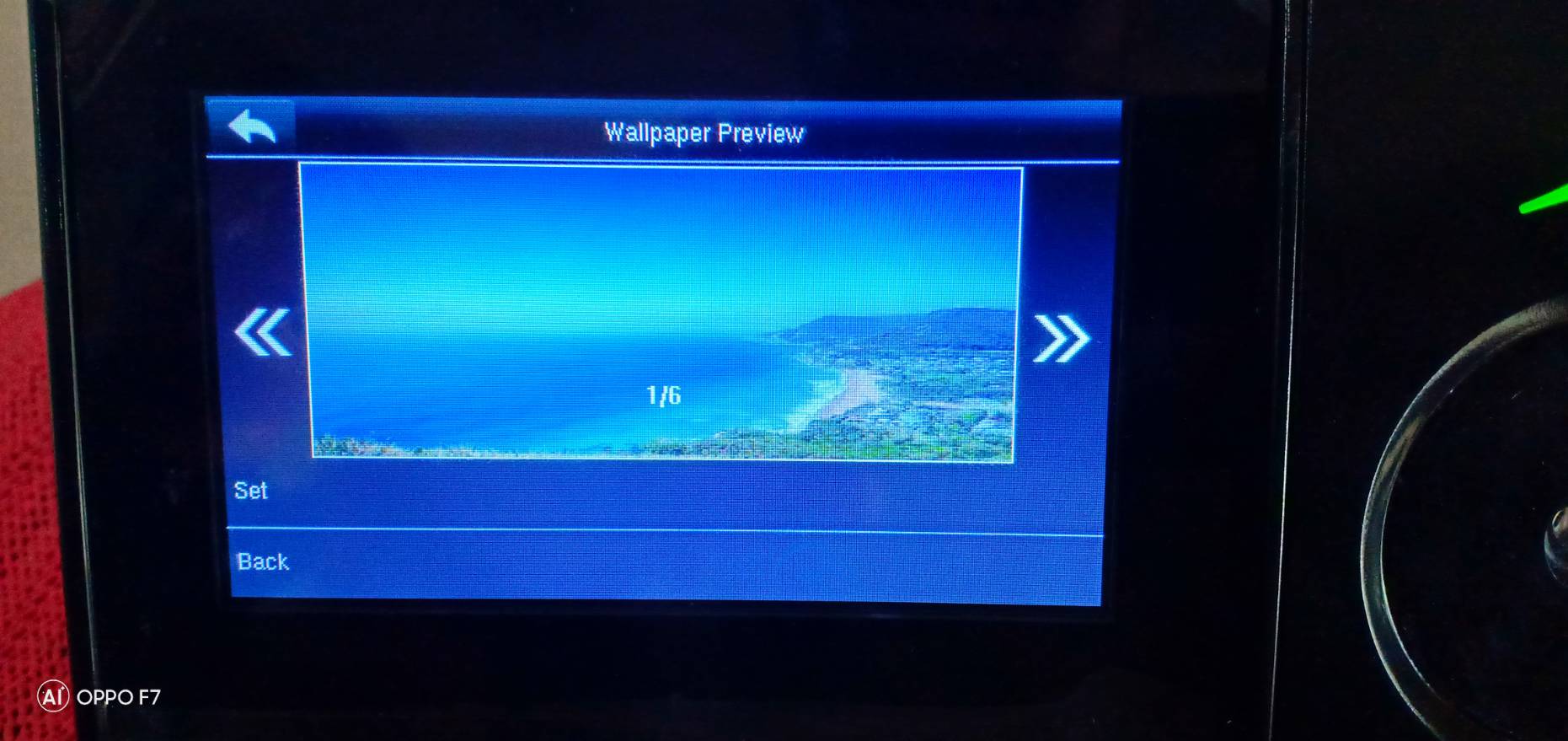
How to Add Wallpaper Images
How to Add Wallpaper to Pface202 Device
1. Prepare a Flash Drive and add a "wallpaper" folder to store images
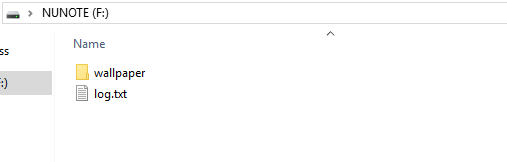
2. Place the prepared image files into the wallpaper folder

Note: Image size 320x210, file size not exceeding 30kb
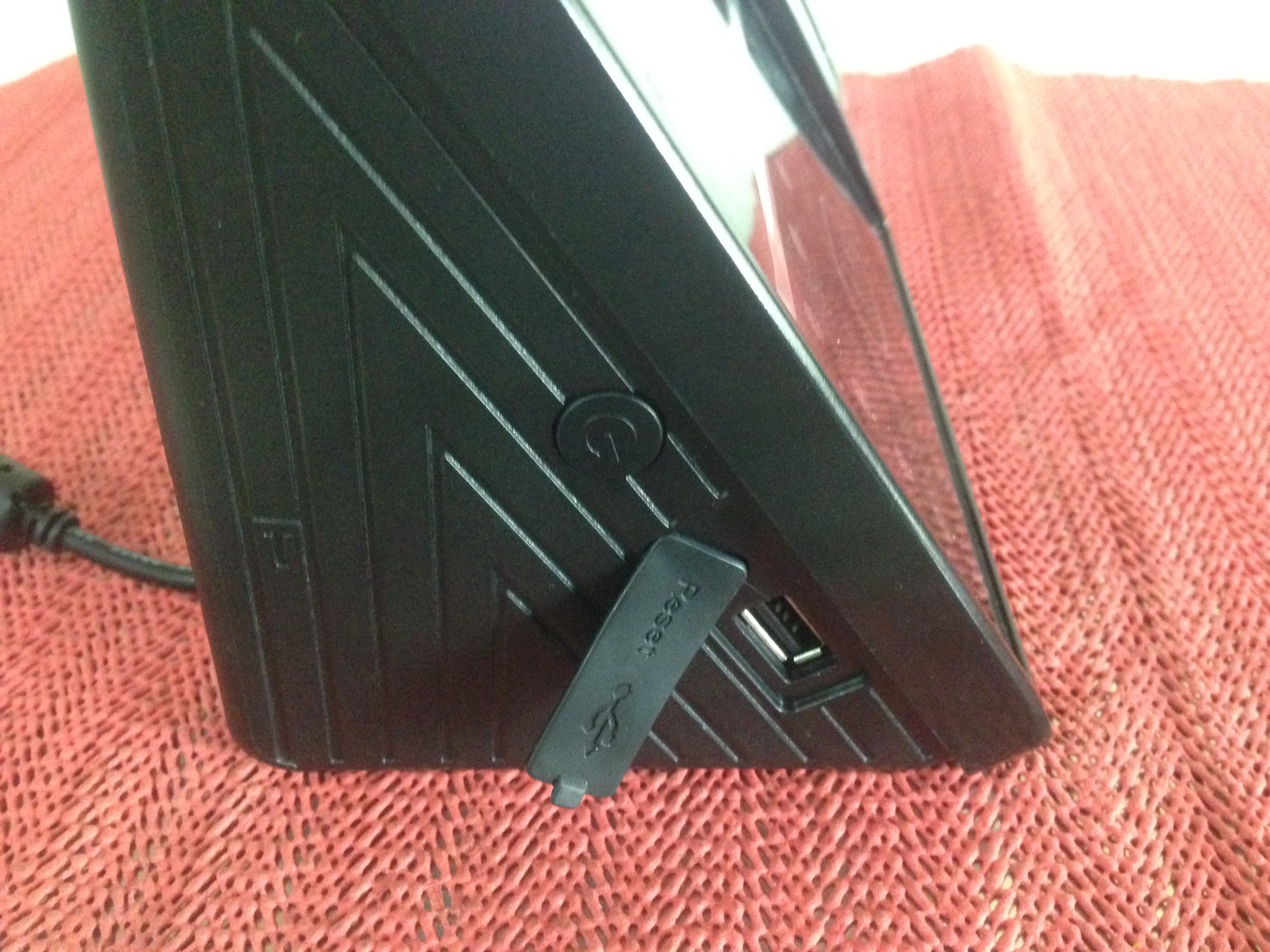
3. Open the rubber button on the left side of the device to insert the Flash Drive
4. Enter the device menu and select USB Manager
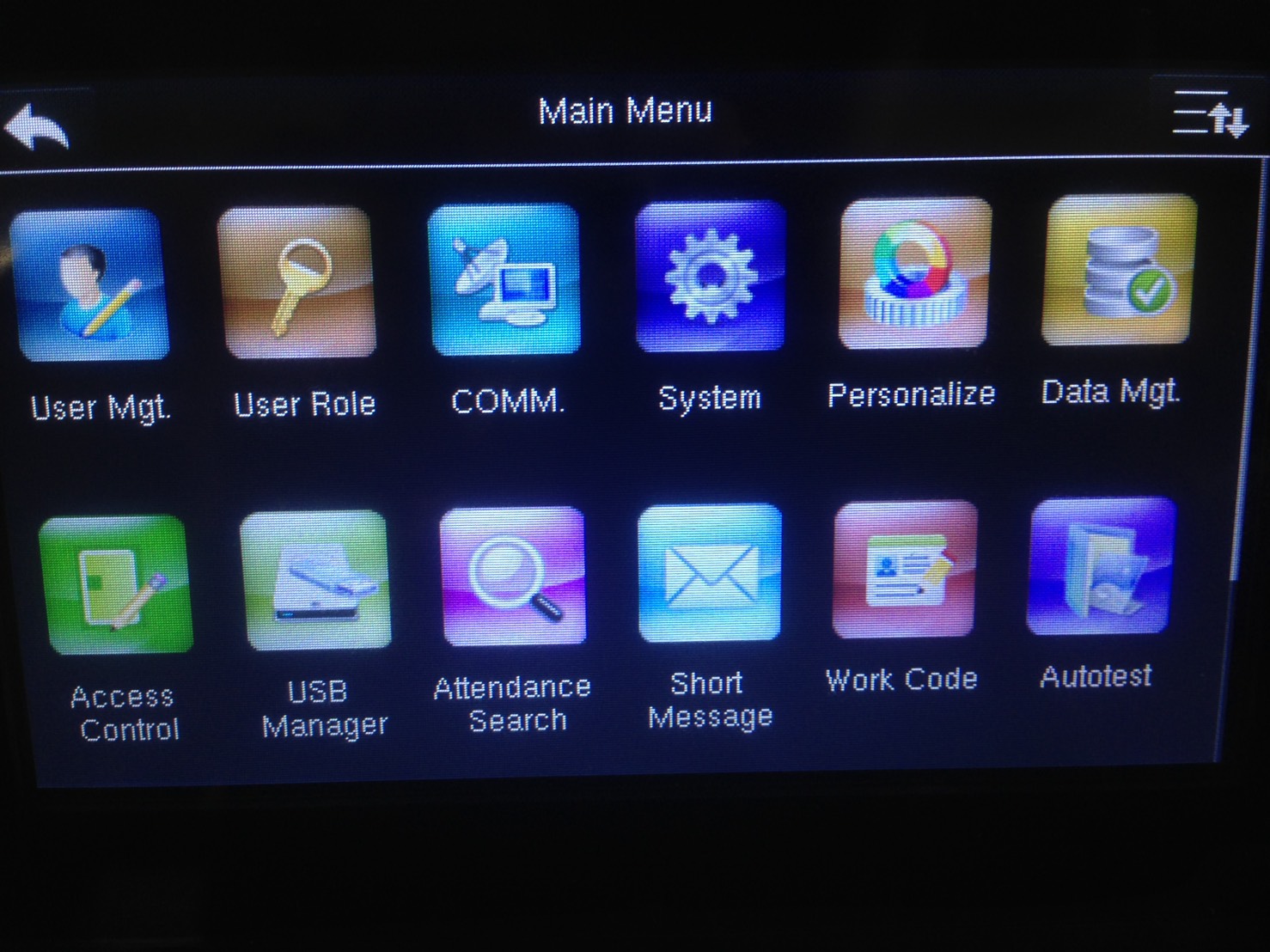
5. Select Upload to upload the image
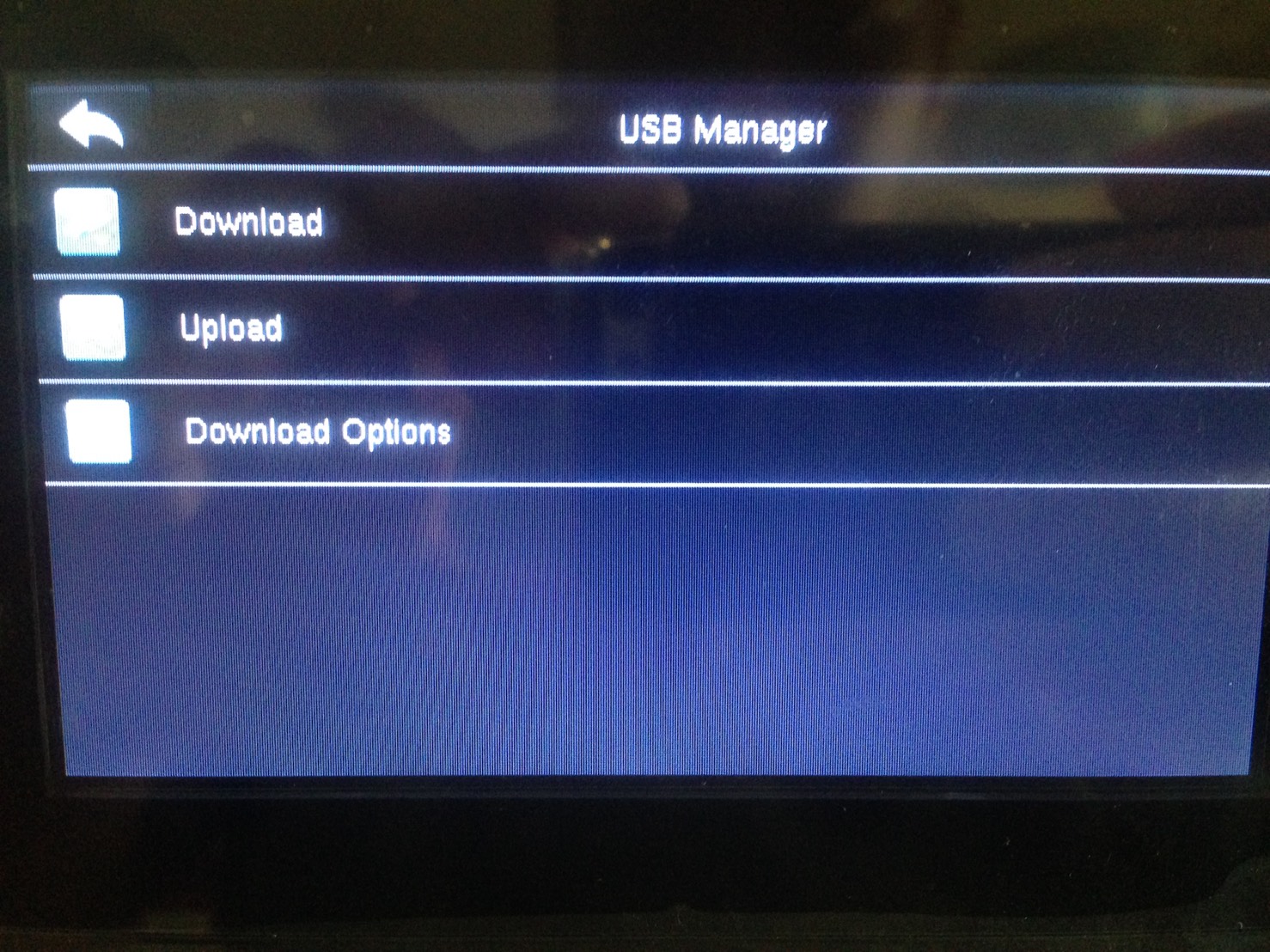
6. The device will display the image files on the Flash Drive
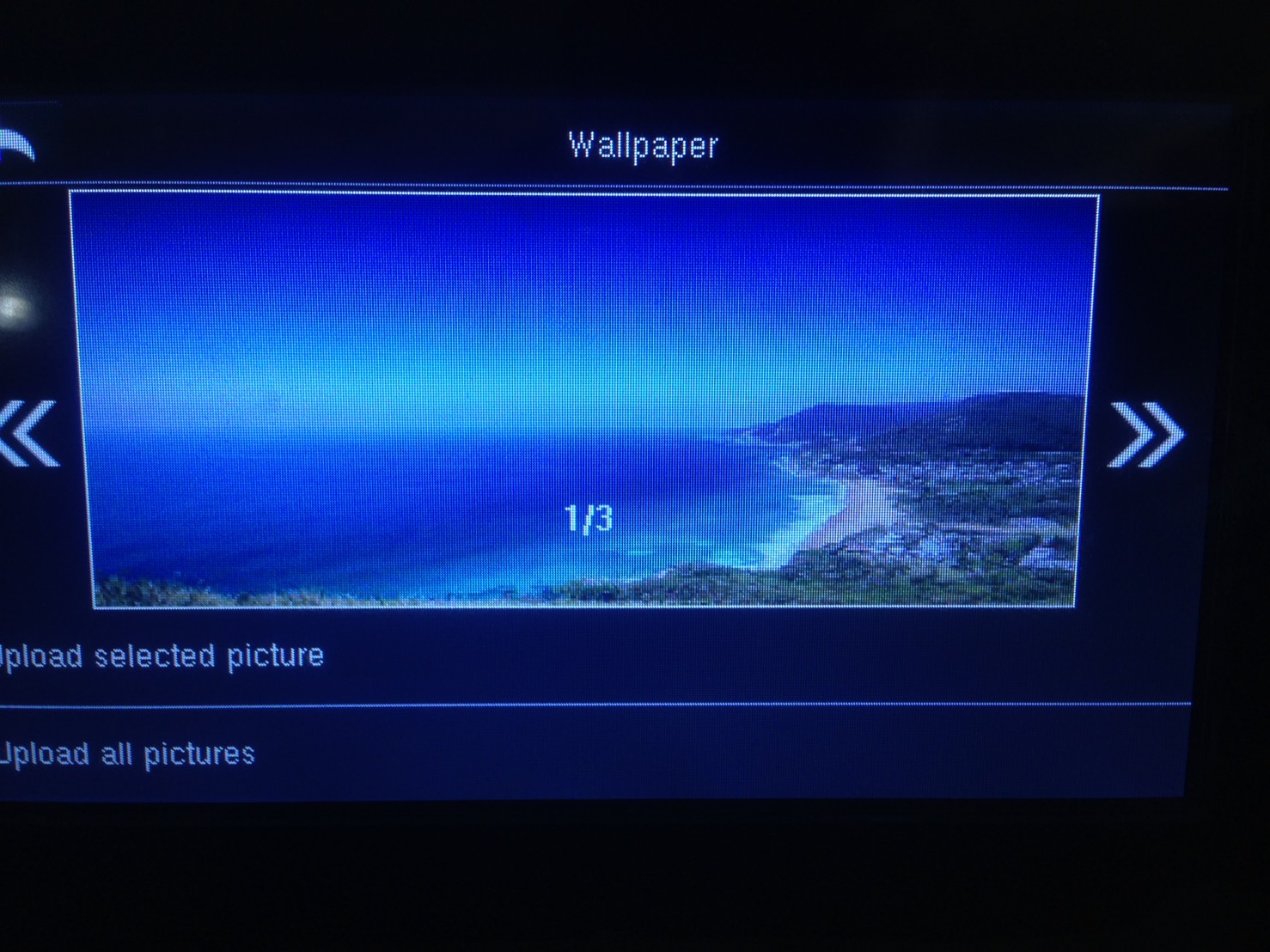
Select Upload selected picture to add the image
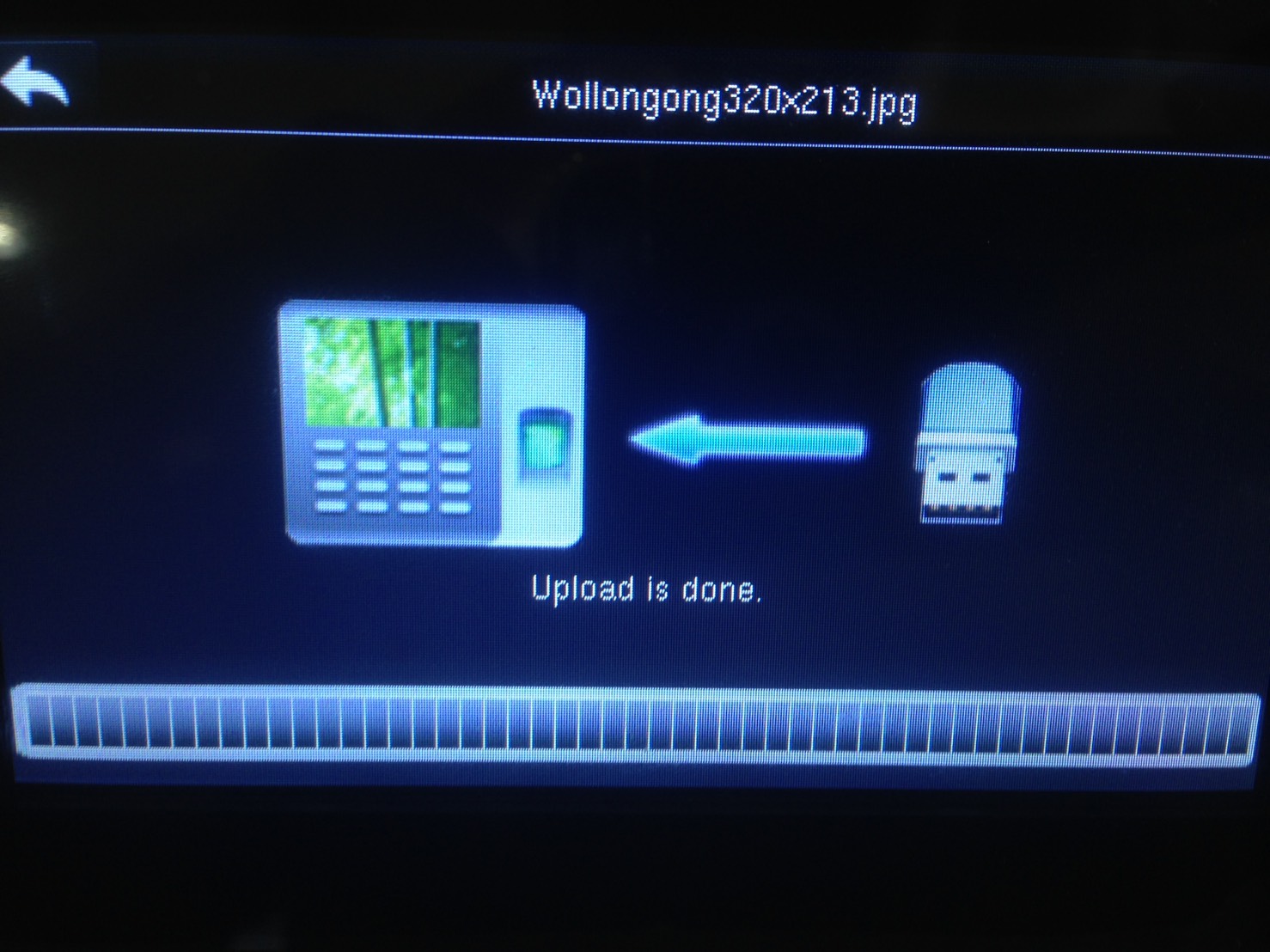
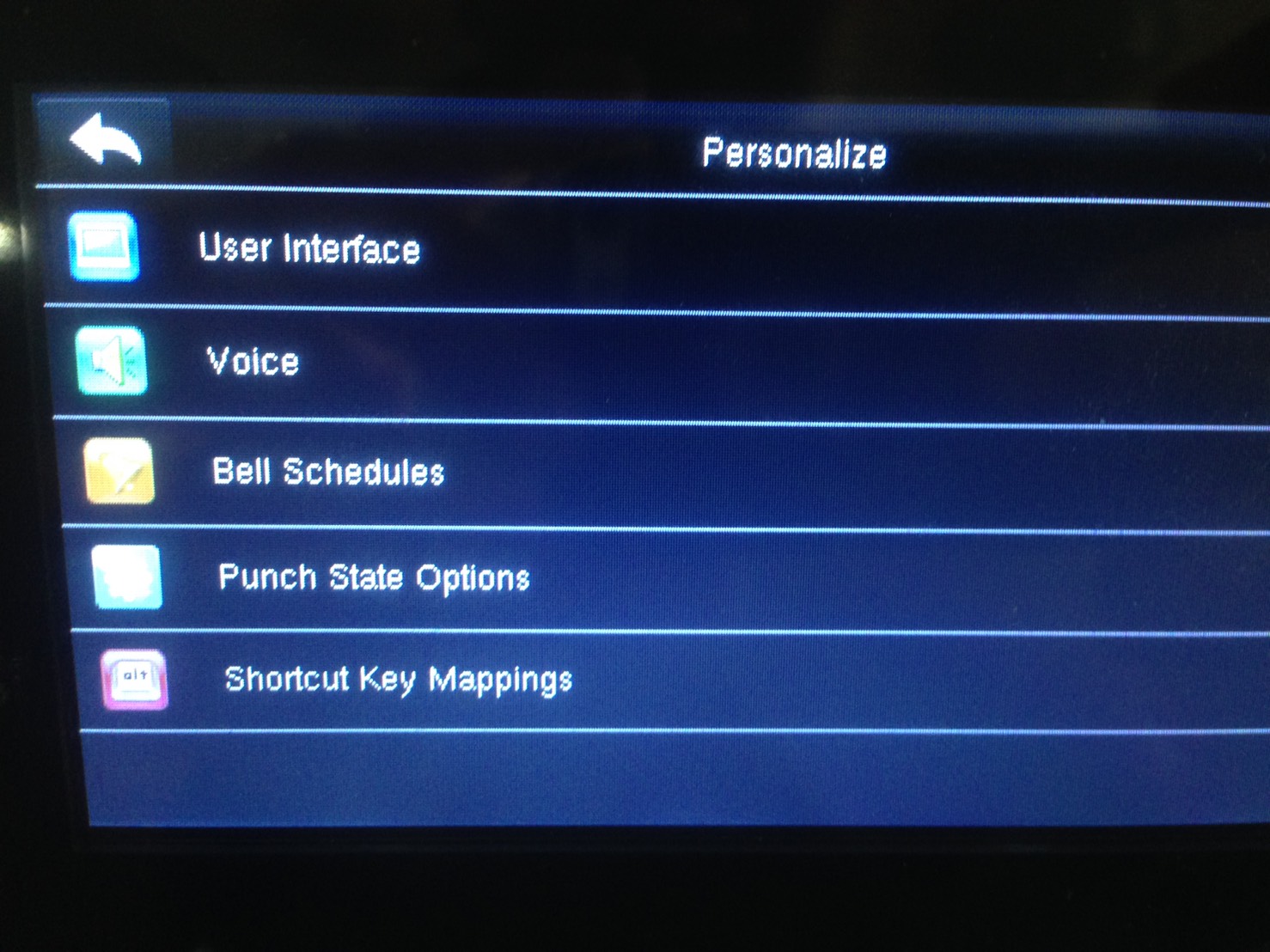
7. Exit the USB Manager menu and select Personalize to change the image
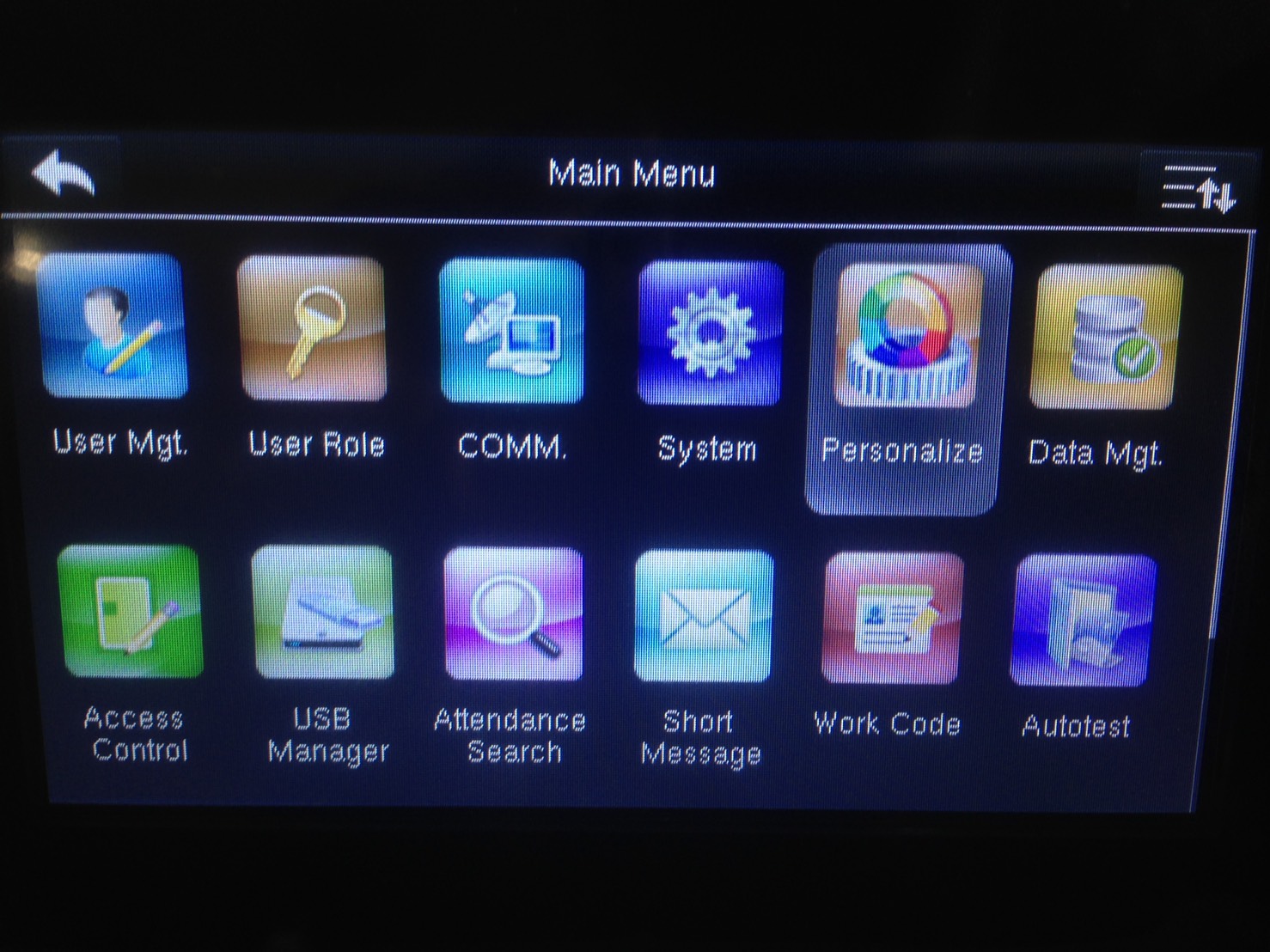
Select User Interface menu
Select Wallpaper menu to change the image
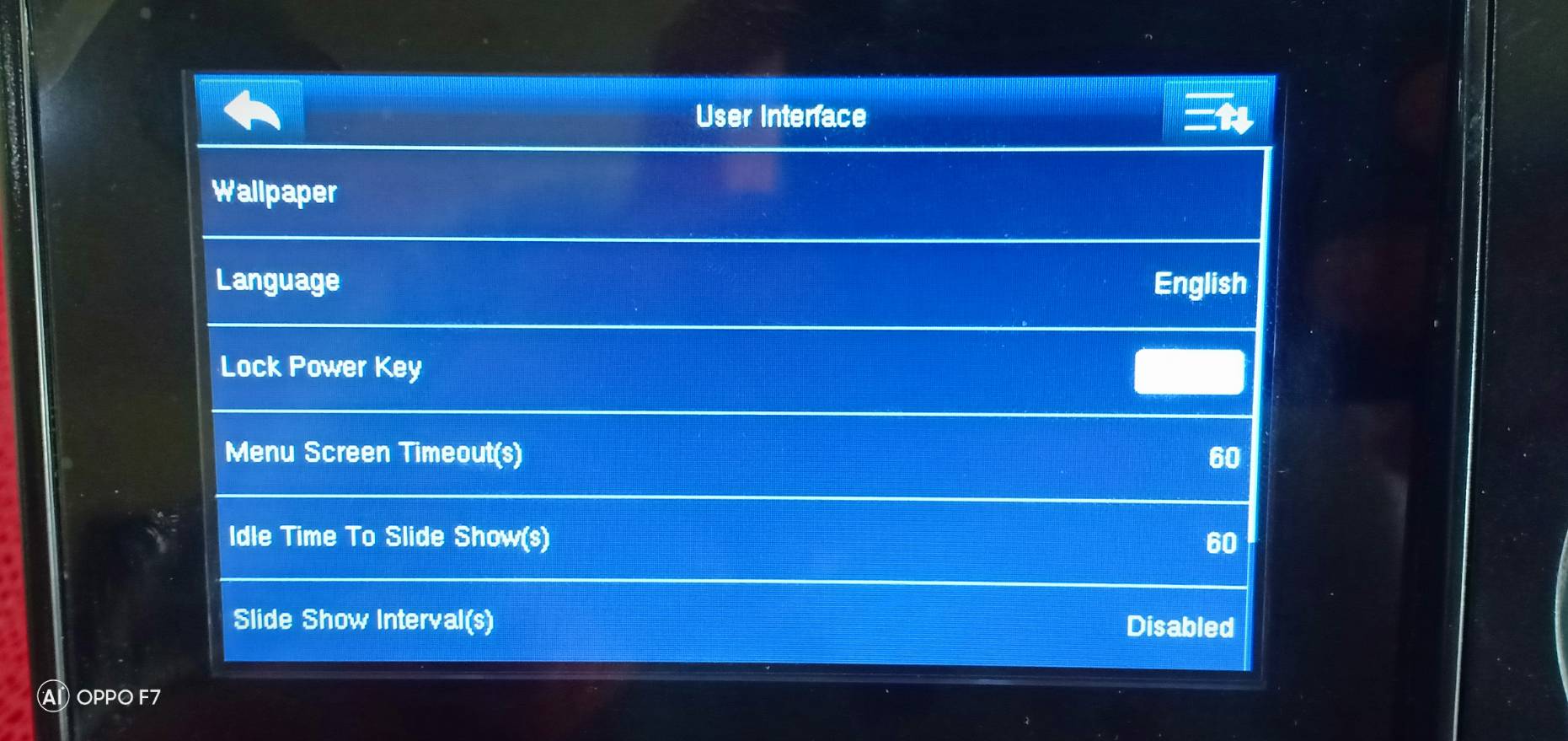
Select an image and press Set menu