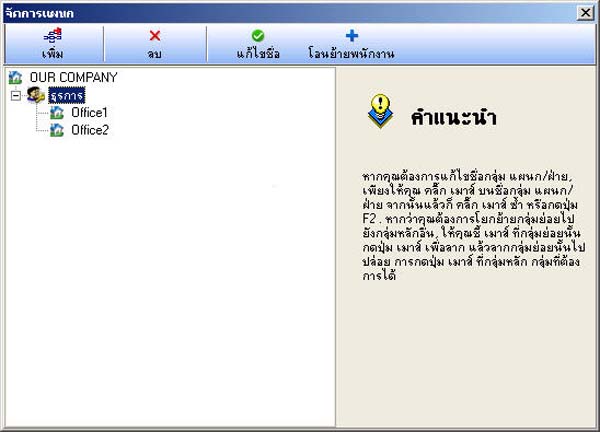
How to Create Different Departments
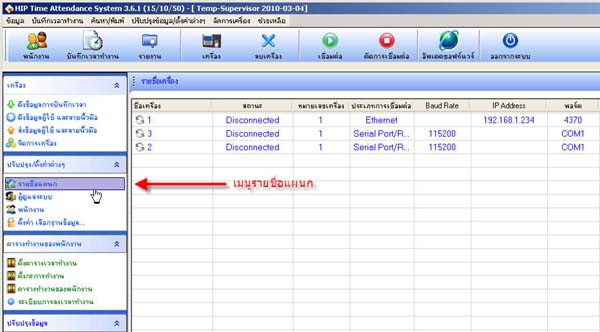
- Select from the menu Department List
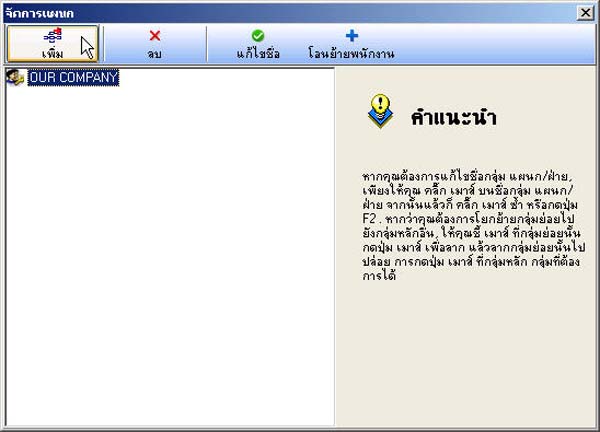
- Click the Add button
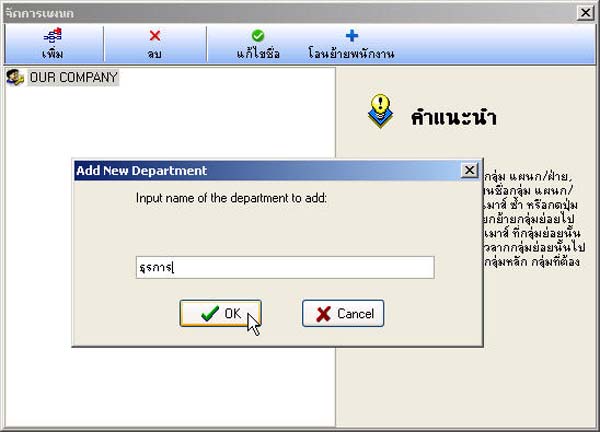
- Then enter the department name and click the OK button
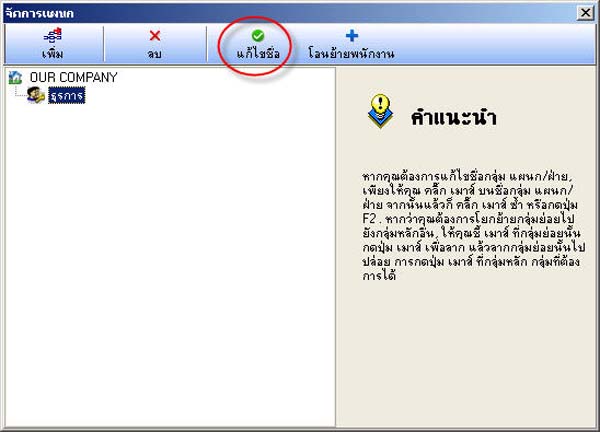
- The department list will be displayed (if you want to edit the department name, click the Edit Name button)
- If you want to create a sub-department from the existing department that was created, click on the main department and then click the Add button
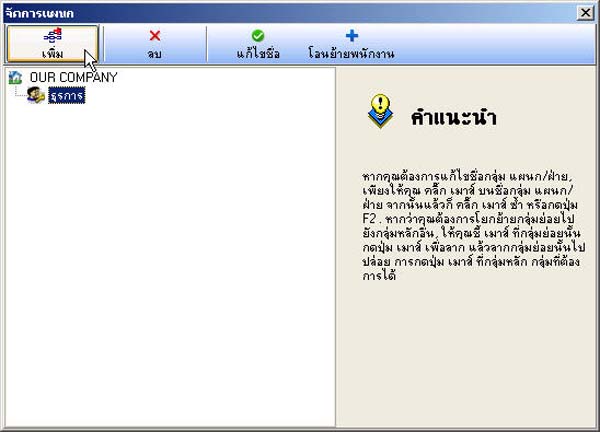
- The department list will be in this format