How to Export Time and Attendance Log Data
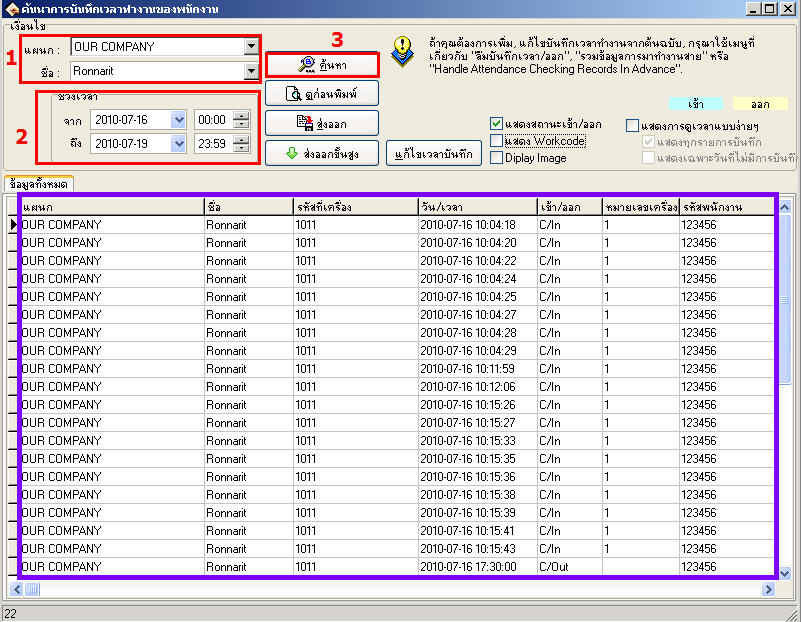
Go to the Work Time Log menu

1. Select the department for each department and then select the name you want to view
2. View from which date to which date
3. Then click the Search button
The scan time will be displayed in the window below
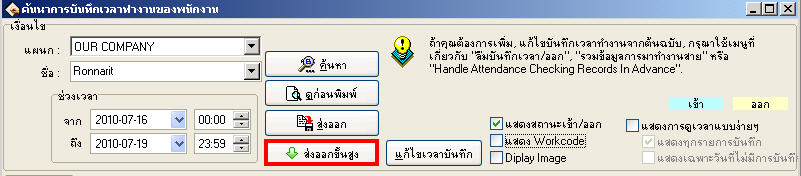
Click the Advanced Export button
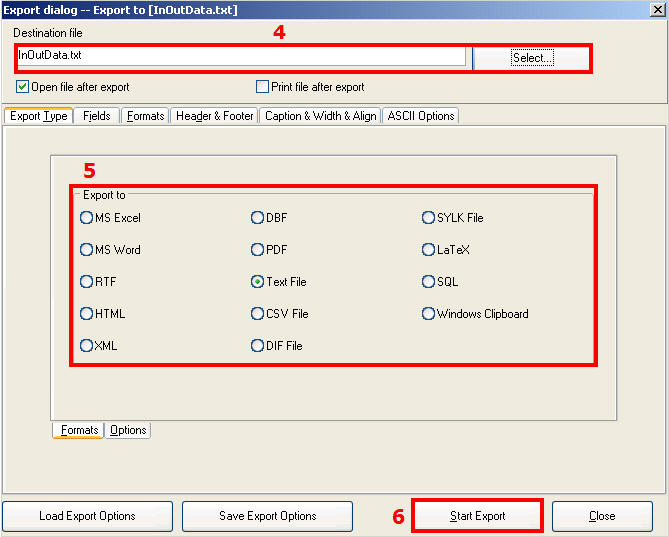
4. Select where you want to save this file
5. Then select what file format you want to export as
6. Then click the Start Export button
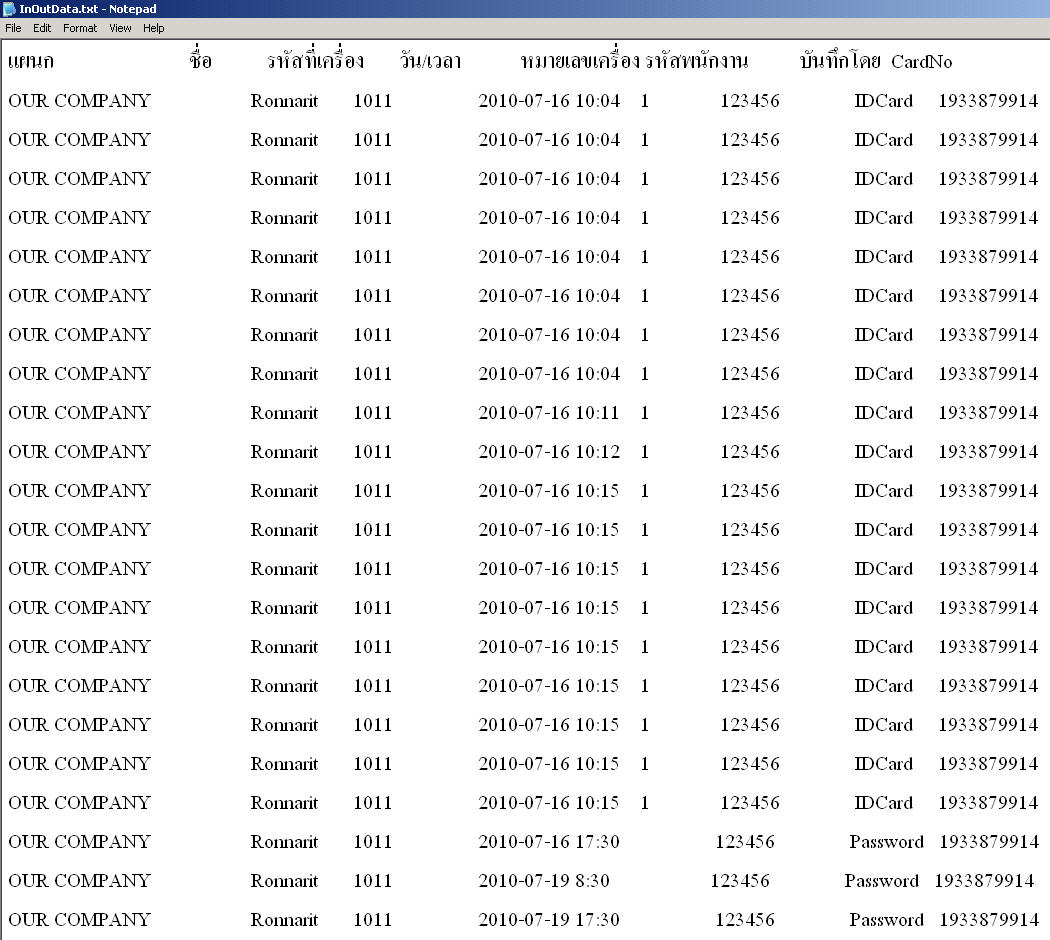
The report format that was exported will be displayed