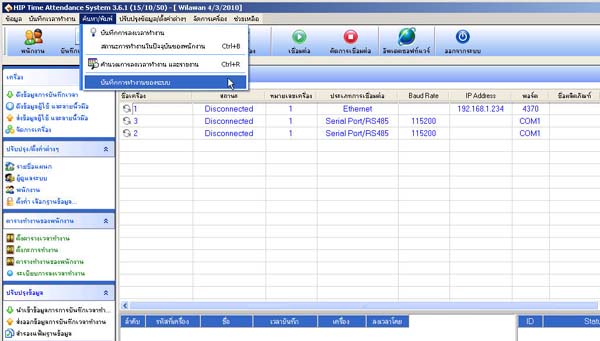
How to Extract Device Operation Data from the Scanner
- Right-click on the scanner list
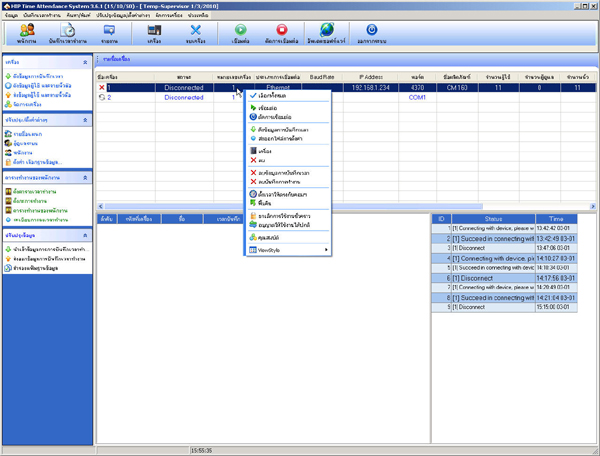
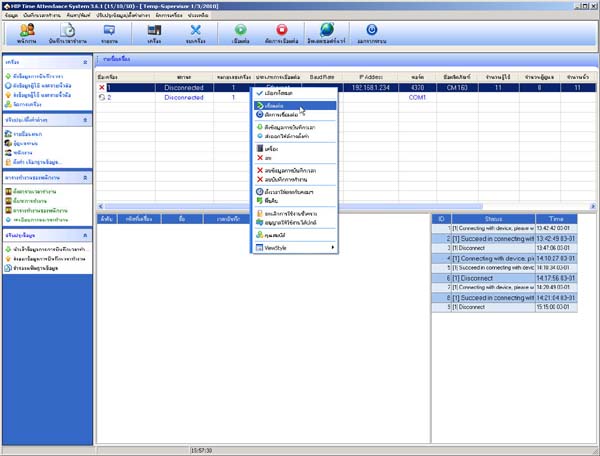
- Select Connect
- Go to the Device Management menu
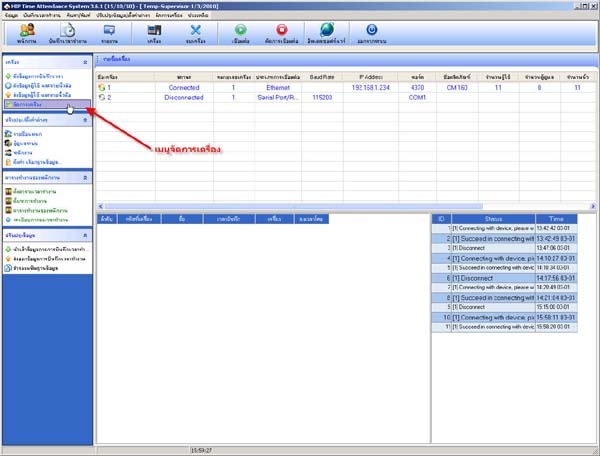
- Click on the button to retrieve device operation data
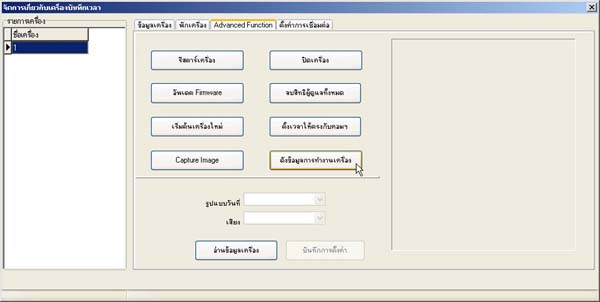
- Then close this window
- If you want to view the device operation data, go to the Search/Print menu and select
System Operation Log