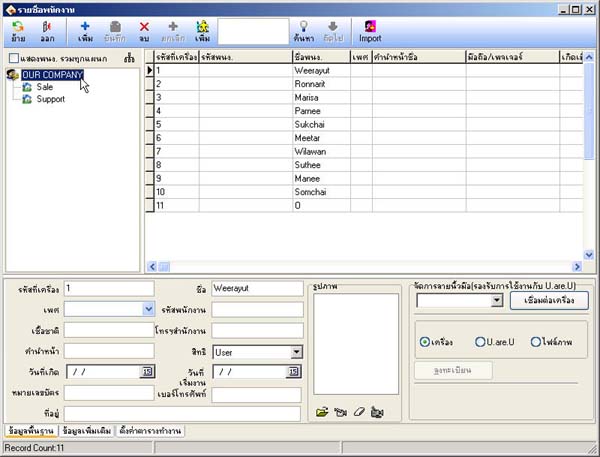
How to Extract User Data and Fingerprints from Scanner Device
- Right-click on the scanner device list
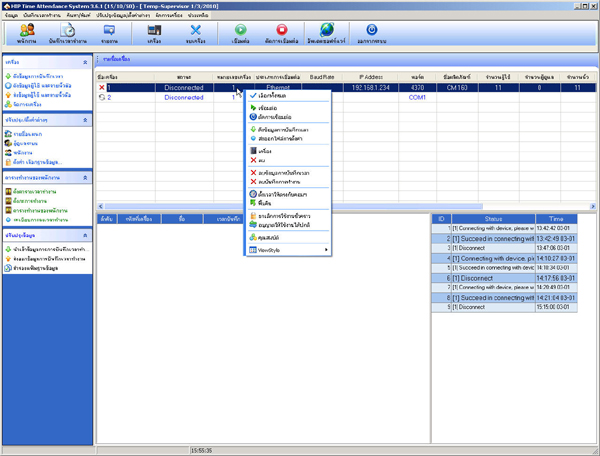
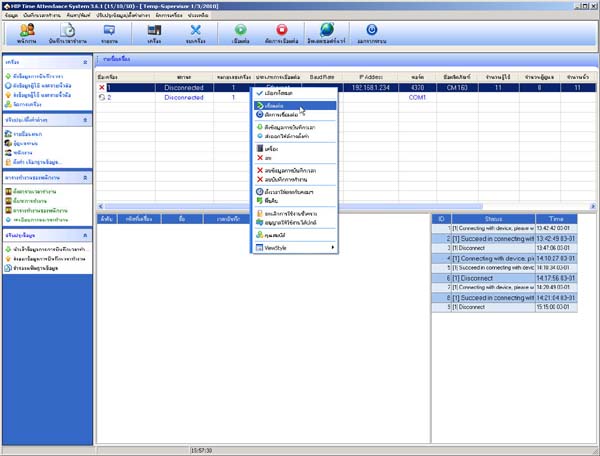
- Select Connect
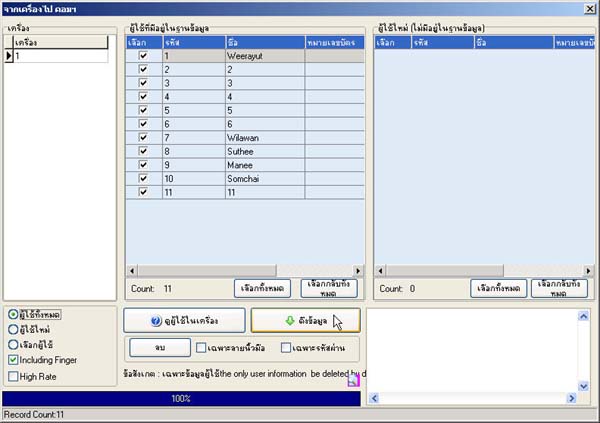
- Go to the menu Pull user data and fingerprints
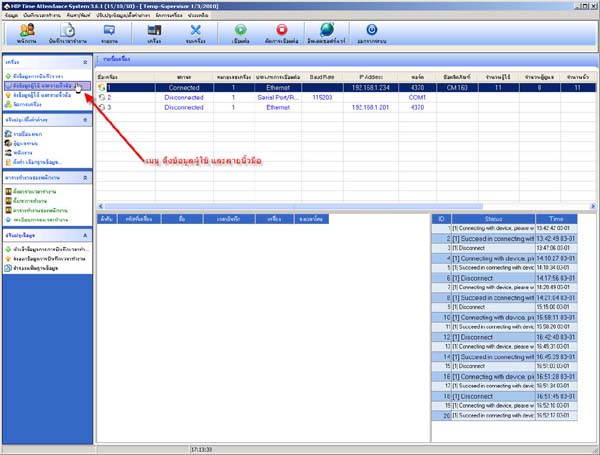
- Press the View users in device button
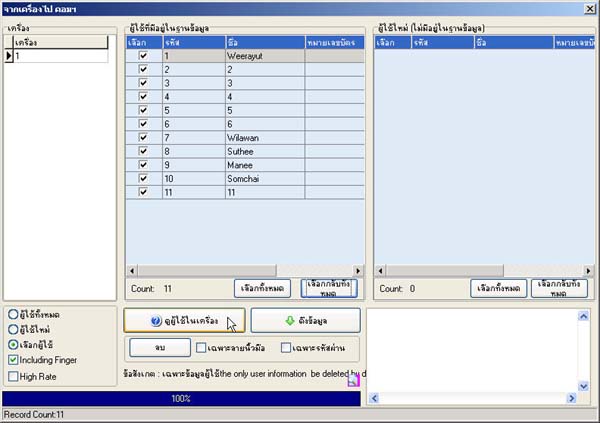
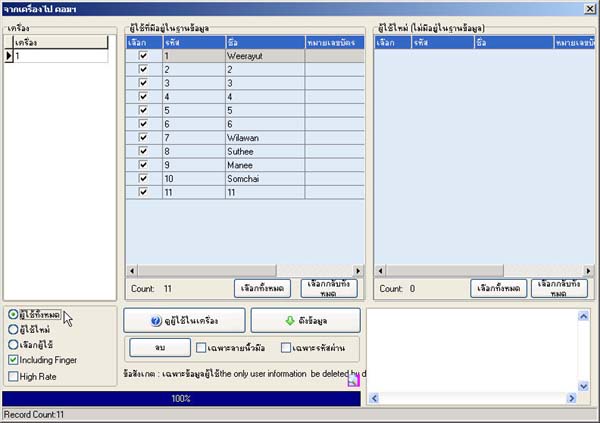
- Then check the All users section
- Check the All users section
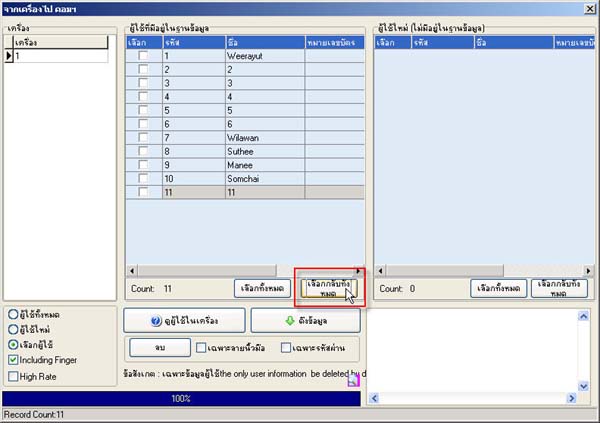
- If you want to pull data individually, click the Deselect all button
- Then select only individuals
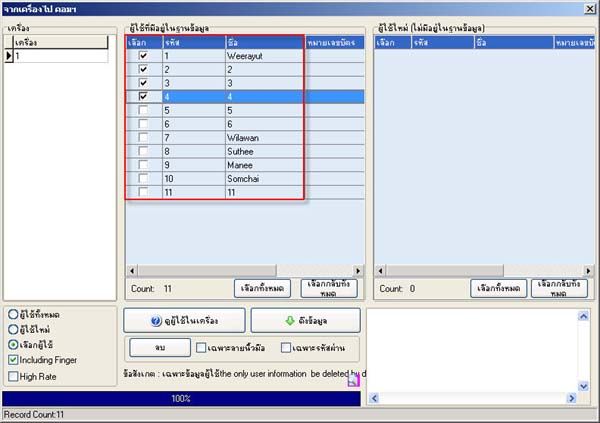
- Once finished, press the Pull data button
- Verify the user list in the Employees menu
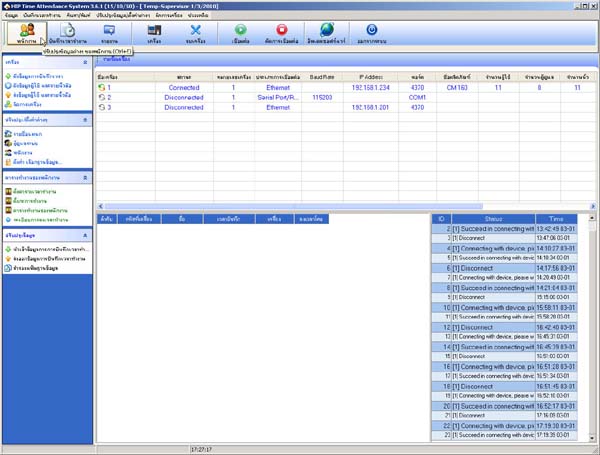
- Select Our Company and the user list will be displayed