How to Input and Register Various Information and History for Users
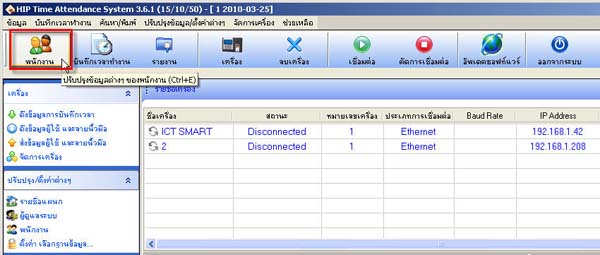
- Go to the Employee menu
- Select the department where the user is located and then select the user's name. After that, you can enter details for the
user then click the Save button
(In the ID code field, you must not change the user's ID number under any circumstances)
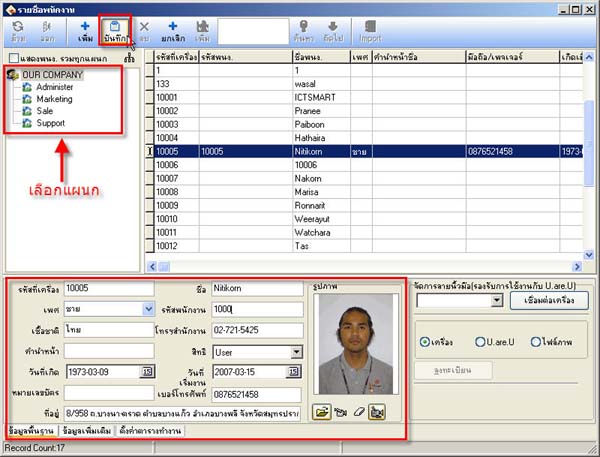
- Various employee information entered will be stored in the database