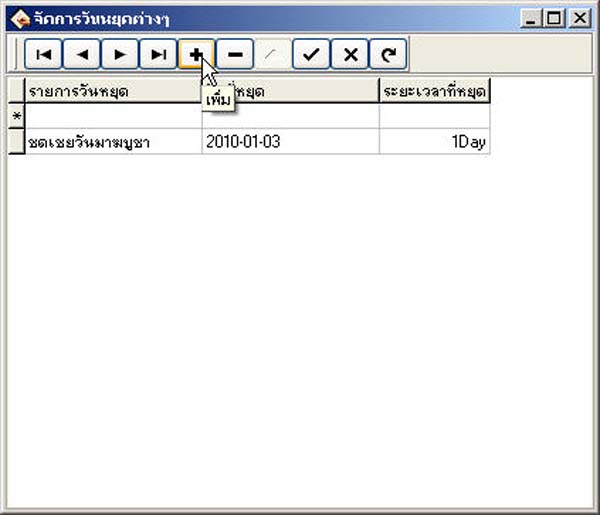
How to Manage Various Holidays
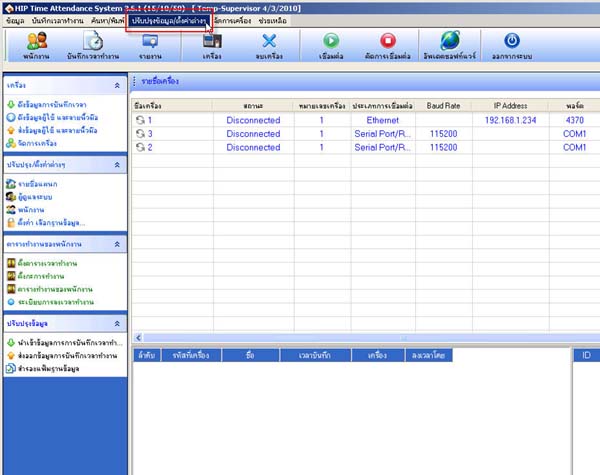
- Go to Update Information/Settings
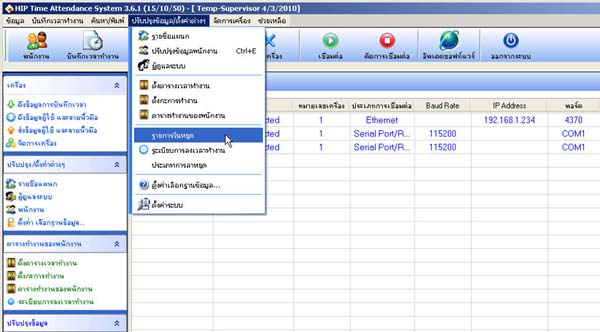
- Select Holiday List
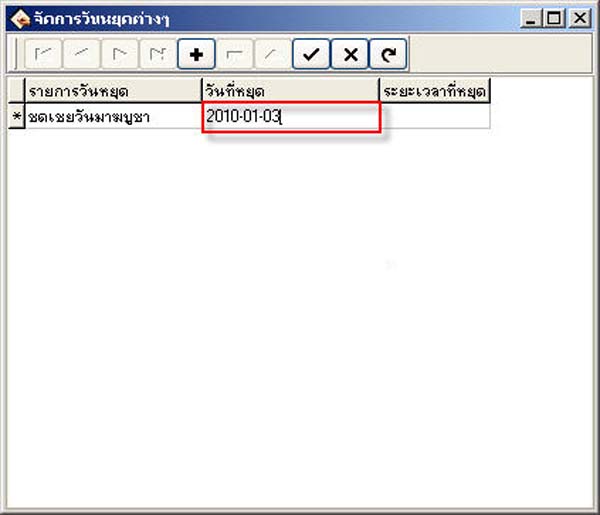
- In the Holiday List field, enter what type of day the holiday is for
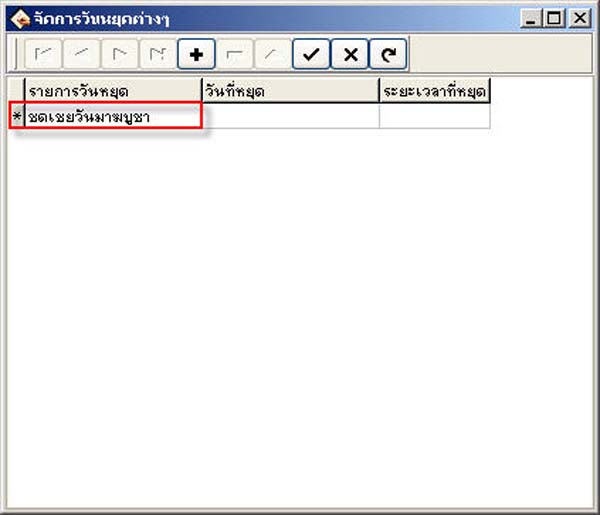
- In the Holiday Date field, enter the day, month, and year
(Must be entered according to the date format set on your computer)
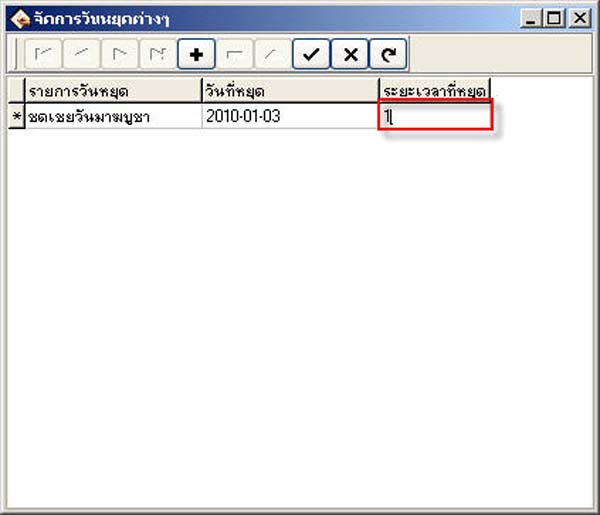
- In the Holiday Duration field, enter the number of days you want to set as a holiday
- Then click the checkmark button to save
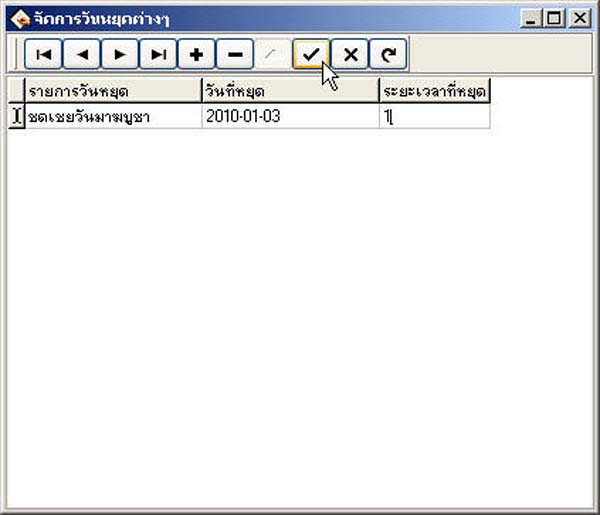
- To add more, click the plus button and enter the desired holiday dates