How to Program Attendance Management
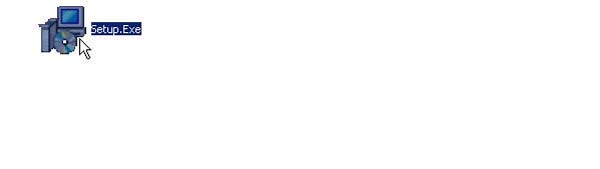
- Double-click the Setup Icon
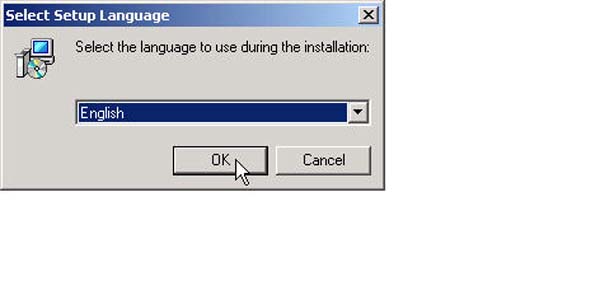
- Click the OK button
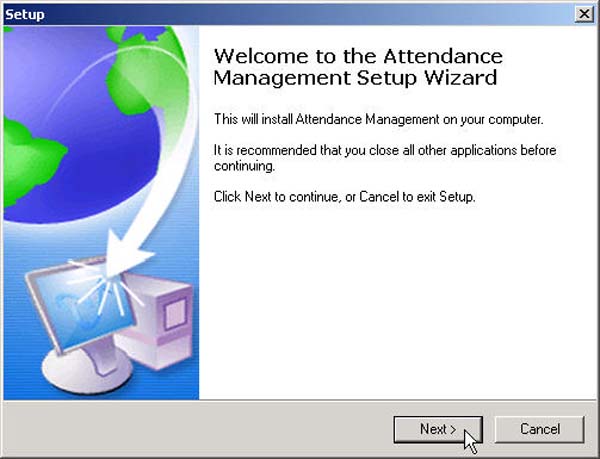
- Click the Next button
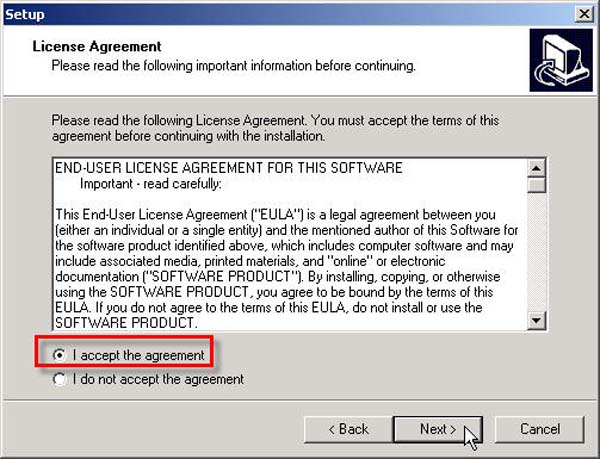
- Select the "I accept the agreement" option and click the Next button
- Select the desired installation location for this program, then click the Next button
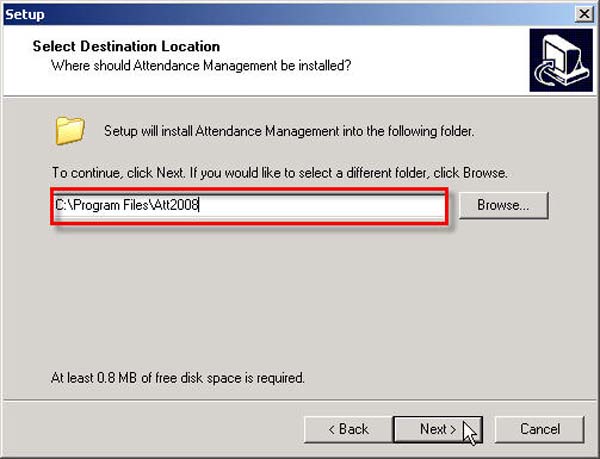
- For this step, click the Next button
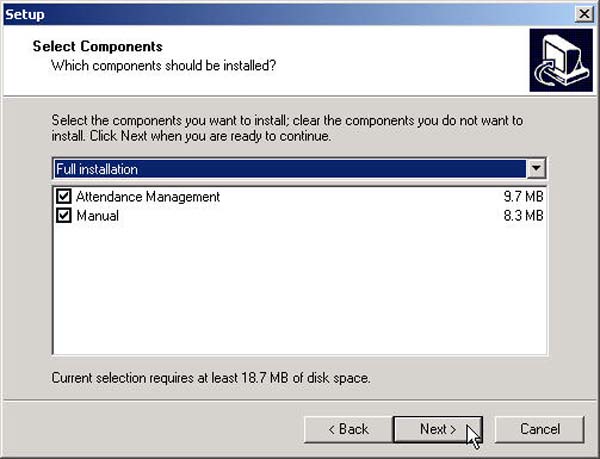
- Click the Next button again
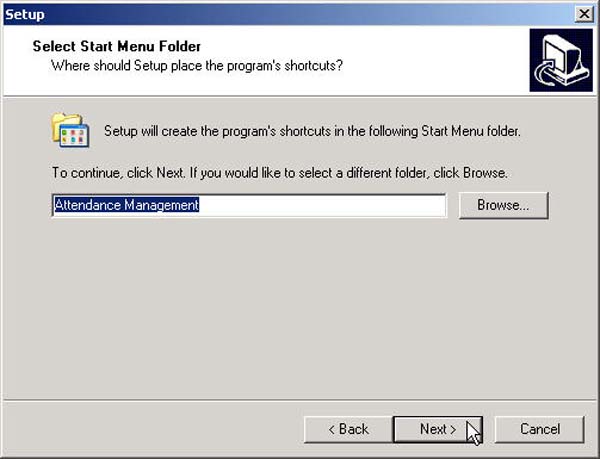
- Then click the Install button
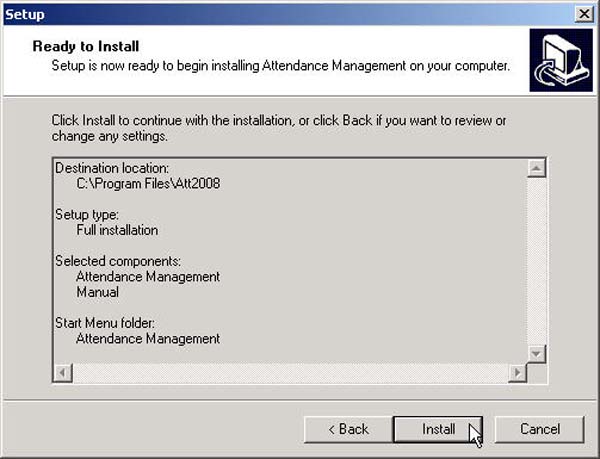
- Click the Finish button to complete the program installation
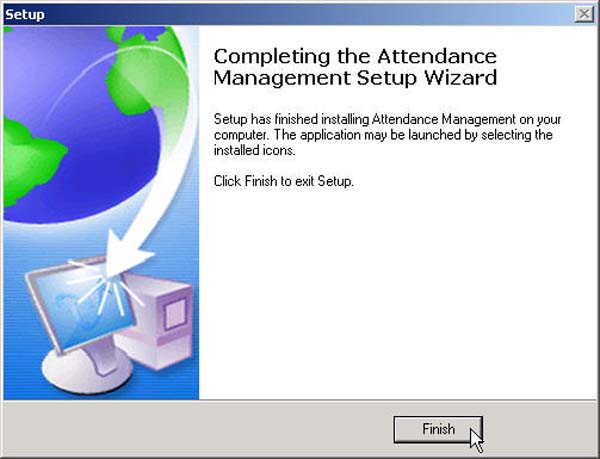
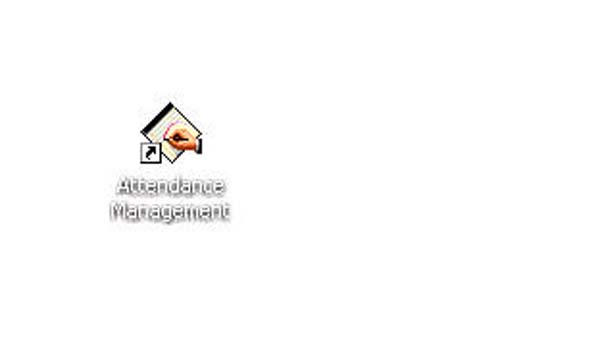
- After installation is complete, an Icon will appear on the Desktop
Promotion for affordable facial scanning machines, temperature measurement, or detection of non-compliance with mask wearing. Interested parties can contact 02 726-7771-2 ext. 613 Mr. Natthawut