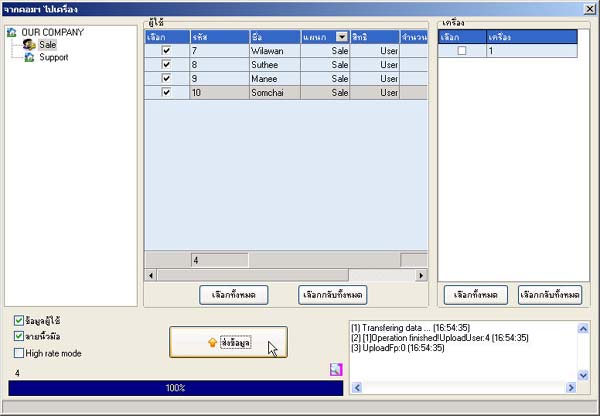
How to Send User Data and Fingerprints to the Scanner Device
- Right-click on the device list that you want to send data to
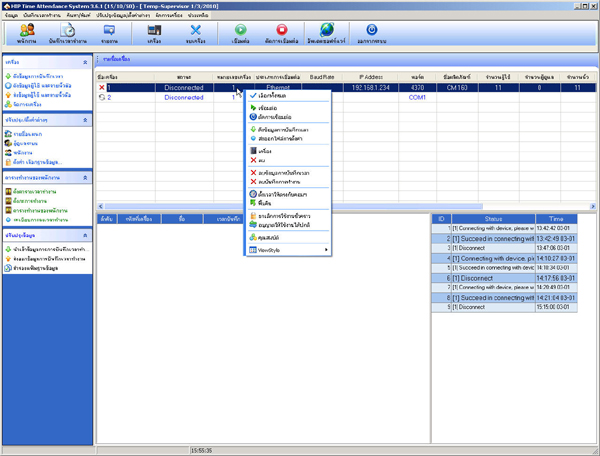
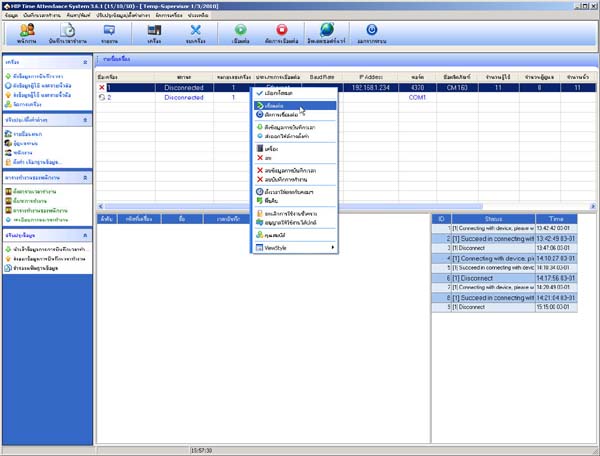
- Select Connect
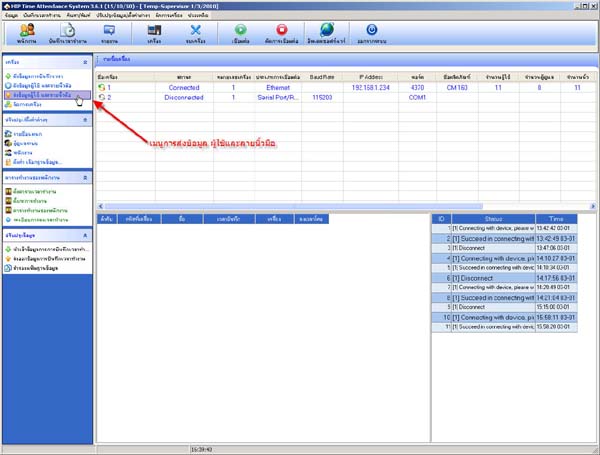
- Go to the menu Send User Data and Fingerprints
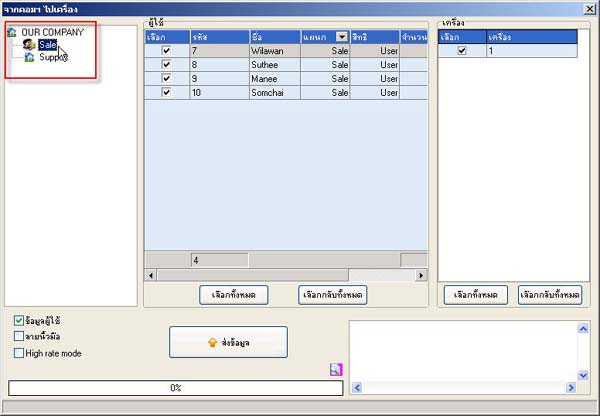
- Select the department that you want to send data to the scanner (if you want to send all user data, select OUR COMPANY)
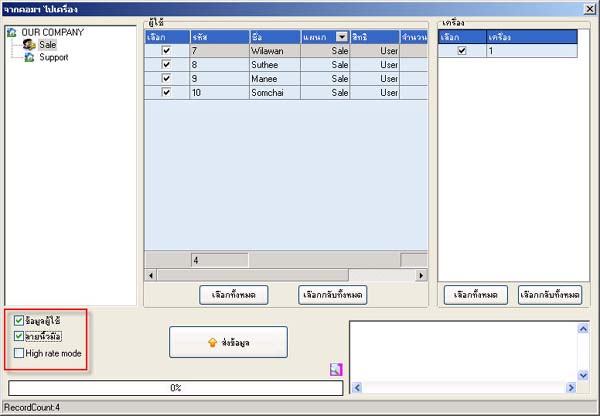
- Check the checkbox next to the Fingerprints heading
- Click the Send Data button
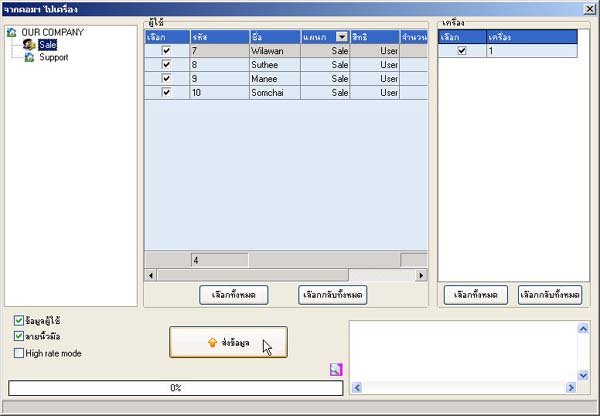
- After that, the program will send the user data to the scanner