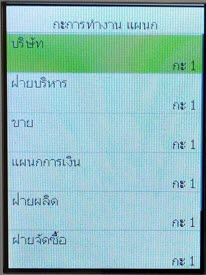
How to Set Up Employee Work Shift Configuration
1. Press the Manu/Ok button to enter the menu, then go to the "Shift Settings" menu
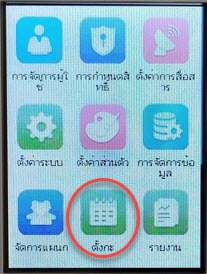
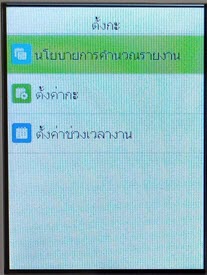
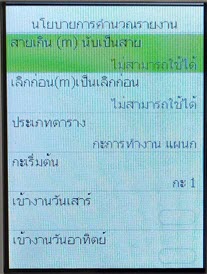
2. Press the "Report Calculation Policy" menu to set late arrival/early departure and work on Saturday-Sunday holidays
Screen displaying settings for late arrival, early departure, Saturday-Sunday work. After configuring the values, press Ok
3. Press to select the "Shift Configuration" menu to set working hours
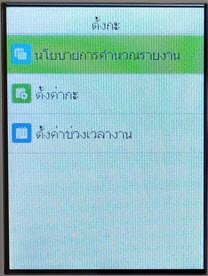
Select a shift to set working hours by pressing the Ok button
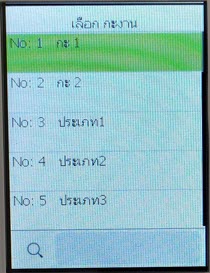
Window for setting employee working hours
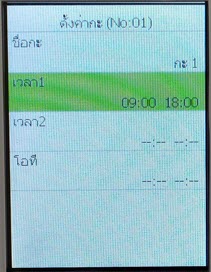
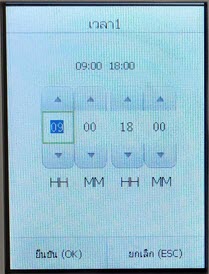
Select "Time" and set the working hours, then press Confirm (Ok)
4. Press to select the "Time Period Settings" menu to set which departments will use the schedule
Window for setting work shifts for each department