How to Synchronize the Facial Recognition Scanner Display Time with the Computer
- Right-click on the scanner device list
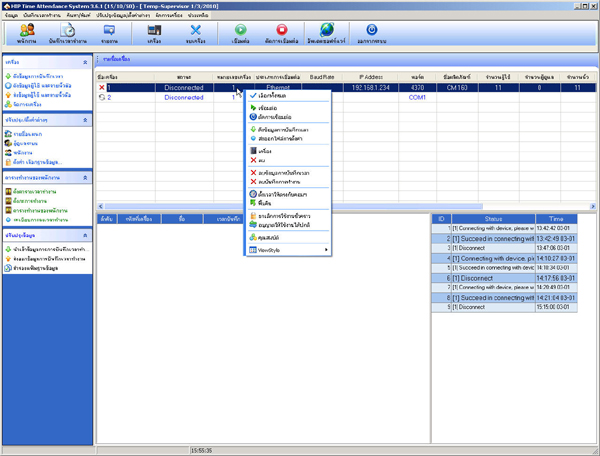
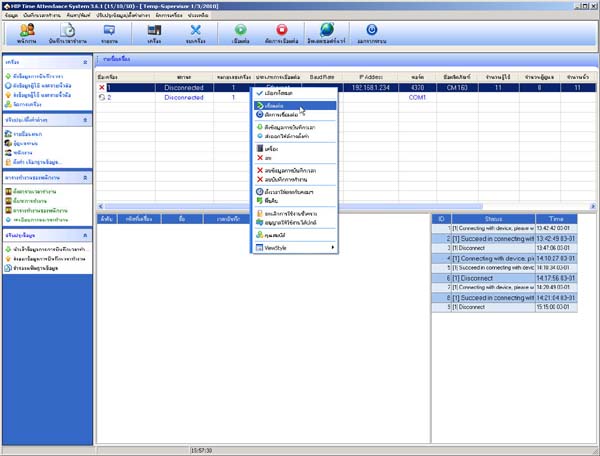
- Select Connect
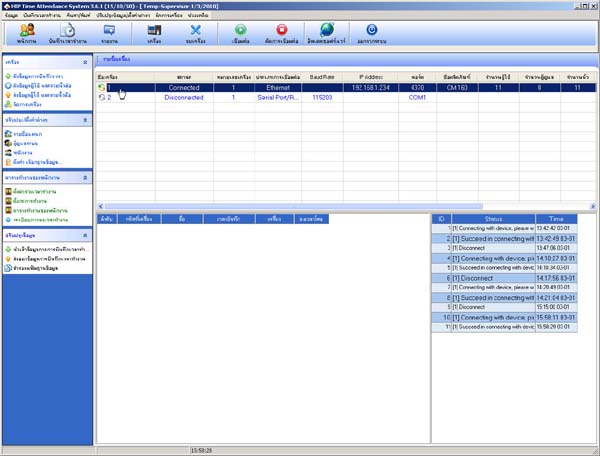
- The status arrow in front of the scanner device list will change color to green-orange
- Go to the Device Management menu
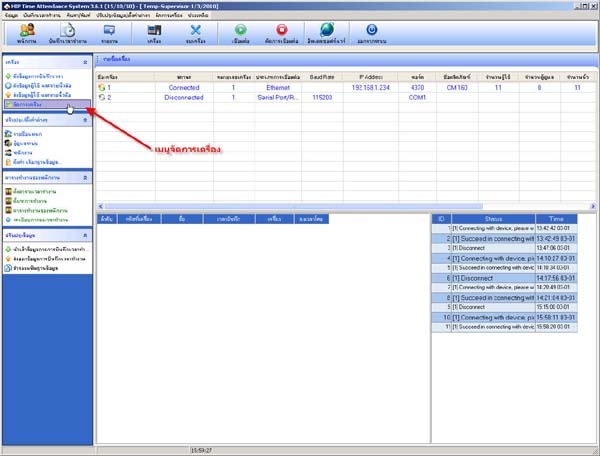
- Click the Set Time to Match Computer button
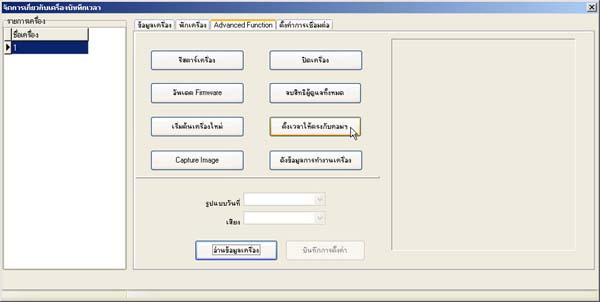
- Then the time on the scanner will match the computer device