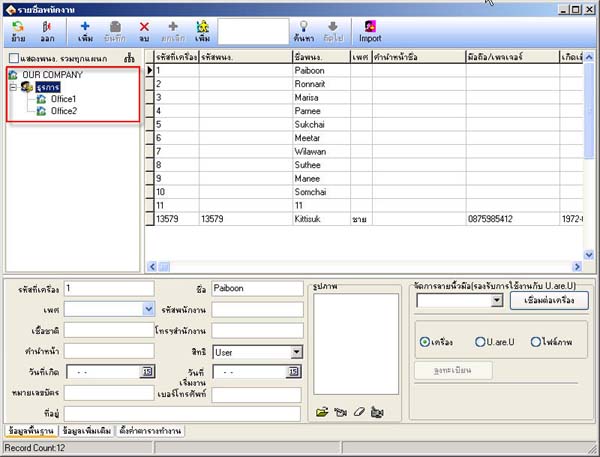
How to Transfer Employee Access to Department
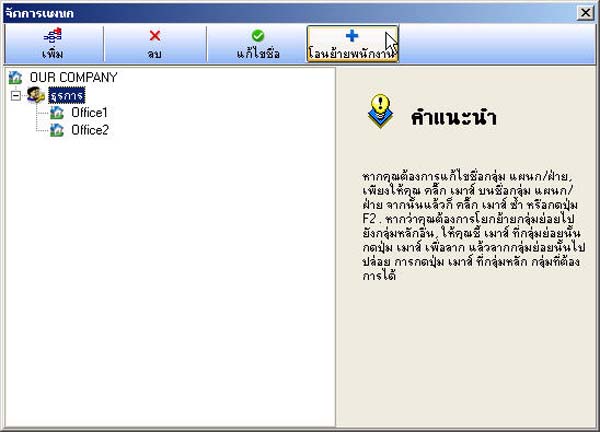
- Go to the menu Department List
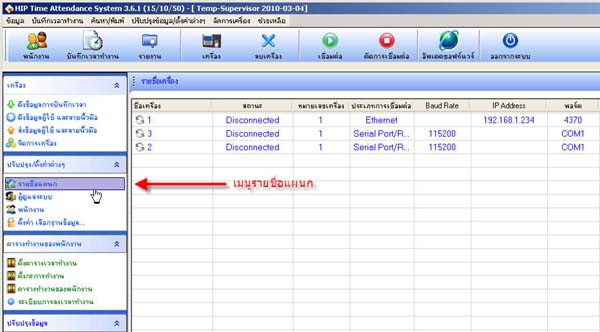
- Select OUR COMPANY and click the Transfer Employee button
(To transfer employees out of the OUR COMPANY department first)
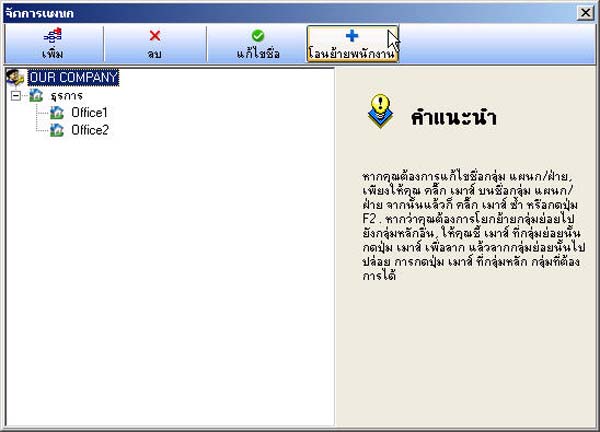
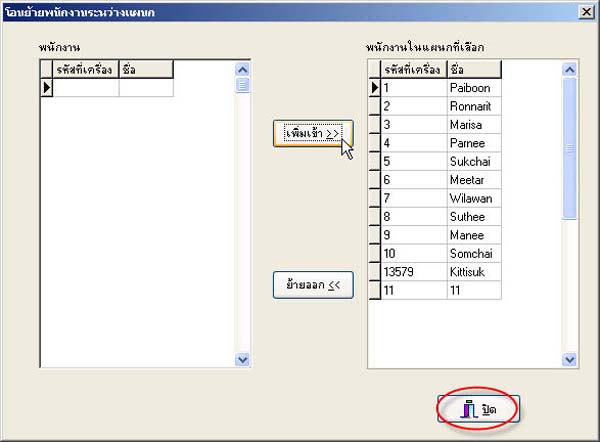
- Press the Move Out button to transfer employees out of the OUR COMPANY department and then press the Close button
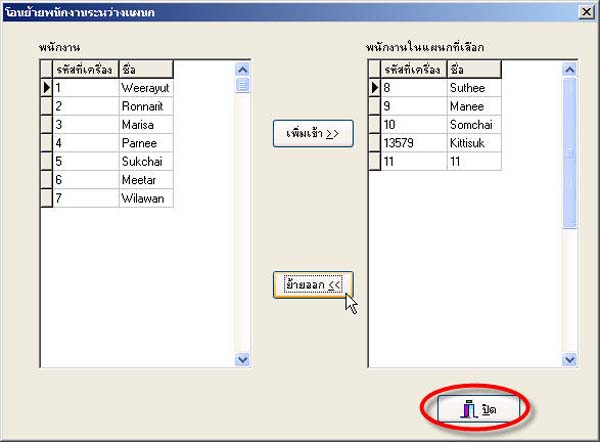
- Select the department you want to transfer the employee to and press the Transfer Employee button
- Click the Add In button to transfer the employee to that department and then click the Close button
- Then verify and check the employee list in the Employee menu