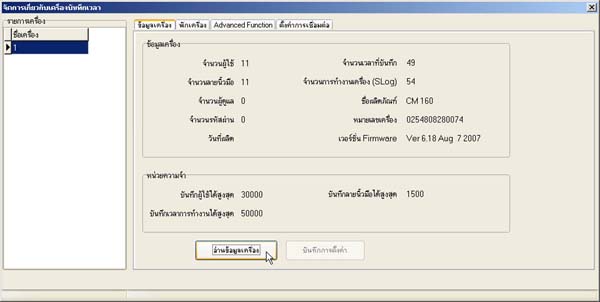
How to View Device Information of the Scanner Unit
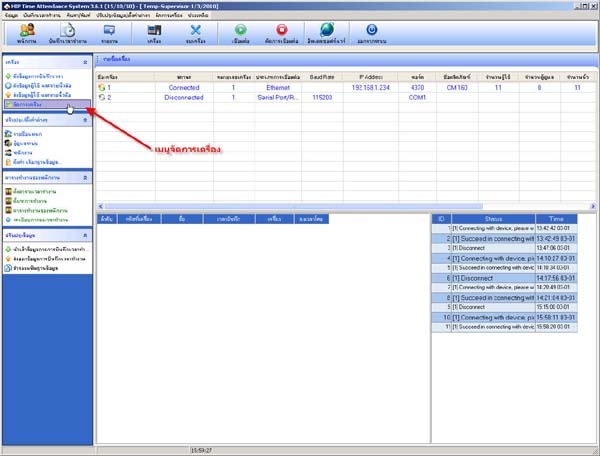
- Right-click on the scanner device list
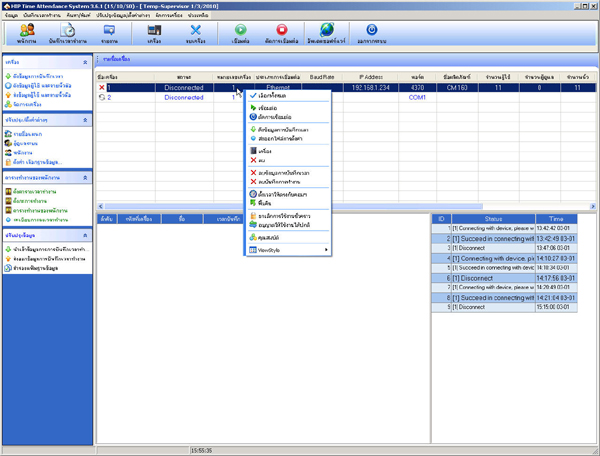
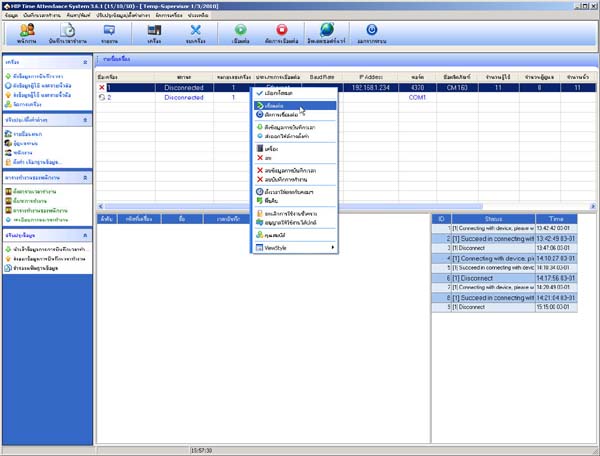
- Select Connect
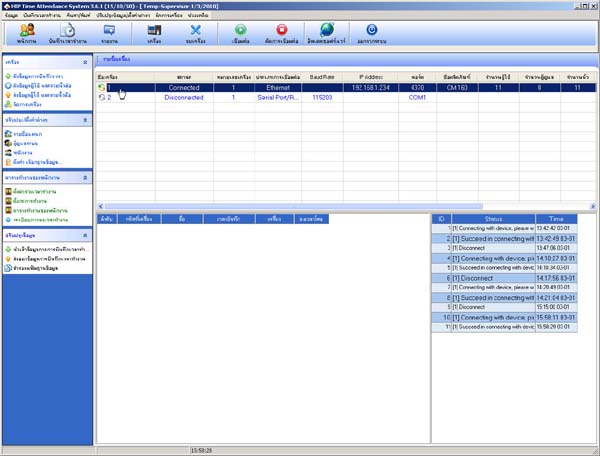
- The status of the arrow next to the device list will turn green - orange
- Go to the device management menu
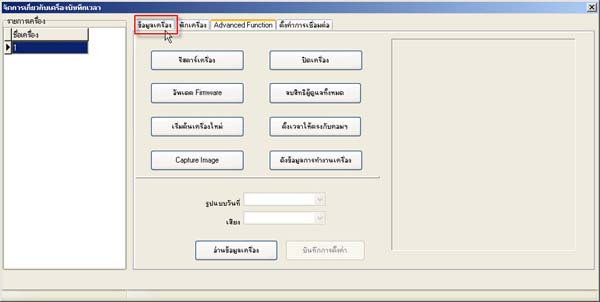
- Go to the Device Information section
- Then press the Read Device Information button
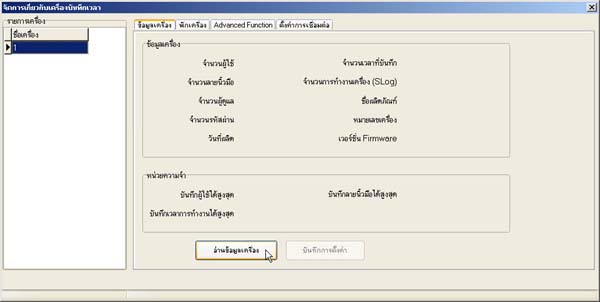
- Then you will see the scanner device information