How to View System Operation Logs
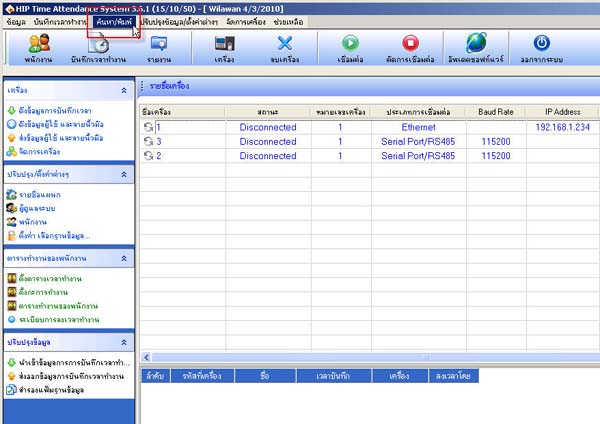
- Go to the Search/Type menu
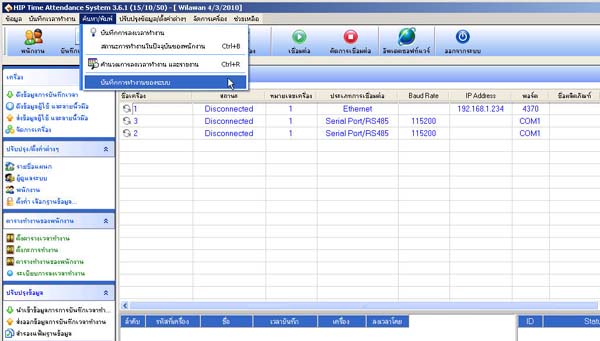
- Select System Activity Log
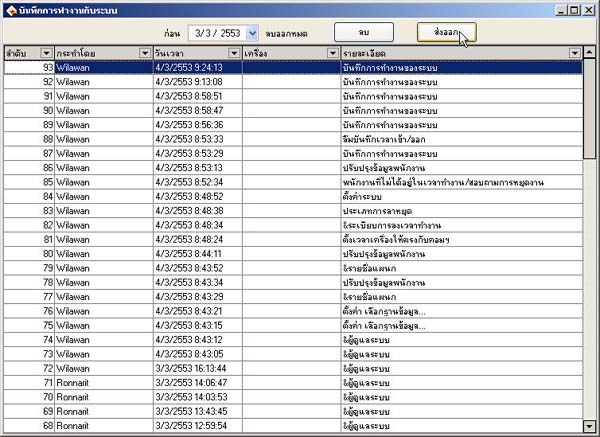
- Then the system activity log window will appear
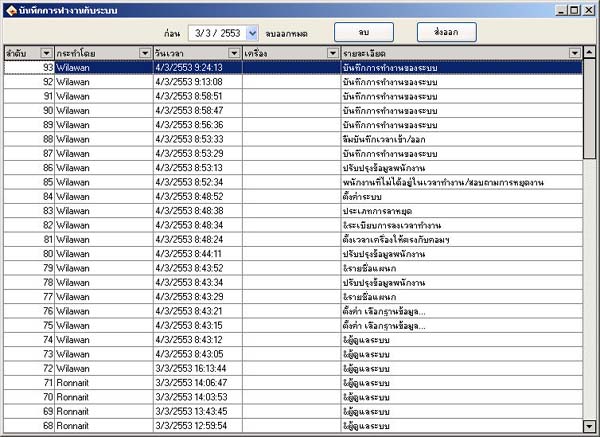
- If you want to export the data, click the Export button
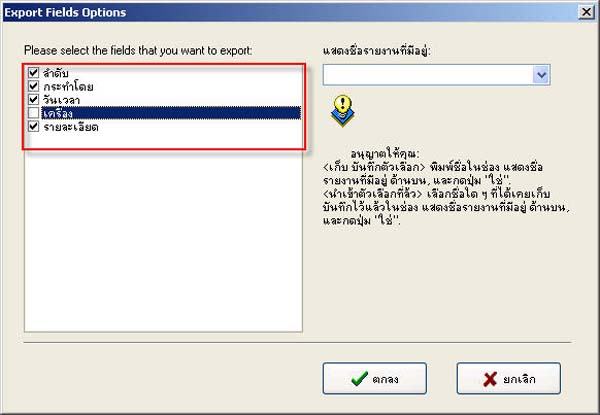
- Then select the topics you want to display (if you don't want any topic to display, uncheck that topic)
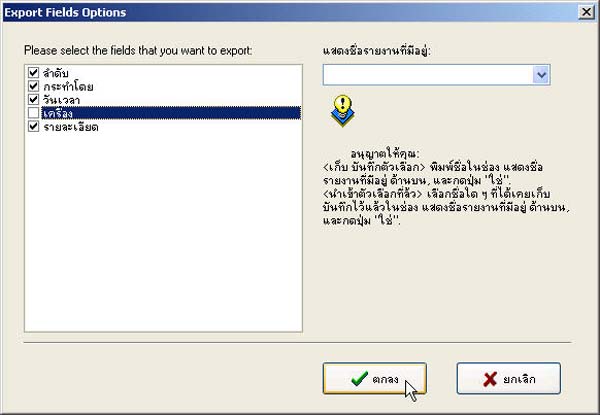
- Click the OK button
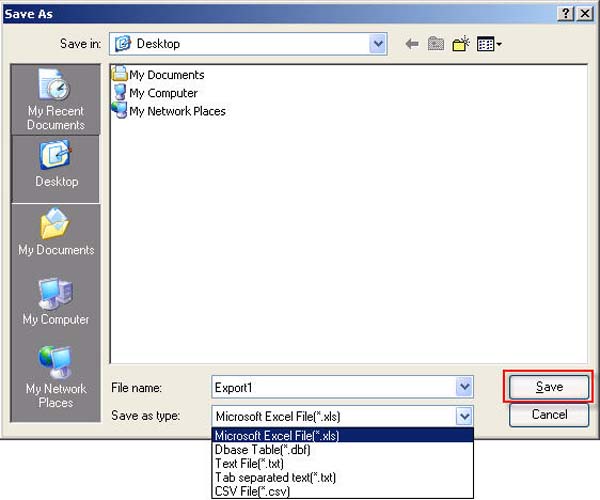
- Done. Name the file and select the file extension, then click the Save button