Explanation of Various Menu Options of the WS-700 Scanner
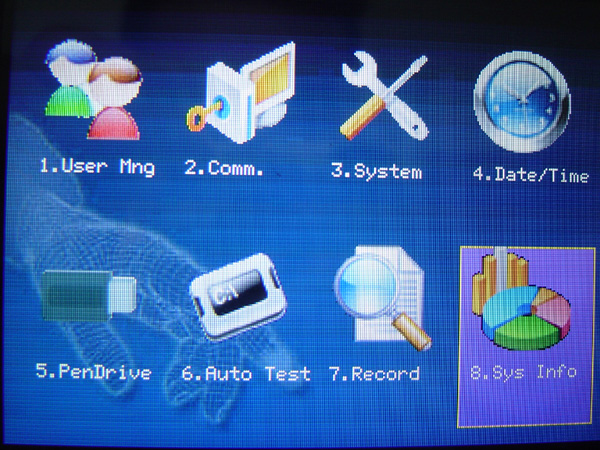
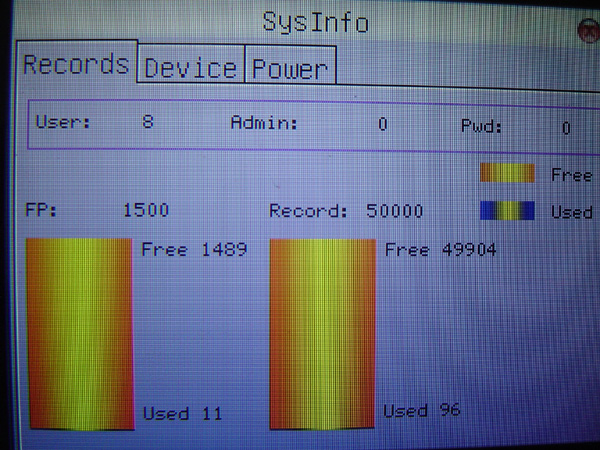
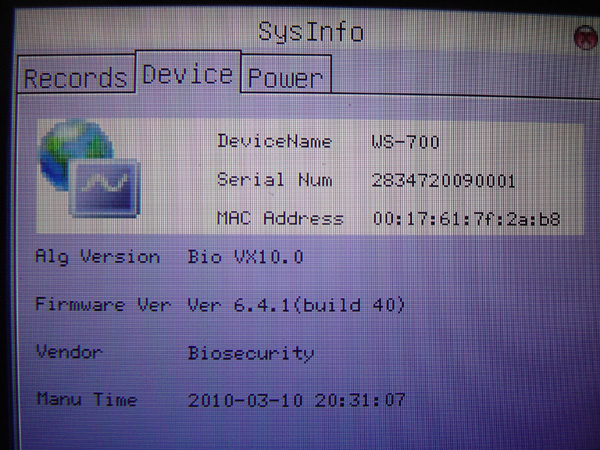
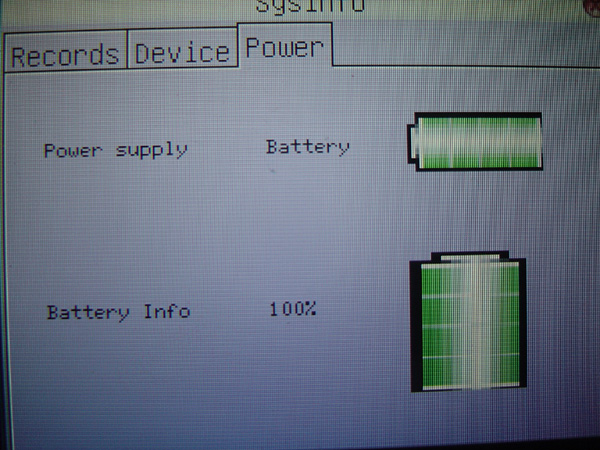
SearchThis menu is for viewing various information of the scanner device, scanner model, or the capacity of the memory unit.
The internal memory of the device and can also view the remaining percentage of the Battery.
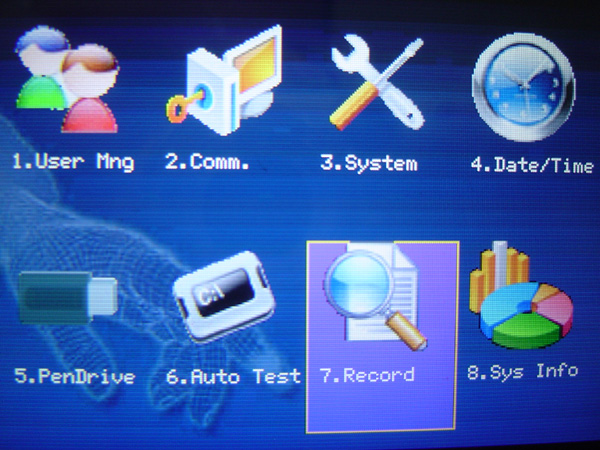
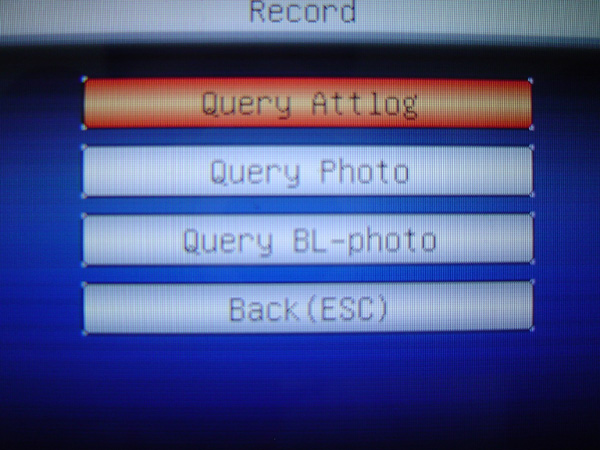
It is a menu to view the time, scan, or images that were saved when scanning, and can also view
images of people who did not pass the scan, and can still select to view by each day
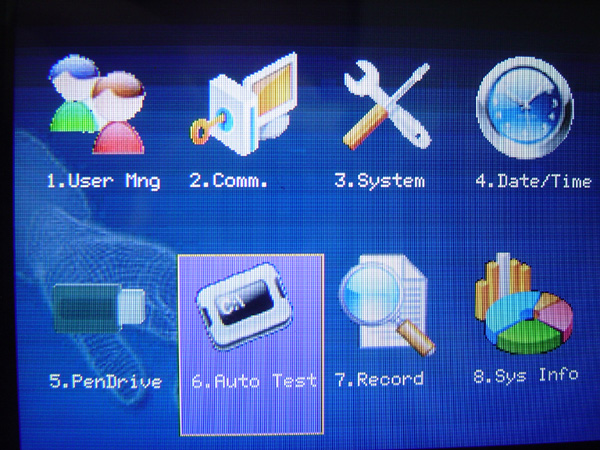
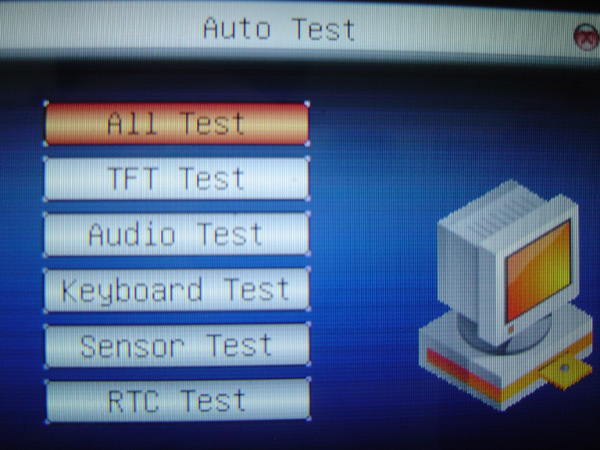
This menu is used to test various systems of the scanner such as the display, display color, buttons, or sound
To confirm how many sounds there are in total, we can select to test each item individually
Or we can test all of them at once
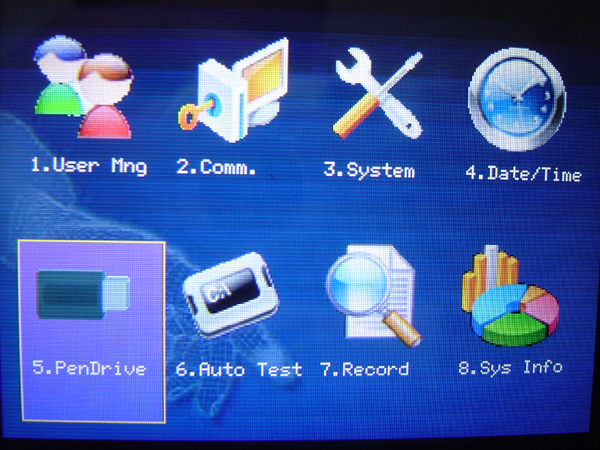
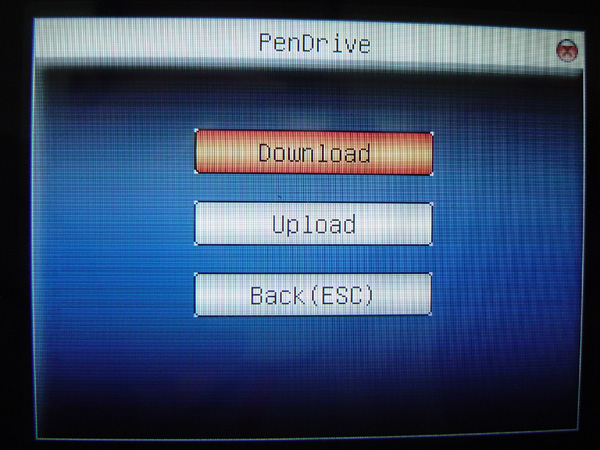
This menu is used for pulling or sending user data. You can choose to pull or send individual items.
For convenient use without wasting much time.
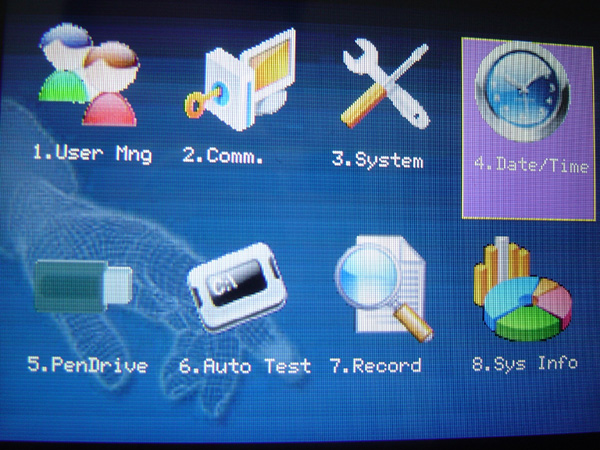
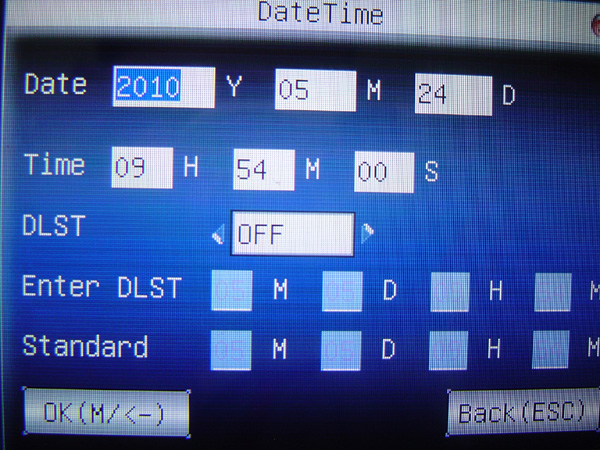
Date/Time menu is a menu for setting time and date to display on the scanner screen, and you can also set
Function screen rest time whether to turn off or turn on this Function
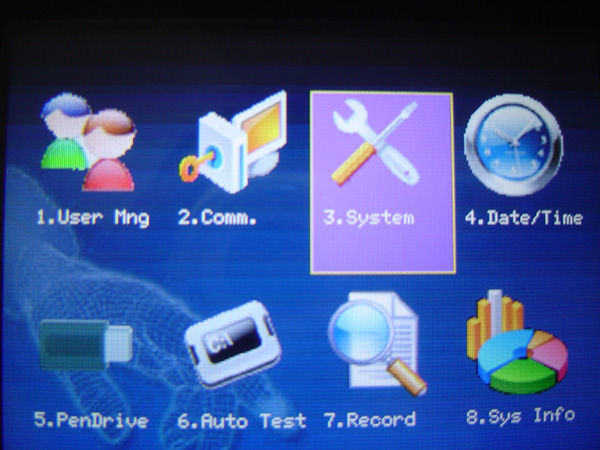
System Menu This menu is used to set the date format, button sound, or adjust the volume level
It can also set the time resolution for fingerprint scanning
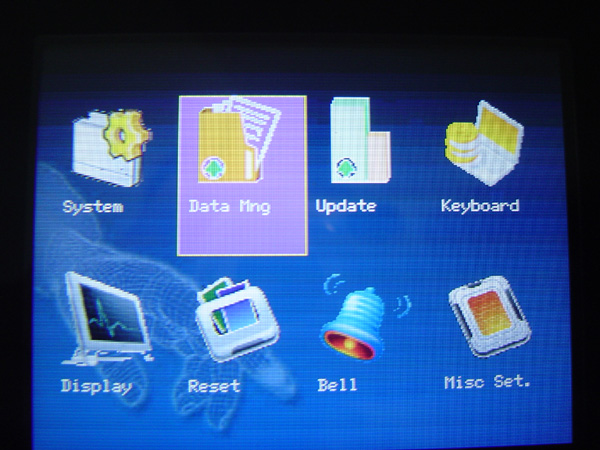
Data Mng Menu This menu is for managing and deleting various data on the scanner device, such as deleting time records for
scanning in and out, deleting recorded images, or deleting all data
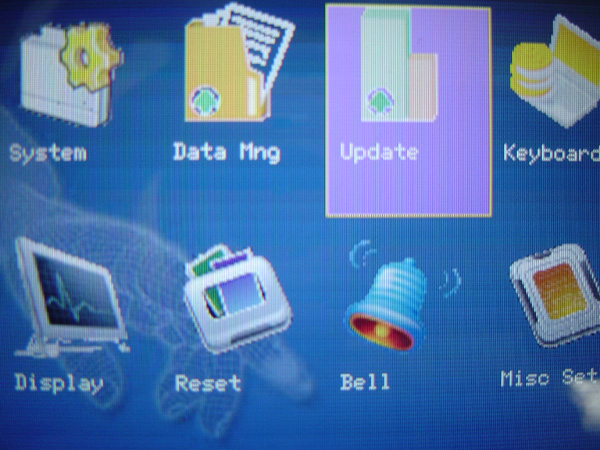
Update Menu This menu is used to update the firmware version of the scanner device
Keyboard Menu This menu is used to set various Function Keys related to displaying the scanning status
such as setting one scan as check-in and the next scan as check-out, etc.

Display Menu This menu is for setting the time format displayed on the scanner screen and can also configure
settings for taking images during scanning, such as whether to save the image immediately or if you can choose the settings
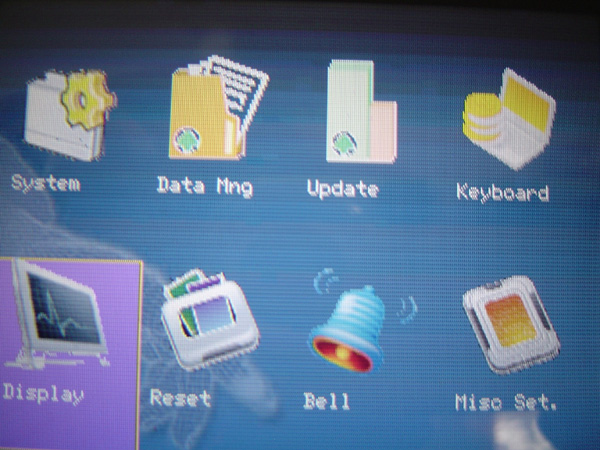
Reset Menu This menu is for resetting various settings configured on the scanner device, you can choose to reset
individual sections or reset everything
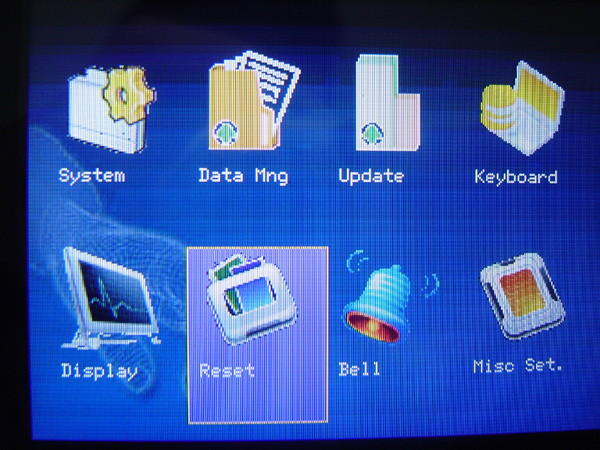
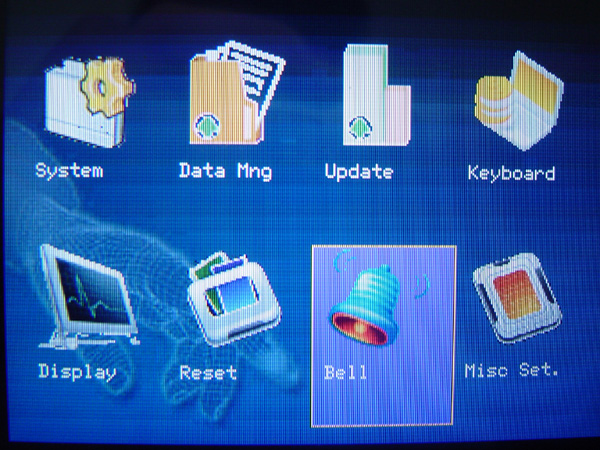
Bell Menu This is a menu for setting the time and bell alarm sound on the scanner device, which can be set up to 15 time periods
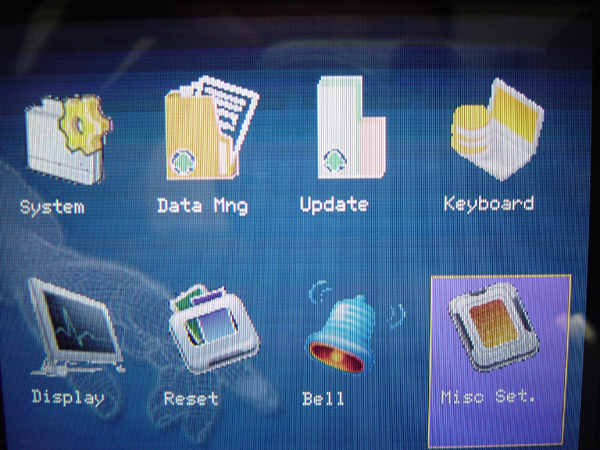
Misc Set Menu This menu is used to set the screen saver time or configure the language settings of the scanner menu
and configure the display of fingerprints during scanning or adjust the brightness of the captured images
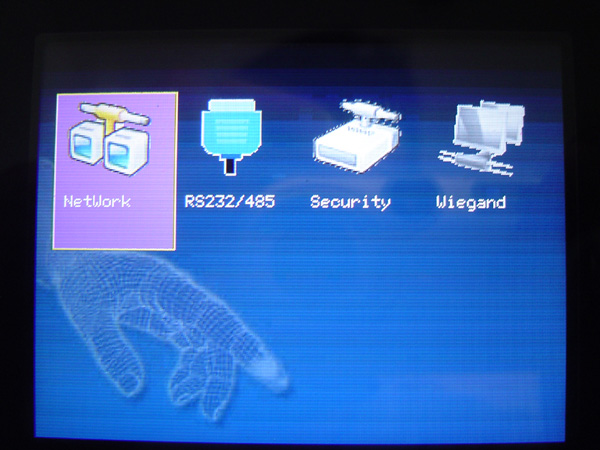
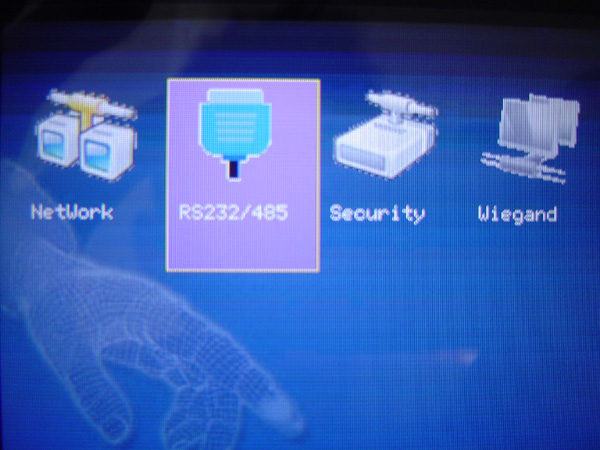
This menu is used for configuring the connection method between a computer and a scanner.
You can choose which connection type you want. If you run an Ethernet cable, select Network connection.
Or if you connect with RS232 or RS485 cable directly to the computer.
Select the RS232/485 section.
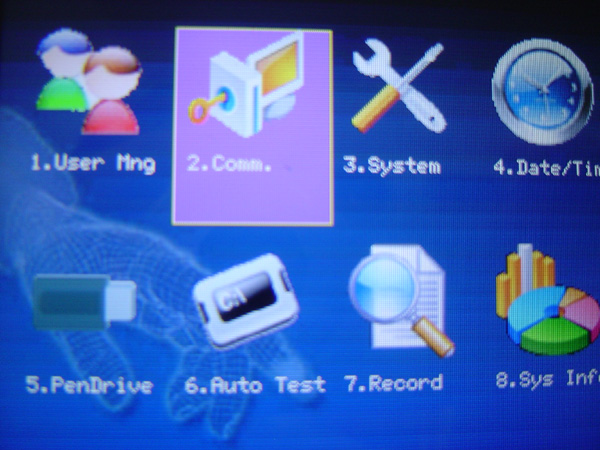
Connect via Ethernet cable, select Network
If you select RS232 or RS485 cable, select the RS232/485 menu.
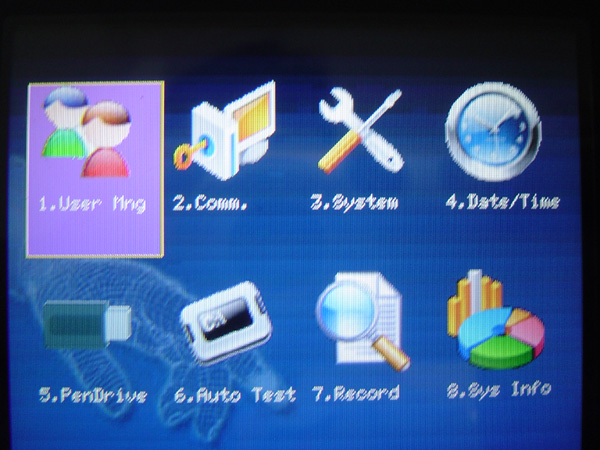
User Mng Menu This menu is used for managing fingerprint recording
Fingerprint deletion or even viewing the number of fingerprints of users
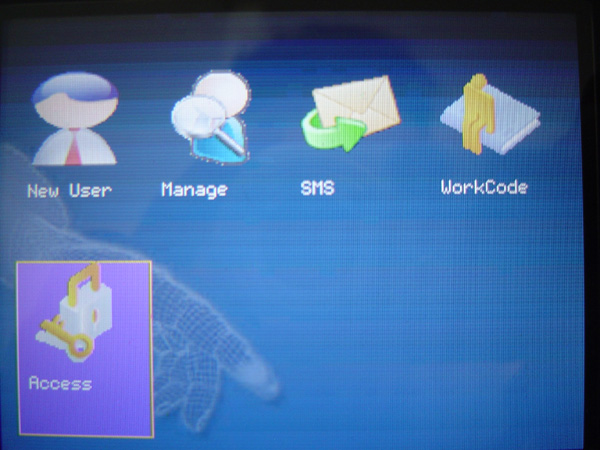
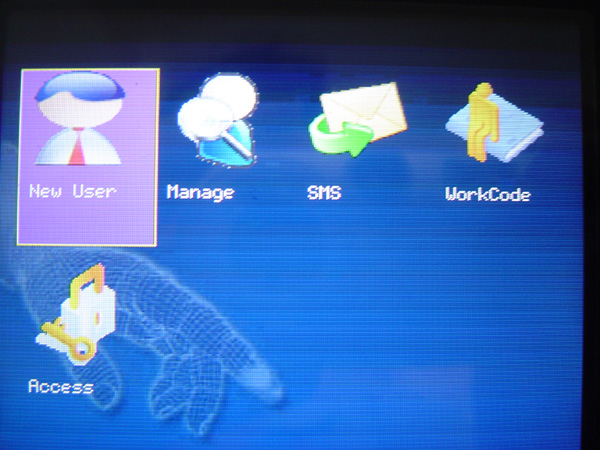
New User Menu Used for recording new fingerprints for scanner users
You can choose what type of storage you want, whether it is fingerprint, fingerprint+card, or fingerprint-password
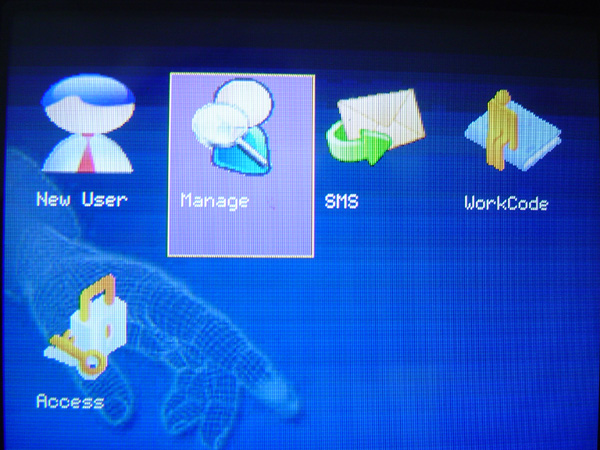
Manage Menu Used to view fingerprint information of users to see how many fingerprints have been recorded for
each user and can also edit various user information
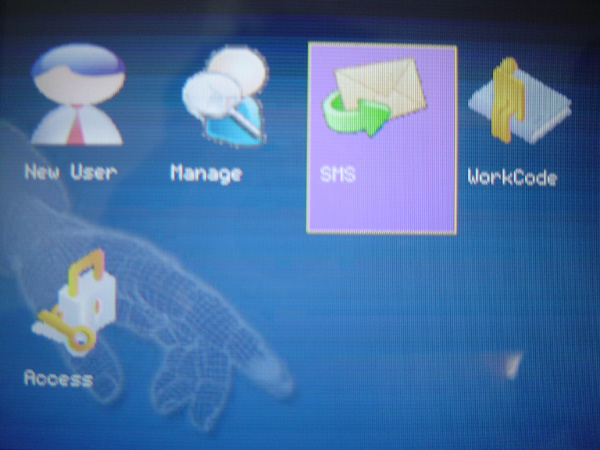
SMS Menu You can set up to display messages when users scan, the set message will be displayed
Work Code MenuUsed to set the employee ID number when clocking in and out
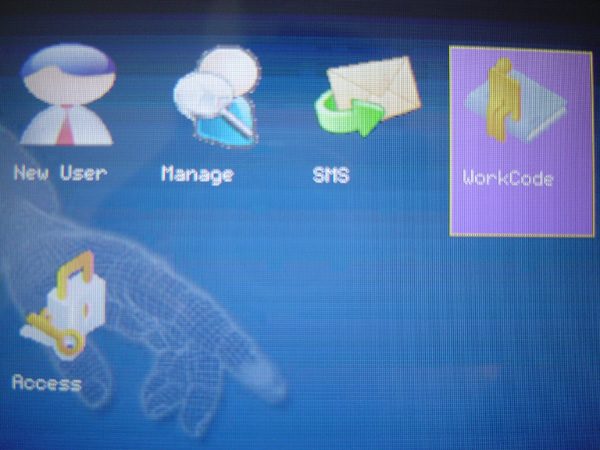
Access Menu This menu can set Time Zone, holiday list, set various access in and out of users