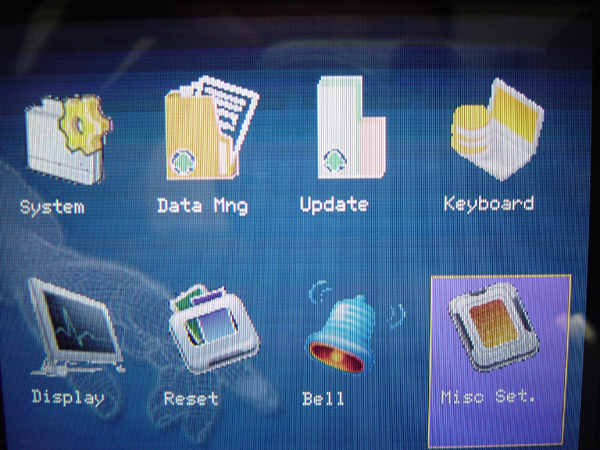
System Menu
System Menu This menu is used to set the date format, button sound, or adjust the volume level
It can also set the time resolution for fingerprint scanning
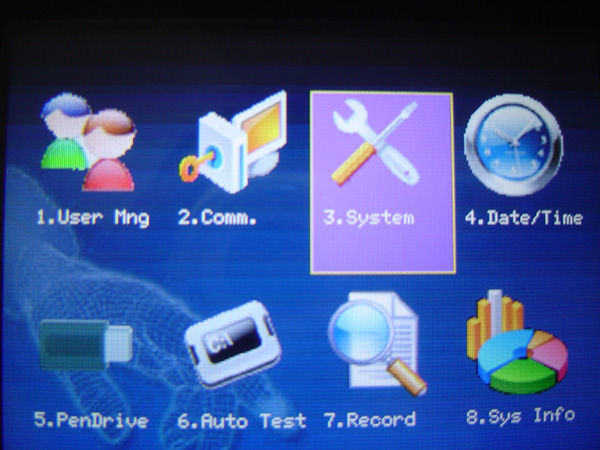
Data Mng Menu This menu is for managing and deleting various data on the scanner device, such as deleting time records for
scanning in and out, deleting recorded images, or deleting all data
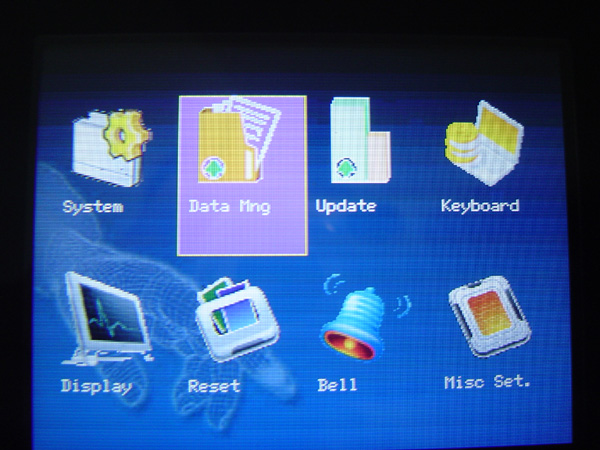
Update Menu This menu is used to update the firmware version of the scanner device
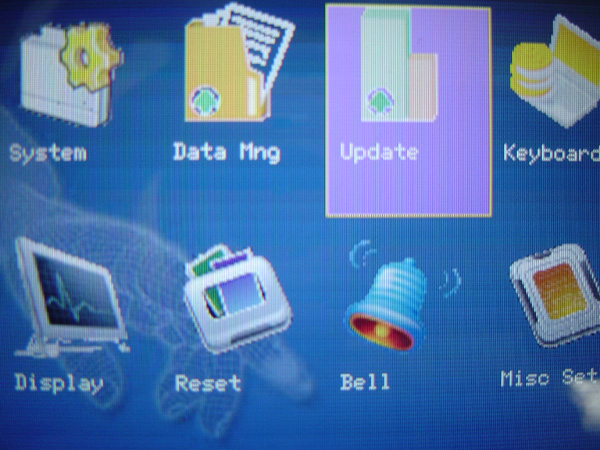
Keyboard Menu This menu is used to set various Function Keys related to displaying the scanning status
such as setting one scan as check-in and the next scan as check-out, etc.

Display Menu This menu is for setting the time format displayed on the scanner screen and can also configure
settings for taking images during scanning, such as whether to save the image immediately or if you can choose the settings
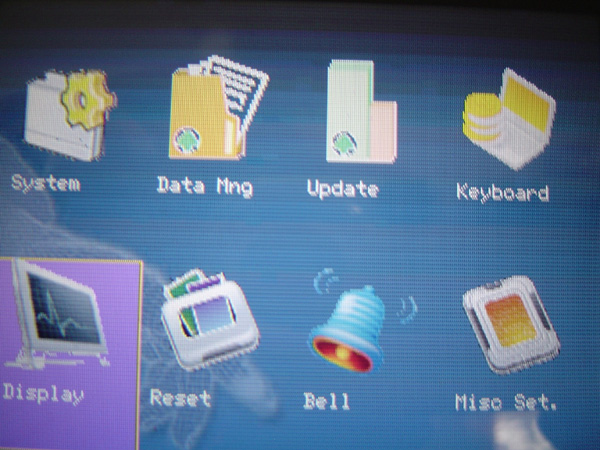
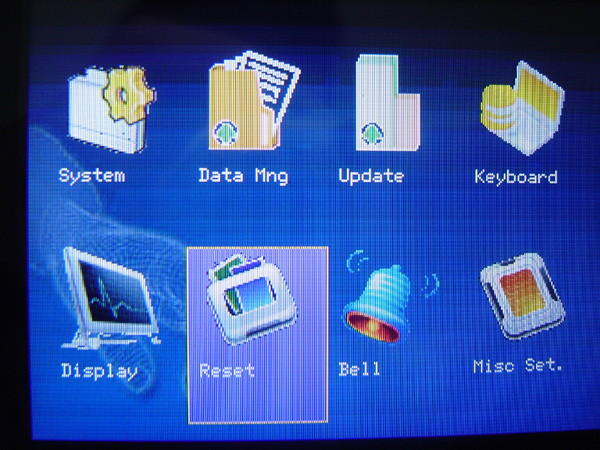
Reset Menu This menu is for resetting various settings configured on the scanner device, you can choose to reset
individual sections or reset everything
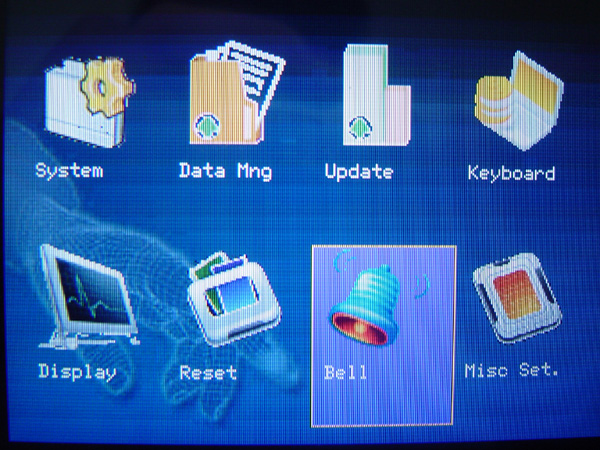
Bell Menu This is a menu for setting the time and bell alarm sound on the scanner device, which can be set up to 15 time periods
Misc Set Menu This menu is used to set the screen saver time or configure the language settings of the scanner menu
and configure the display of fingerprints during scanning or adjust the brightness of the captured images