Changing the IP Address on the Scanner Device
Click the menu button on the scanner to enter the menu
(If you press the menu button and the scanner asks about the administrator, perform a fingerprint scan or enter the admin code for this device)
Press the down arrow button to navigate to the Settings menu and then press the OK button

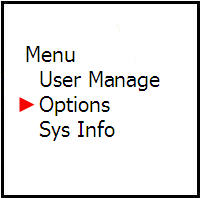
Scroll down to the Connection Settings menu and then press the OK button

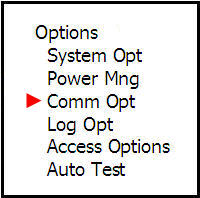
Scroll down to the IP Address menu and then press the OK button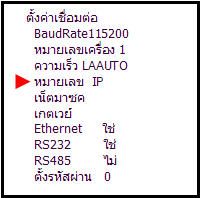
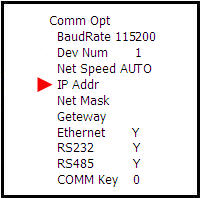
Enter the IP address on this page and then press the OK button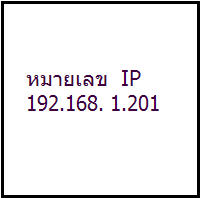
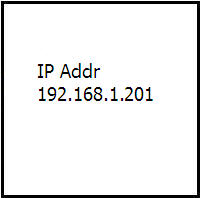
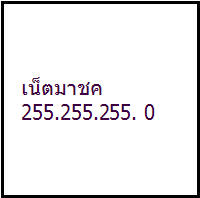
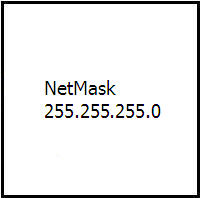
Scroll down to the Netmask menu and then press the OK button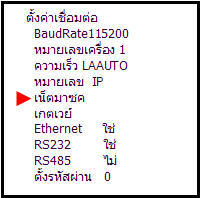
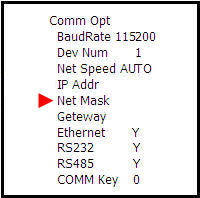
Then enter the netmask number and then press the OK button
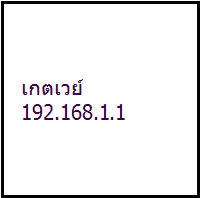
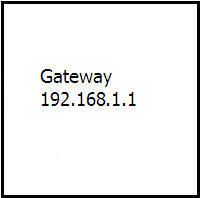
Scroll down to the Gateway menu and then press the OK button
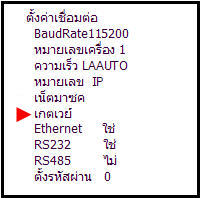
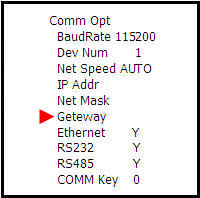
Then enter the gateway number and then press the OK button
Then press the ESC button once. The system will ask if you want to save
Press the OK button to save the settings