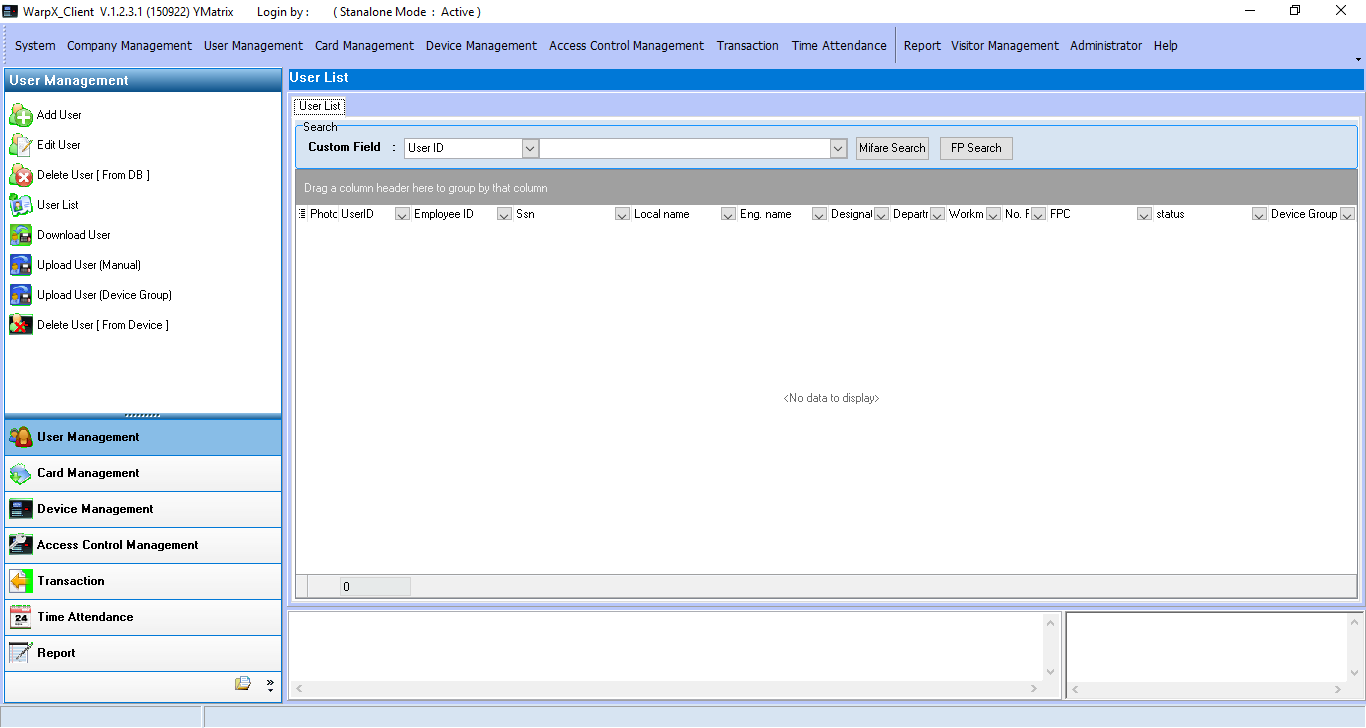
Database Configuration Method
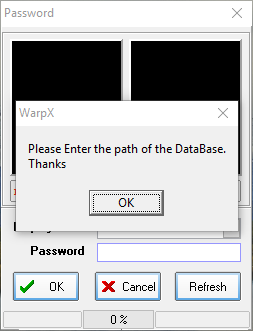
1. Open the WarpXClient program. The system will notify you to configure the database
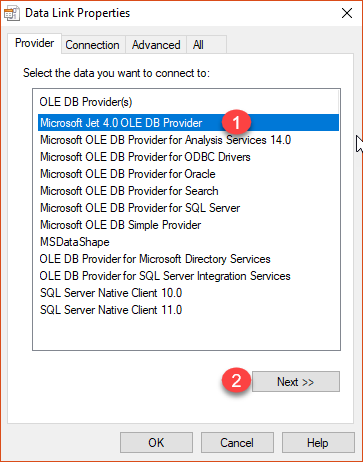
2. Click the OK button to set up, select Microsoft Jet 4.0 OLE DB Provider, then click Next
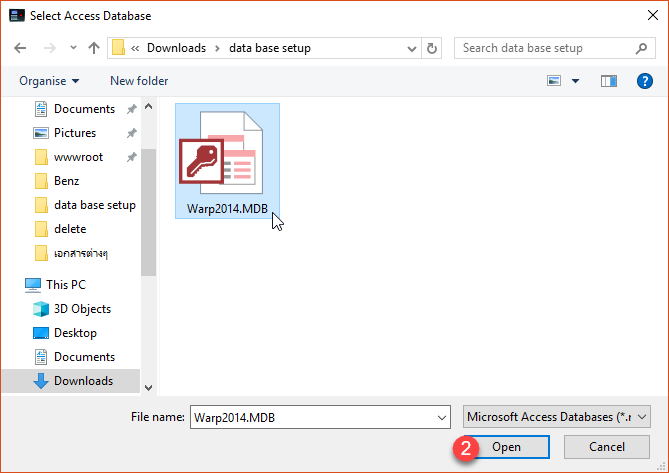
3. Select the database location
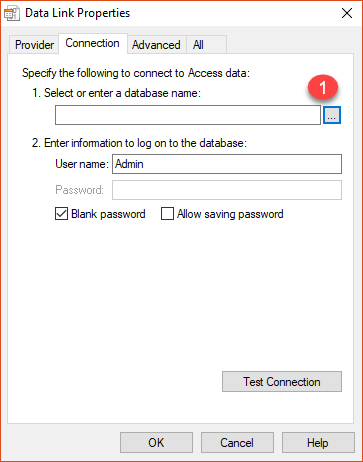
Select the database
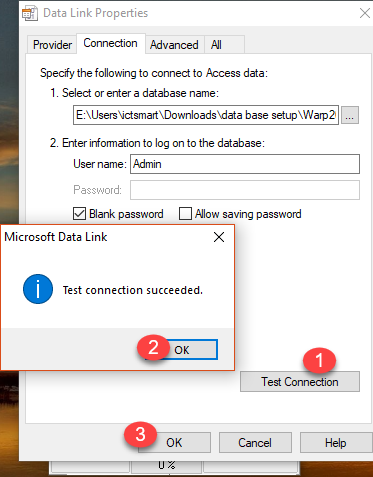
Test the database connection, then click OK
Click the OK button to access the program
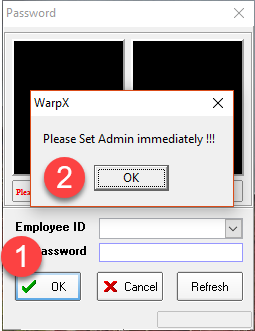
Enter the program menu page