Database Configuration on Warp Server
Double-click on the Warp Server icon
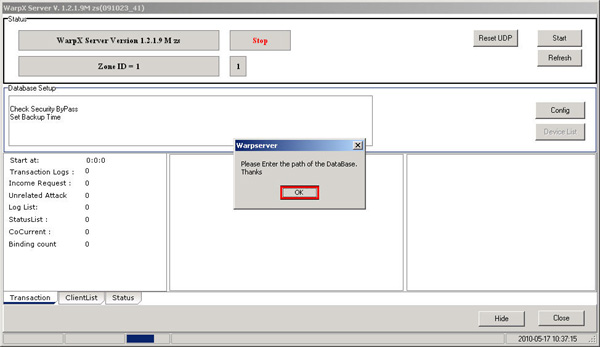
Then the program will ask for a Database, click the OK button
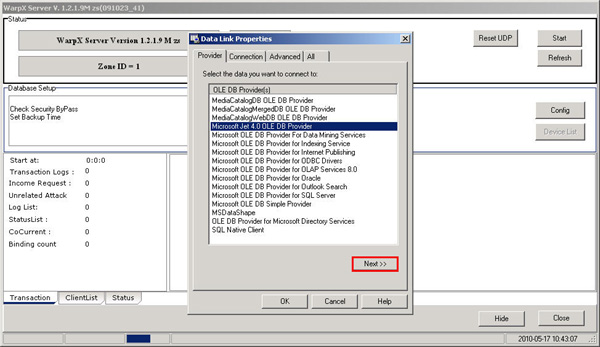
Select the Microsoft Jet 4.0 OLE DB Provider line and click the Next button
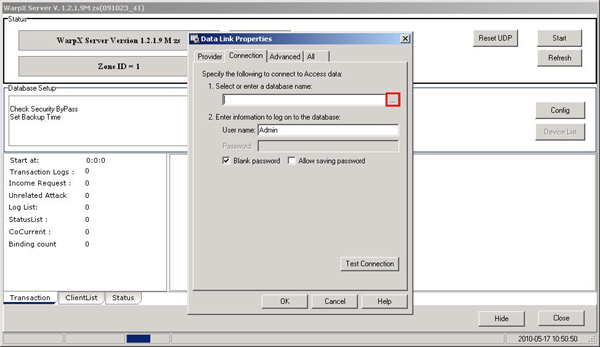
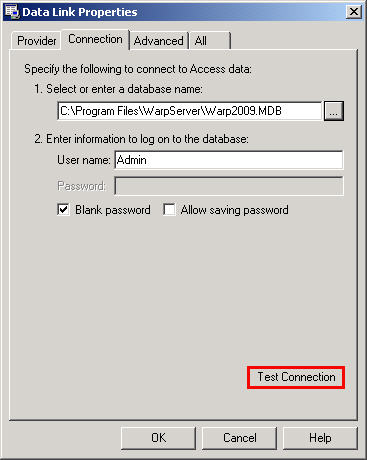
Click the button next to the Select or enter a database name field
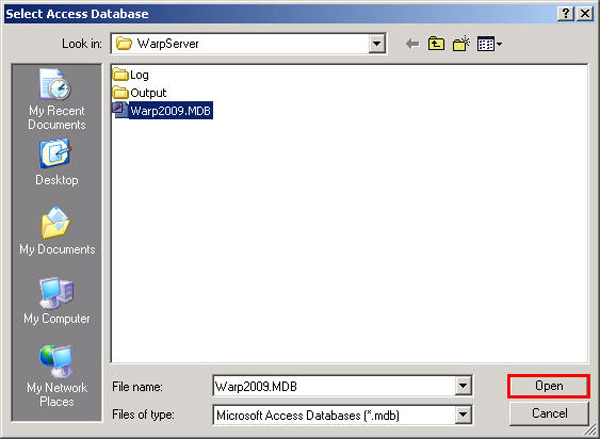
Navigate to C:\Program Files\WarpServer and select Warp2009.MDB then click the Open button
Click the Test Connection button
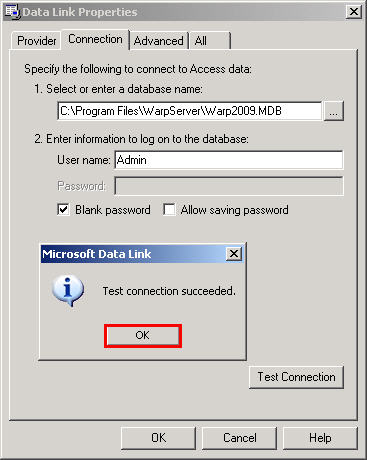
After clicking, a message will appear saying Test connection succeeded. This indicates that
the Database is working properly, then click the OK button
Then click the Ok button again
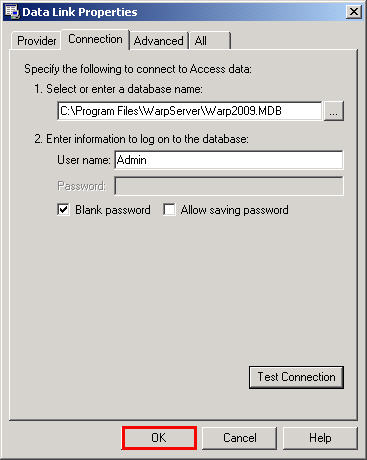
The Database configuration setup is now complete