How to Add a Device to the System
How to Add Device to System
Step 1 Server Configuration
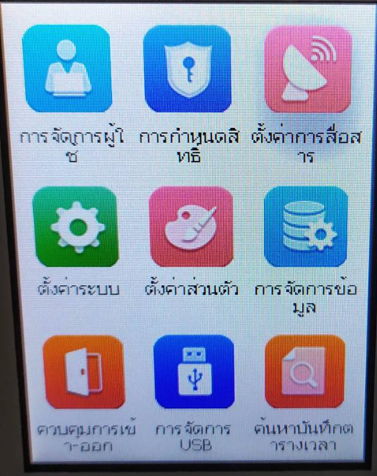
1. Go to Communication Settings menu
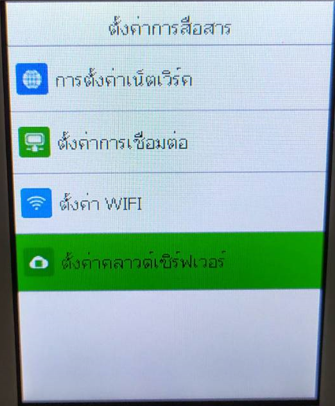
Select Cloud Server Settings menu
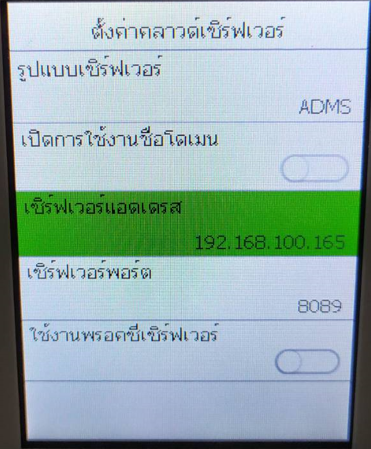
Enter the IP address and Port of the Server where BioTime program is installed, then click Save
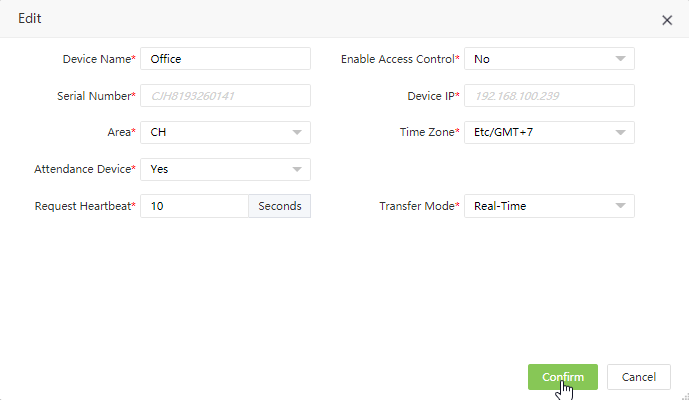
Step 2 Add Device to Server
1. Open BioTime program > Device and you will see the list of devices waiting to be imported to the system
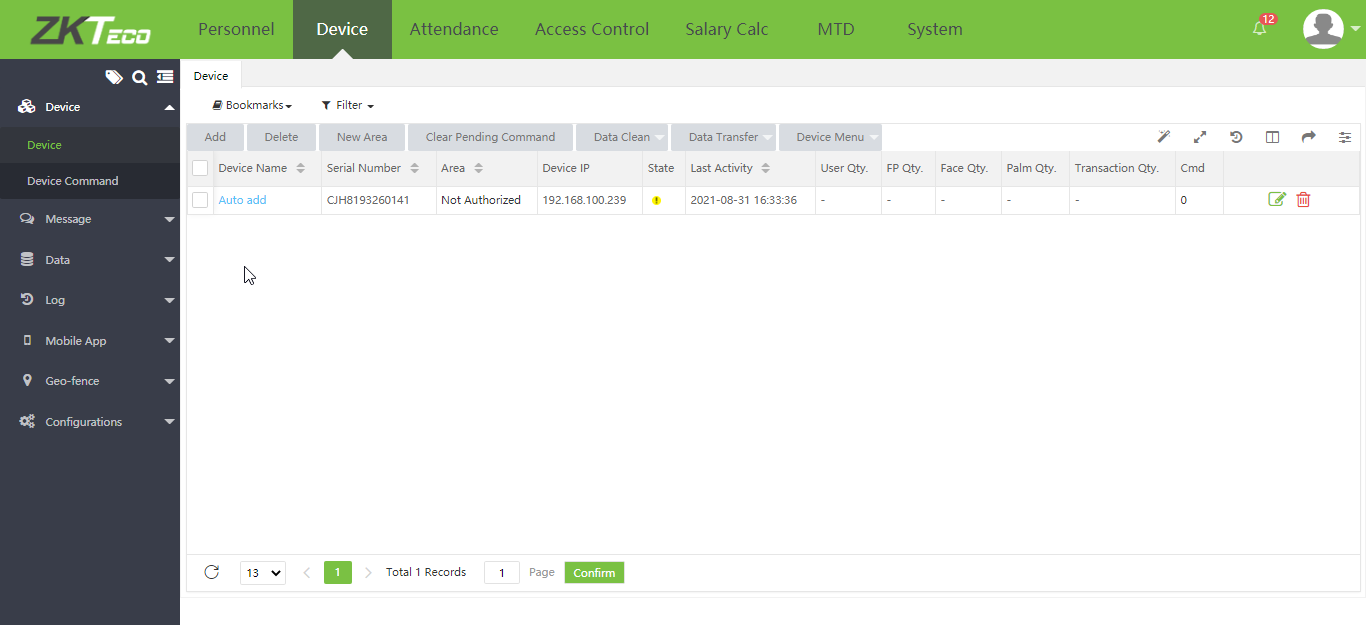
2. Click on Auto add option to add device to the system then click Confirm