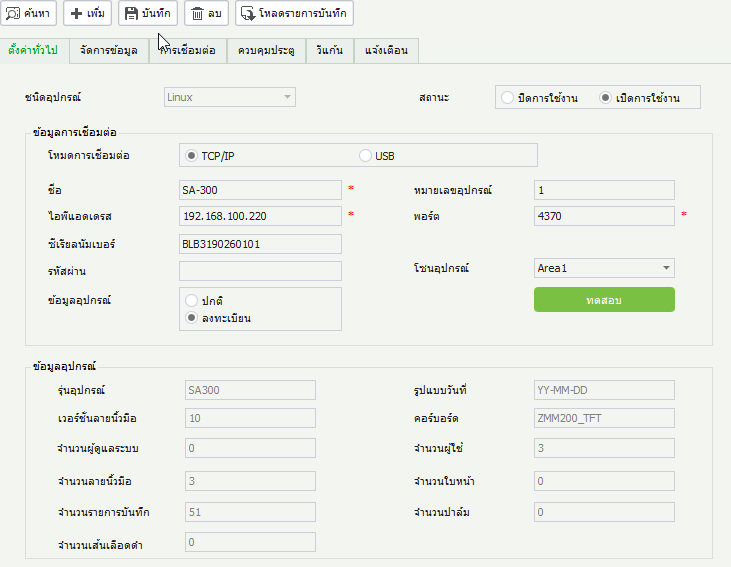
How to Add Devices to ZKTime Net Software
1. Click on the Devices menu and click Add
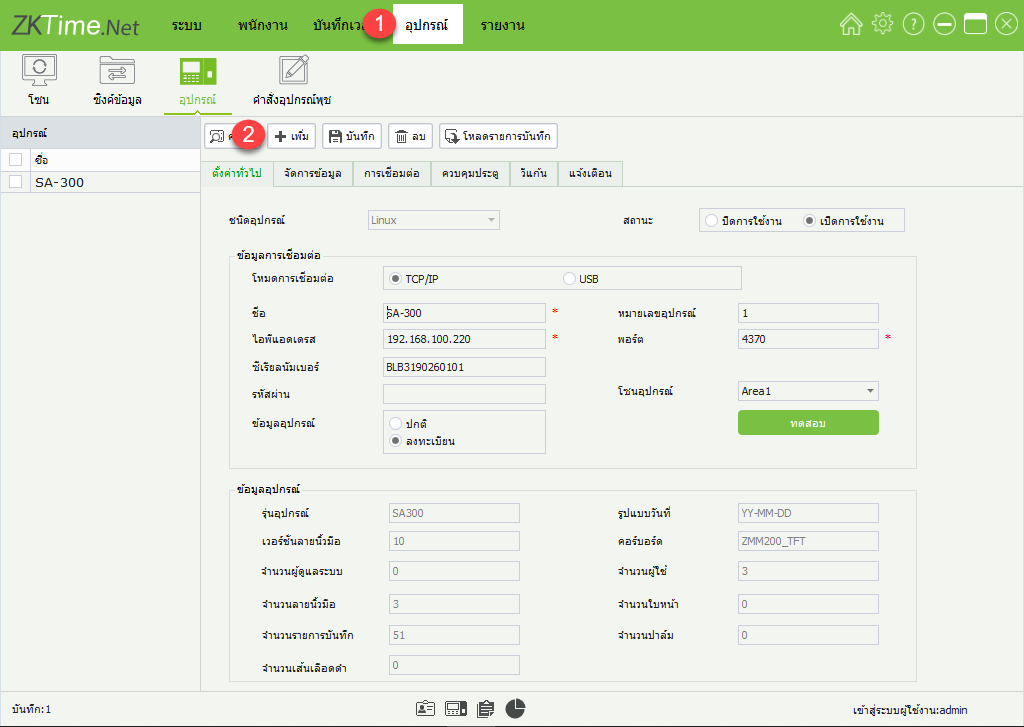
2. Enter the details, device name, and IP Address number, then click Test
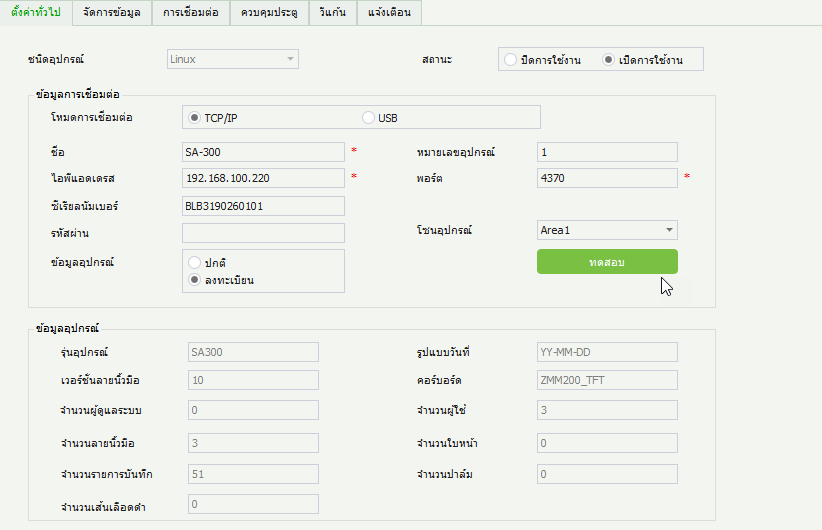
3. Test the connection between the device and the program
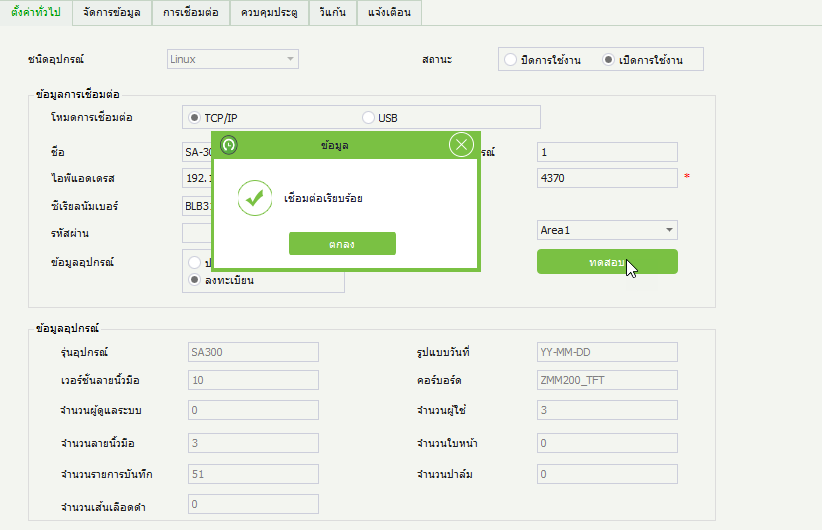
4. Click Save to add the device to the program