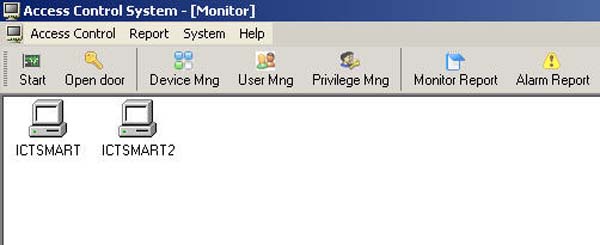
How to Add Multiple Biometric Scanners
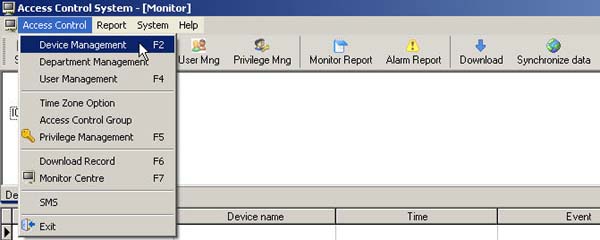
- Go to the Access Control menu and select Device Management
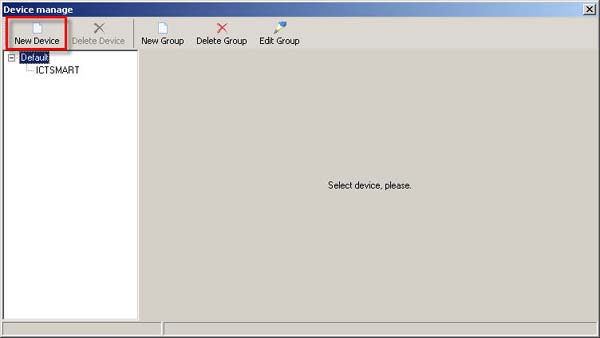
- Click on the New Device menu
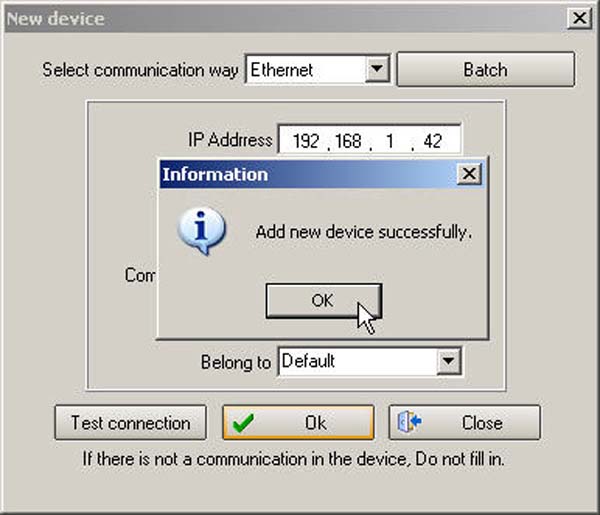
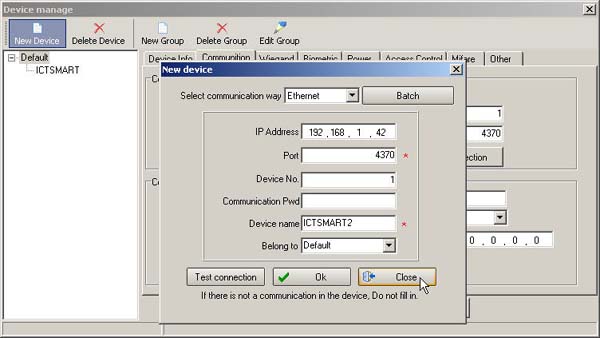
- Enter the details of the scanner device and click the OK button
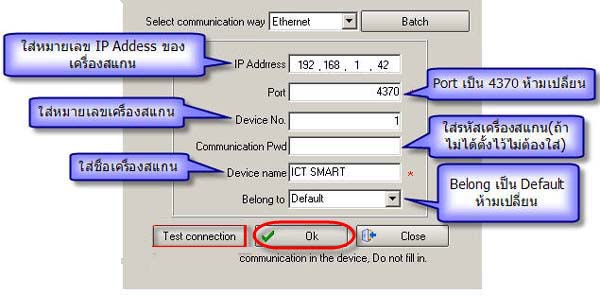
- Then click the OK button again
- Then click the Close button
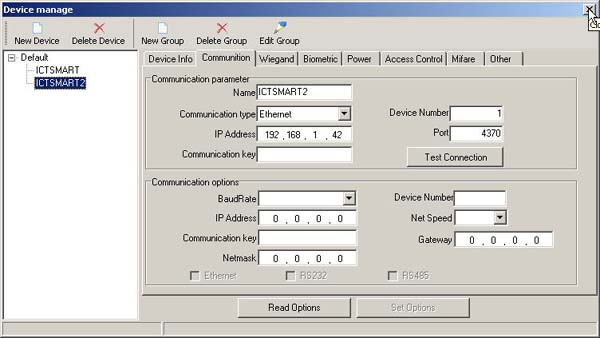
- The list of scanner devices that have been added will be displayed in the left window
- Then the device image will be displayed in the main menu page