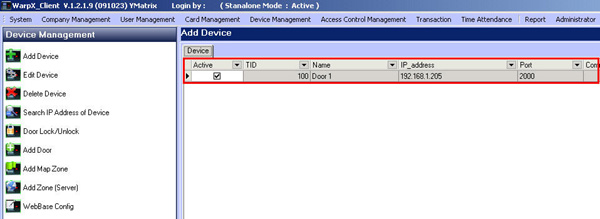
How to Add Scanner Device List in WarpX Client
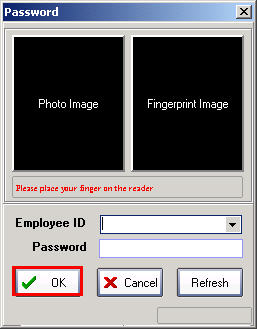
Double-click on Icon WarpX Client and enter User and Password
If you don't have one, just click the OK button to enter the program
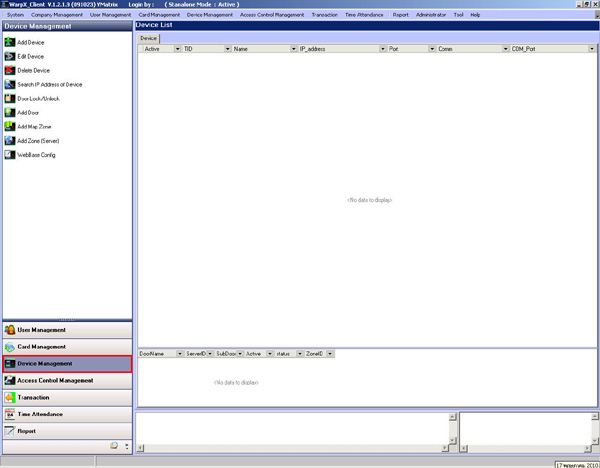
Go to the Device Management menu
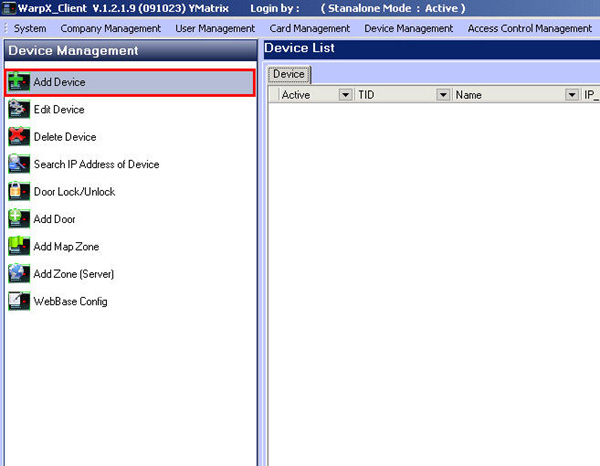
Then select Add Device
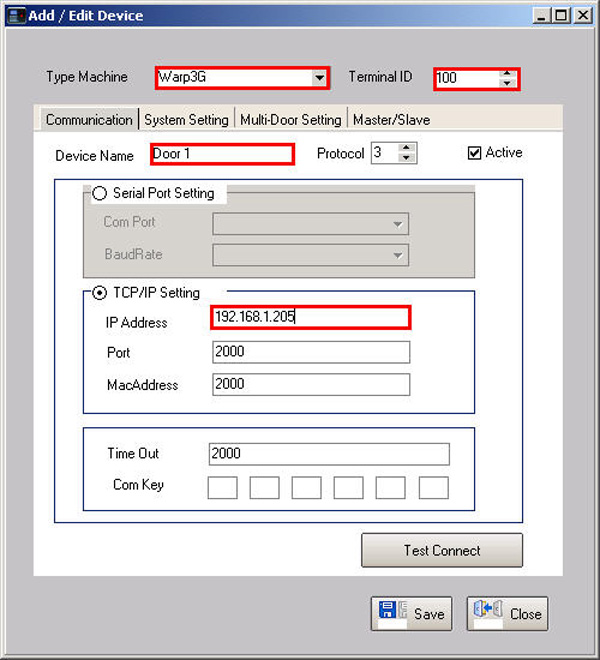
Select the model of the scanner
Select Terminal ID
Set the name of that scanner device
Then check the TCP/IP Setting section and enter the IP address of the scanner
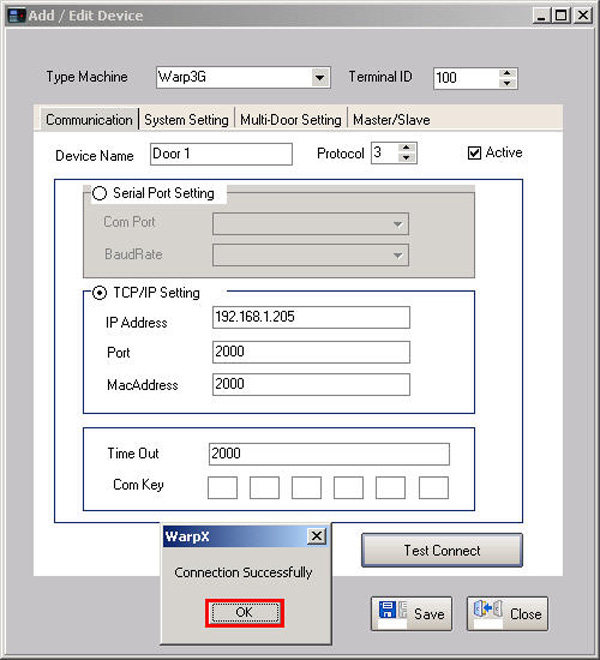
Click the Test Connection button and a message will appear saying Connection Successfully, click the OK button
Then click the Save button
Then the list of scanners will be displayed in this window