How to Backup Database
1. Click on the System menu > Database
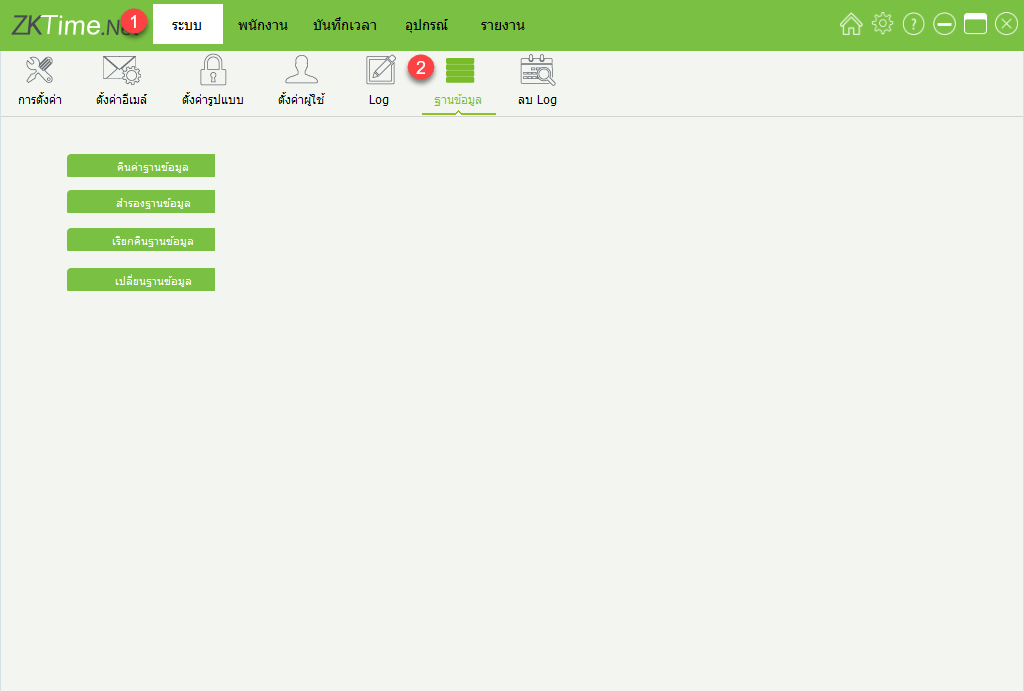
2. Click Backup Database
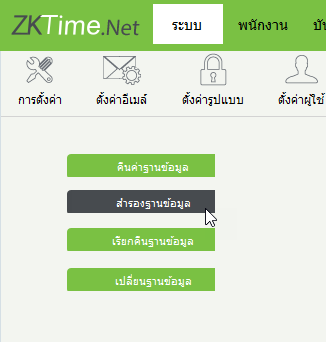
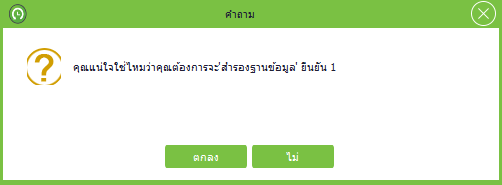
3. Database backup confirmation window
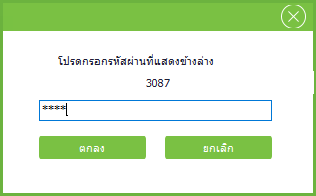
4. Database backup confirmation window by entering a 4-digit verification code
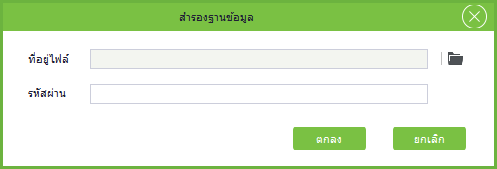
5. Window showing the selection of location for database backup
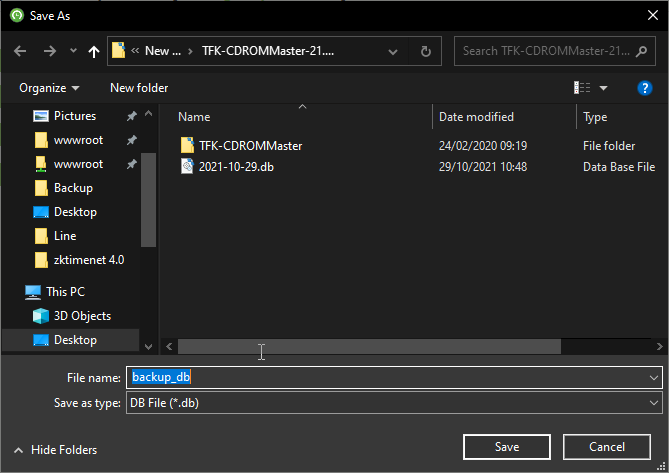
6. Proceed to select the location for database backup. Once the location is selected, click Save
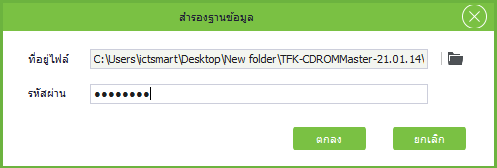
7. Enter the password for the program usage, then click OK to start the database backup process
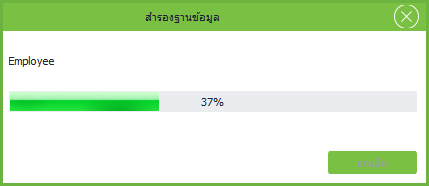
8. The program is performing the database backup
9. Window showing the database backup is complete

10. Backed up database
