How to Cancel Various Settings on the Scanner Device
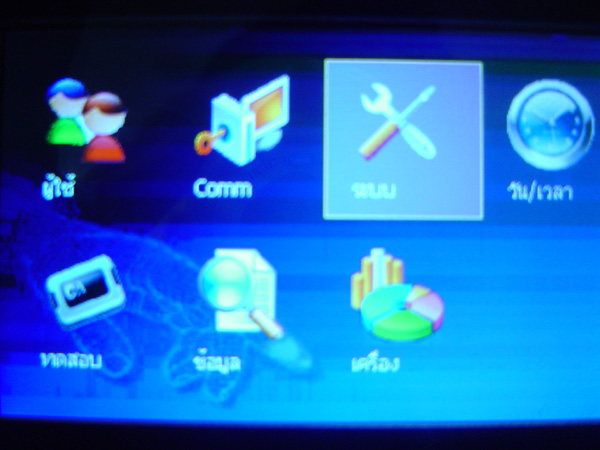
Press and hold the M/OK button to enter the menu. Select the System menu and press the OK button
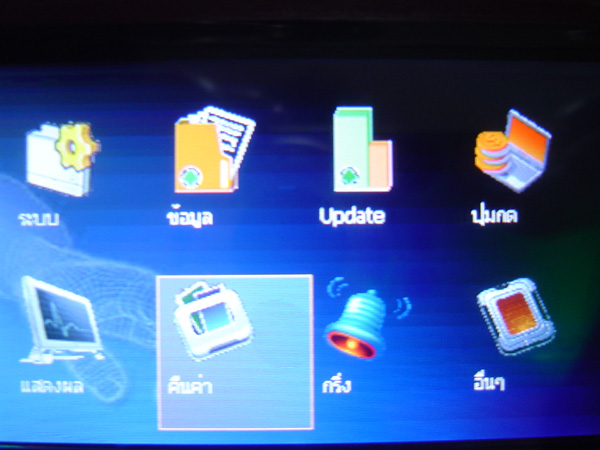
Select the Reset menu and press the OK button
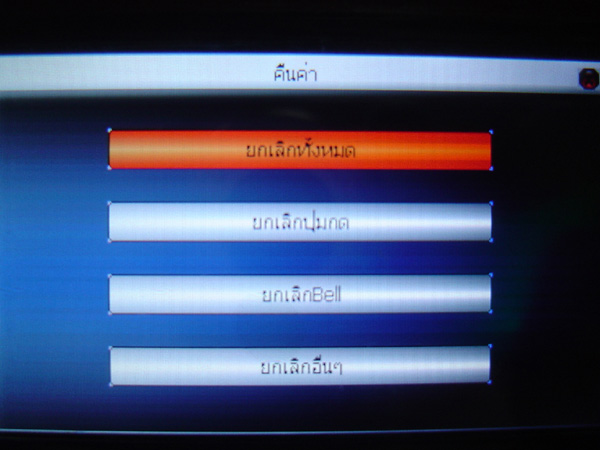
In this window you can choose which settings you want to reset
or you can choose to reset everything, then press the OK button
Then a confirmation message will appear asking you to confirm the settings. Select OK to proceed with resetting the settings