How to Change Door Access Rights for Users
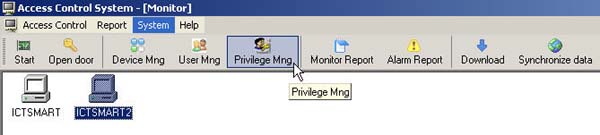
- Select Privilege Mng from the menu
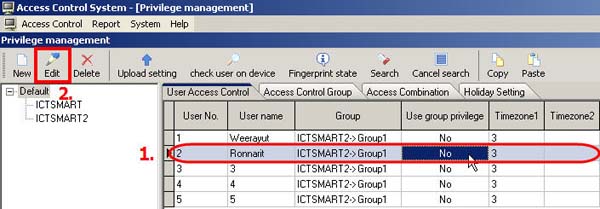
1. Select the user whose access privileges you want to modify
2. Select Edit from the menu
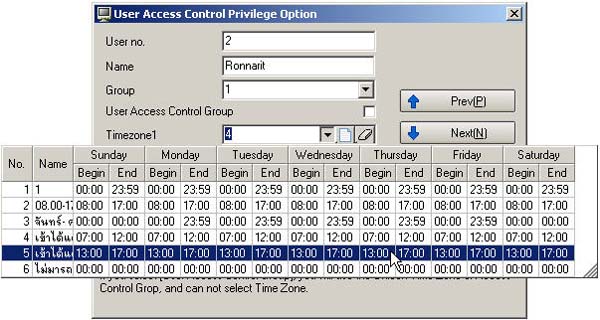
- Then select the Time Zone you want to change for the user
- Then click Save
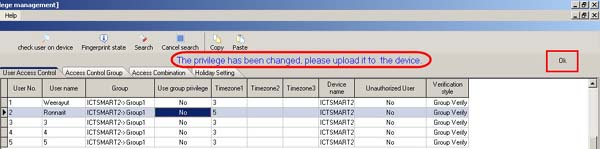
- A message will appear indicating that you need to upload the access privileges to the scanner device. Click OK
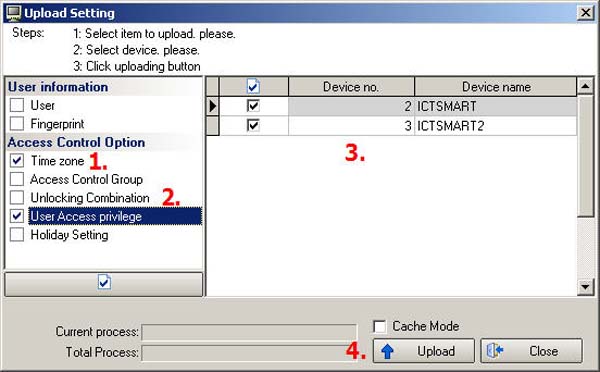
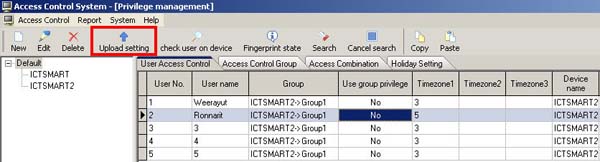
- Select Upload Setting from the menu
1. Check the Time Zone checkbox
2. Check the User Access privilege checkbox
3. Select the scanner device to which you want to send the access privileges for the user
4. Click the Upload button