How to Configure Administrator for WarpX Client
How to Set Up WarpX Client Administrator
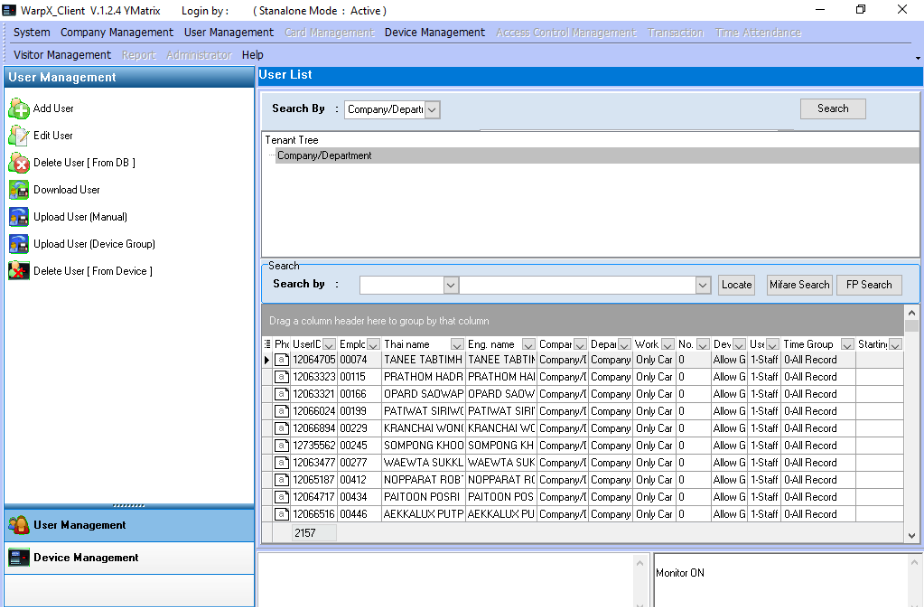
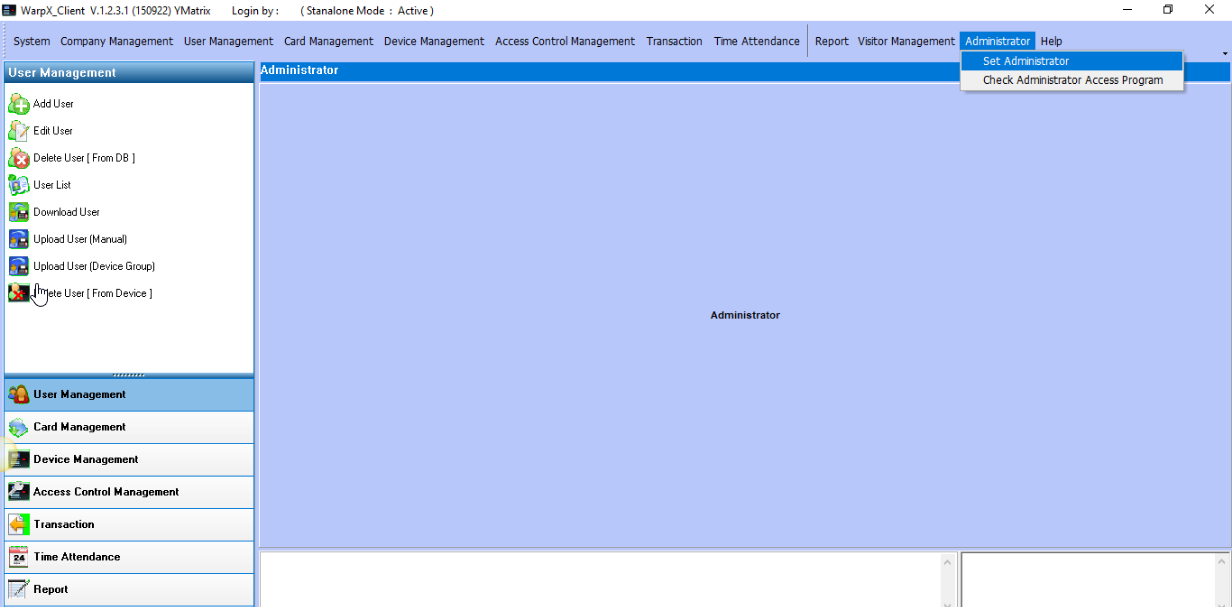
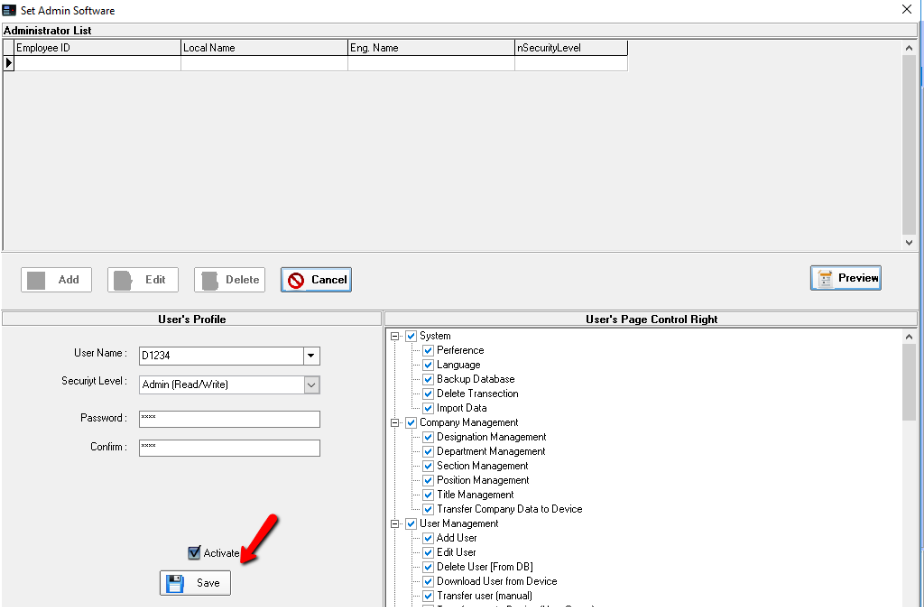
1. Go to Administrator menu > Set Administrator
2. Click the Add menu to add a User, enter Password (4-8 digits) Confirm Password. Then on the right side of the system, you will be able to set which menus the User can access.
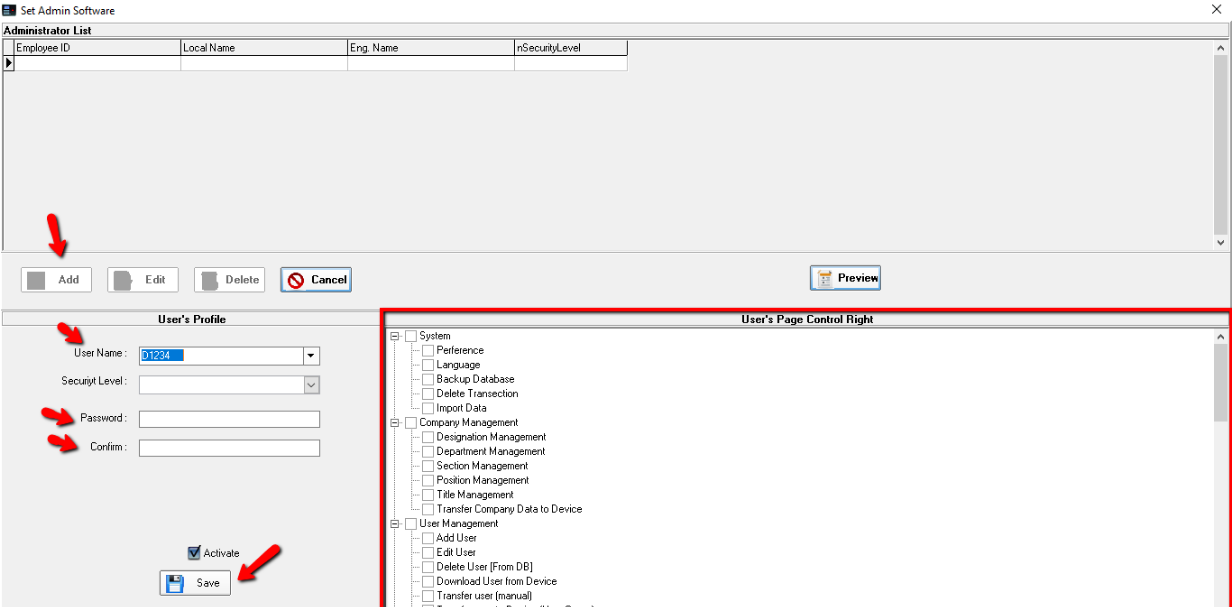
3. When you have finished selecting the menus, click the Save menu.
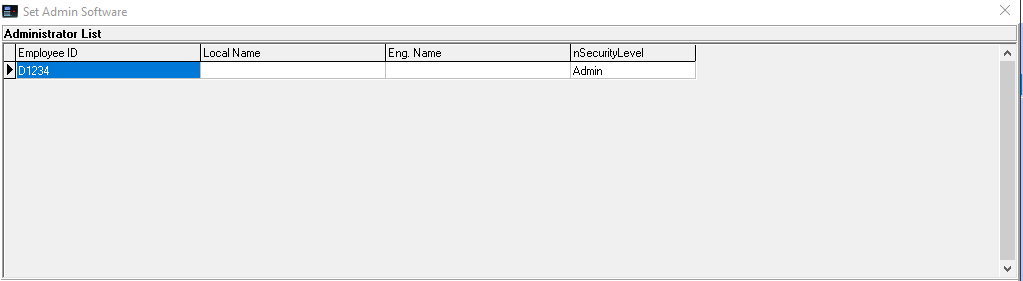
4. When the setup is complete, the system will display a list of Admins in the system.
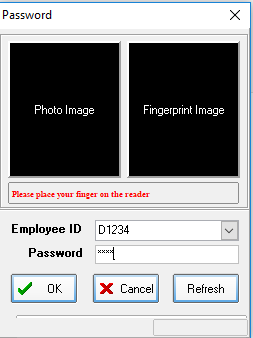
5. If you open the program page again, the system will prompt you to enter the administrator.
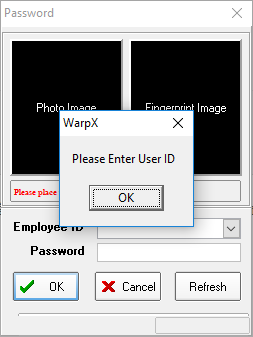
6. Enter the administrator password to use the program.