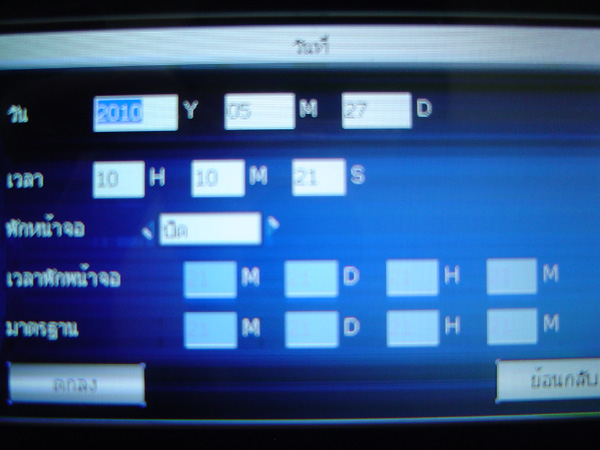
How to Configure Time-Date Settings and Screen Saver Settings
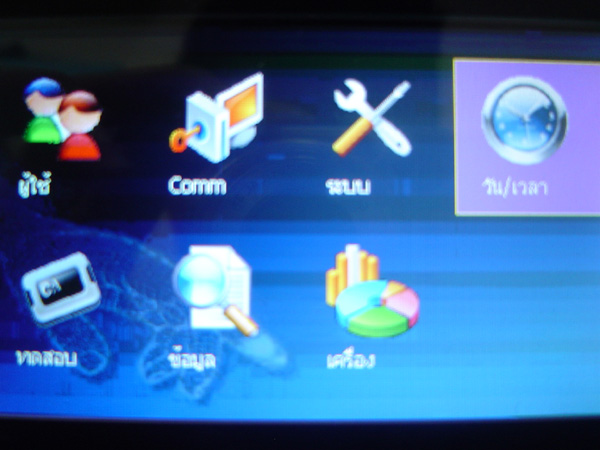
Press and hold the M/OK button to enter the menu, select Date/Time menu, then press OK button
This window allows you to set the time and date of the scanner device
For the Screen Saver section, if you want to use the Screen Saver function, change it from Off to On
To enable this function, enter the screen saver time as desired, then move to the
OK button to save the settings