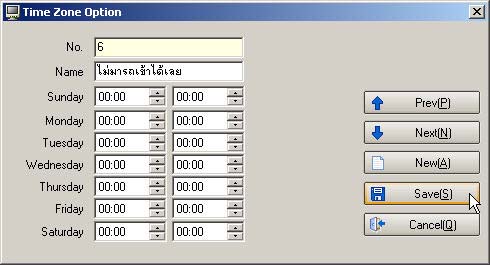
How to Create Schedule TimeZone for Door Entry-Exit Time
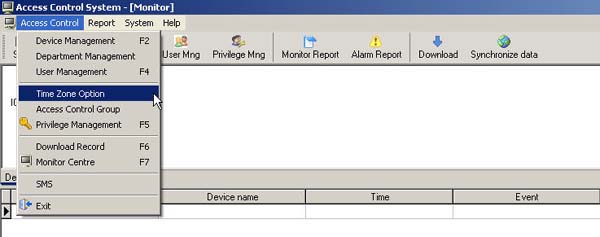
- Go to the Access Control menu and select Time Zone Option
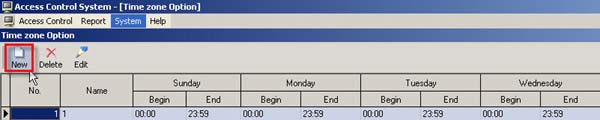
- Select the New menu
- Then enter the time period you want to allow entry and exit through the door, and click the Save button
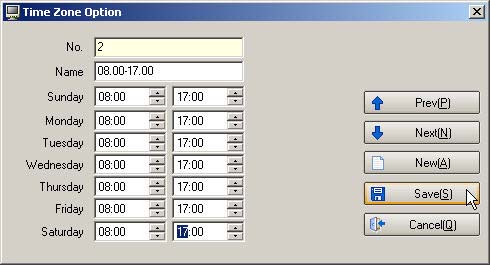
- The Time Zone that has been set will be displayed on this page

- Note: How to allow users to enter the door from Monday to Friday
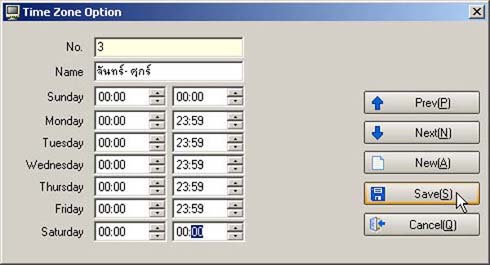
- How to allow users to enter the door only during morning hours every day
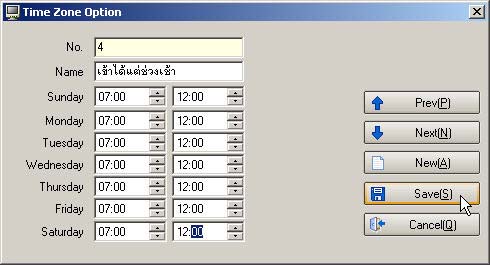
- How to allow users to enter the door only during afternoon hours every day
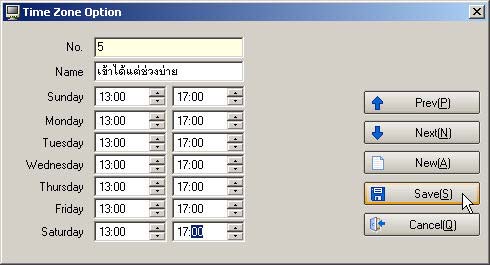
- How to prevent users from entering and exiting the door every day