How to Create User Names for New Users and Send User Lists to Scanning Device
- Go to User Mng menu
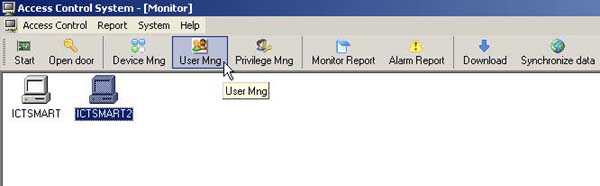
- Double click on the user ID field

- Then enter various details for the user
In the User No. field, do not change the number under any circumstances
Prev button goes back to the previous list
Next button displays the next user in the list
When finished, press the Save button

- The user list will be displayed on this page

- Then select the PC to Device menu

1. Right click on the user list and click Check All to select all users
(If you don't want to select all, check the checkmark next to each user's name)
2. Check the checkmark at the Finger Print heading
3. Select the scanner device to send the user list to
4. Then click the Upload button
Then the user data and fingerprints will be sent to the scanner device
