How to Delete an Employee
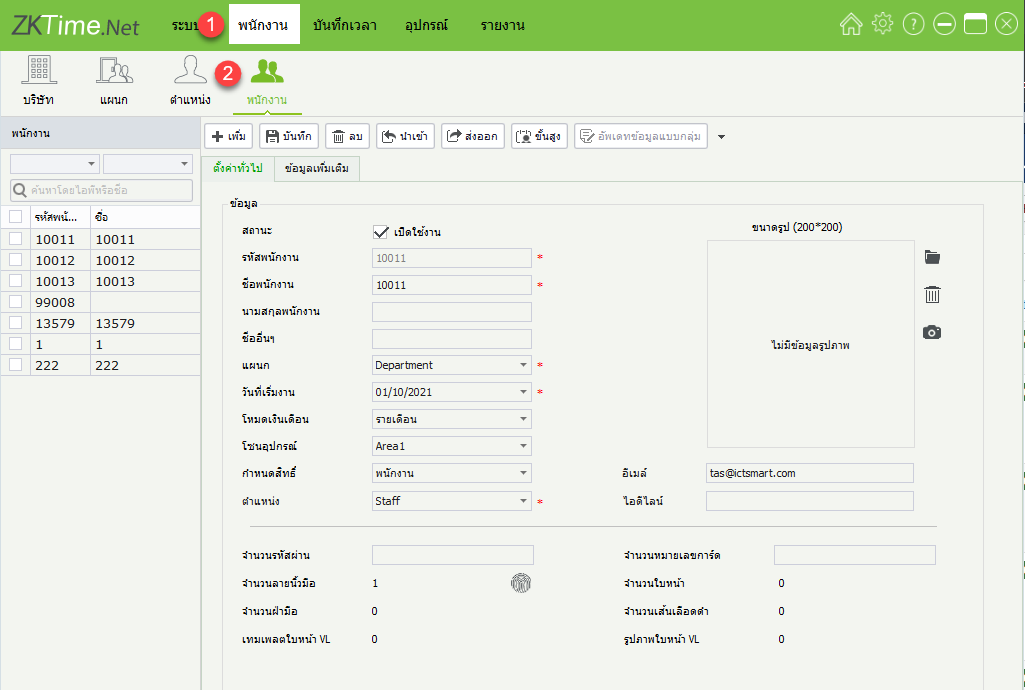
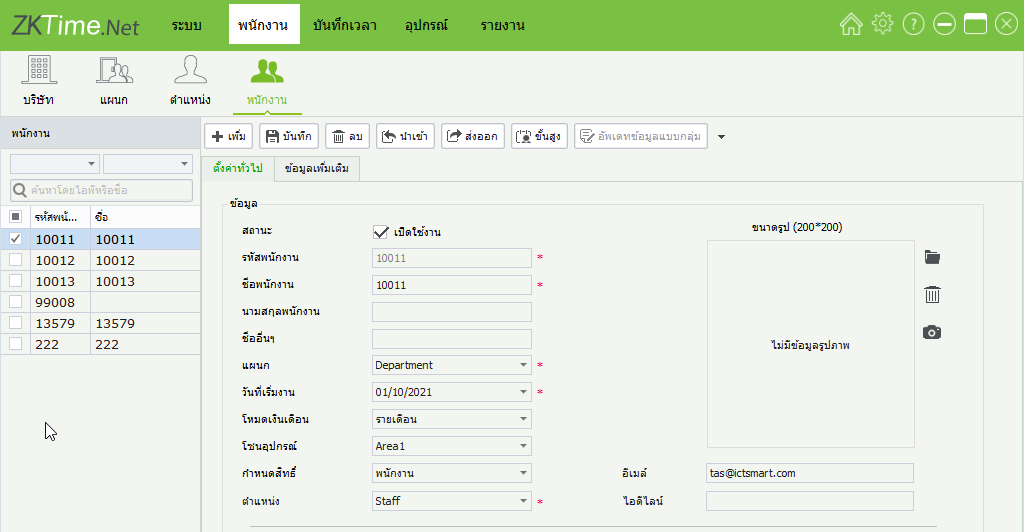
1. Click the Employee menu > Employee
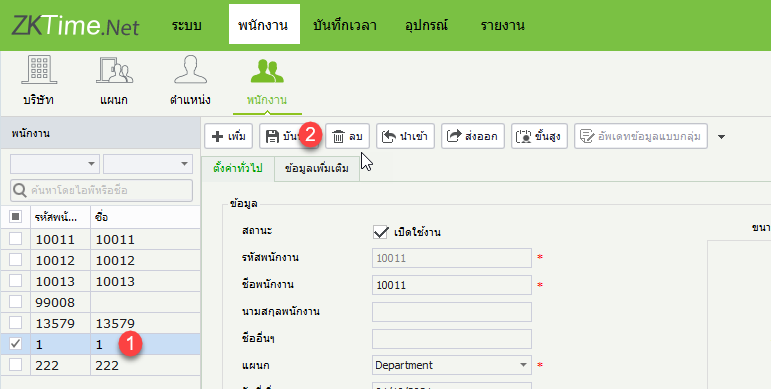
2. Click the employee you want to delete and select Delete
3. Employee deletion confirmation window
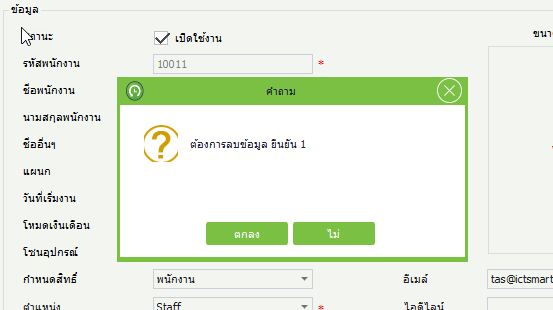
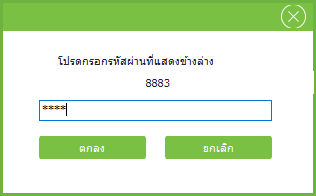
4. Enter the confirmation code to delete employee data
5. Employee has been deleted from the program
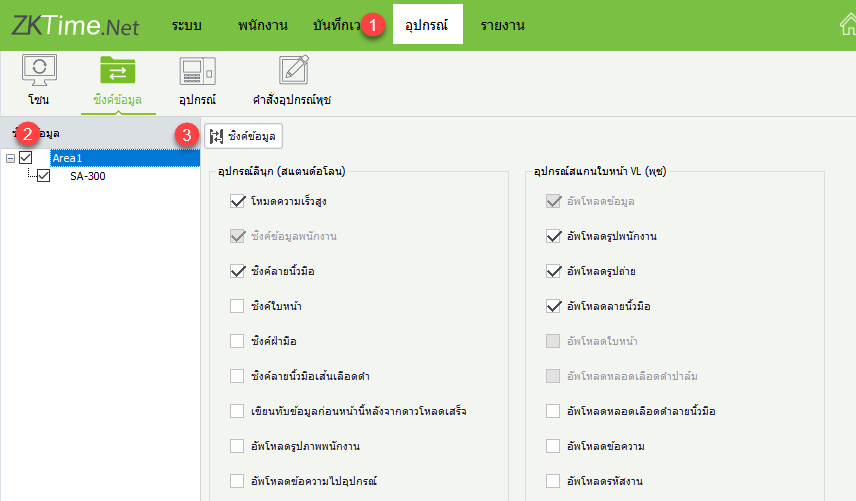
6. Click Device > Select Device > Sync Data to send the delete employee command to the device
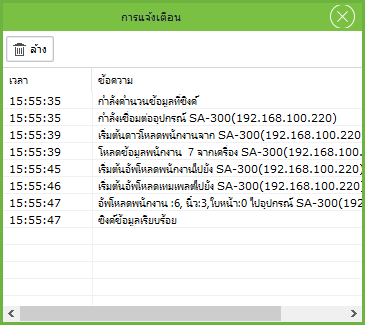
7. Data deletion display window