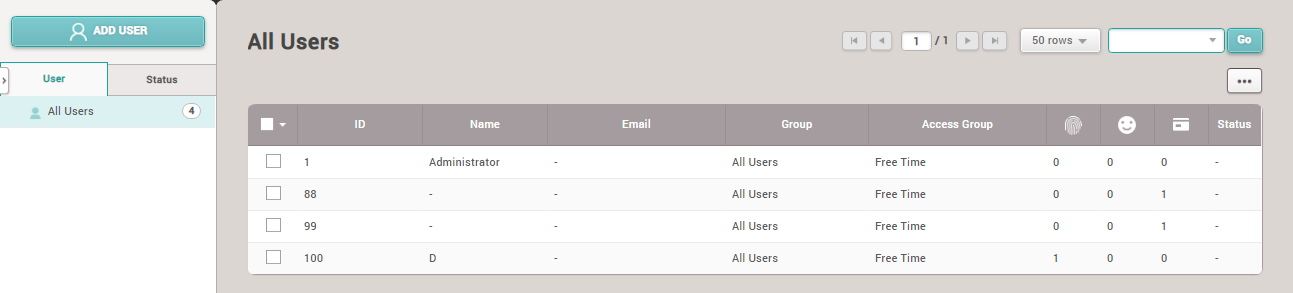
How to Delete an Employee from the System
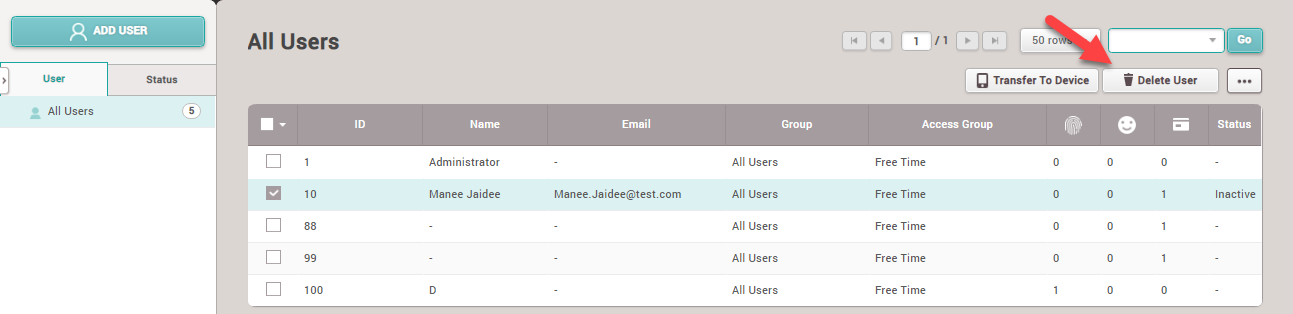
1. Select the employee you want to delete from the system and then click the Delete User button
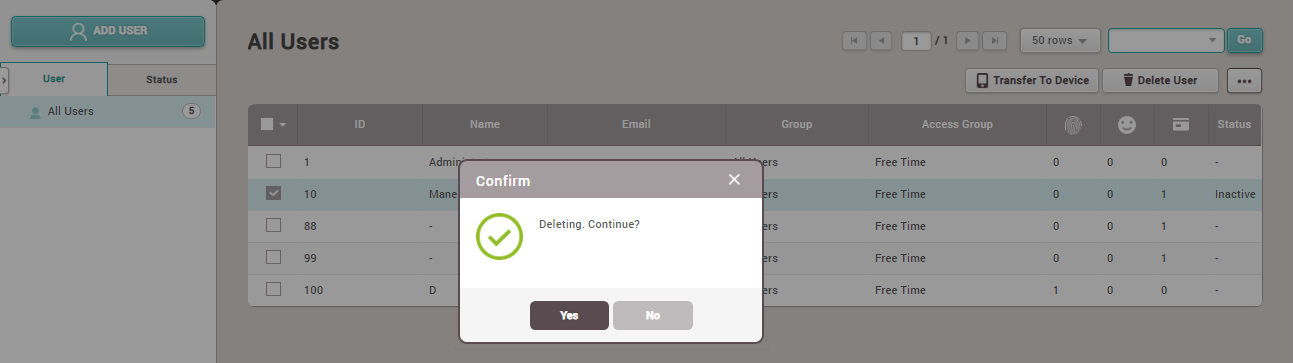
2. The system will display a popup menu to confirm user deletion. If you confirm the deletion of the employee, click the Yes button
3. The employee has been successfully deleted from the program