How to Delete Fingerprints from the Device Panel
Click the DalUser button and enter the user ID number and press the OK button to confirm
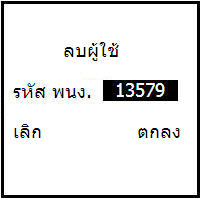
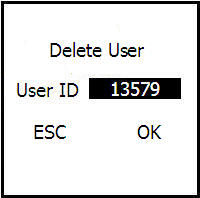
Then the machine will give an audio confirmation that the record was successful and the user's fingerprint
has been deleted from the scanner