How to Delete User Fingerprints
Press the Menu button, select Manage Users and press OK
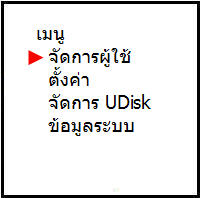
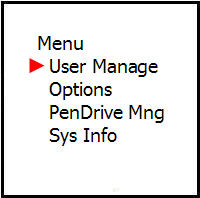
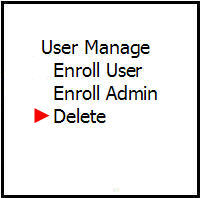
Scroll down to the Delete menu and press OK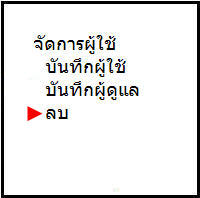
Enter the ID number of the employee you want to delete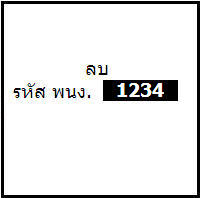
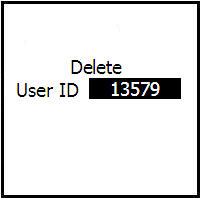
Press OK to confirm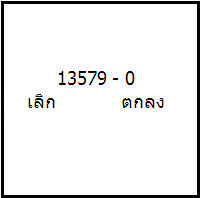
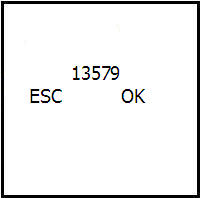
Then press OK again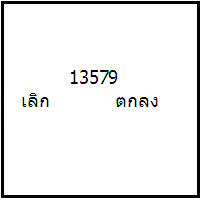
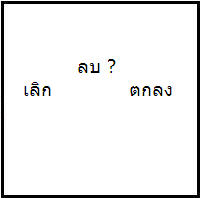
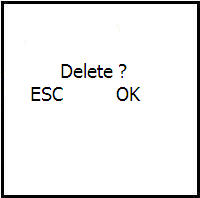
The machine will then ask if you want to delete, press OK to confirm