How to Delete User Fingerprints from Scanner Device and Database
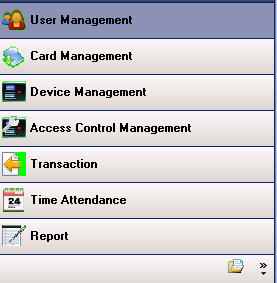
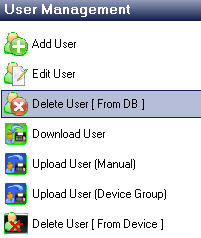
Go to User Management menu
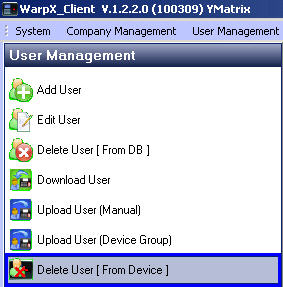
Select Delete User ( From Device )
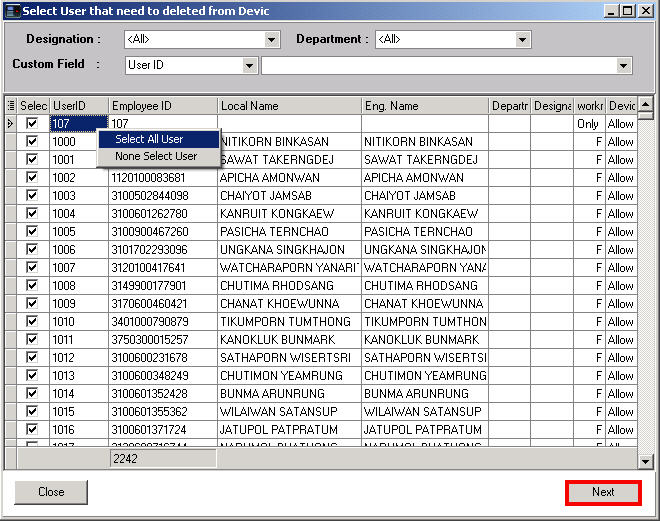
Select the user you want to delete from the device. If you want to delete all, right-click
then select Select All User and press the Next button
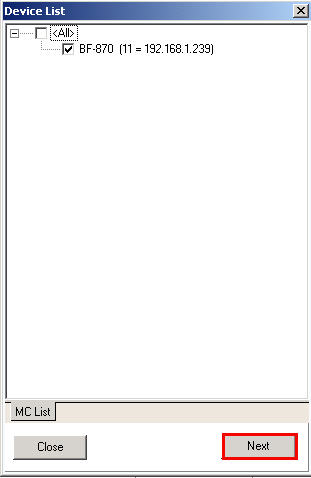
Select the device you want to delete the user from, then press the Next button
Select Delete User ( From DB )
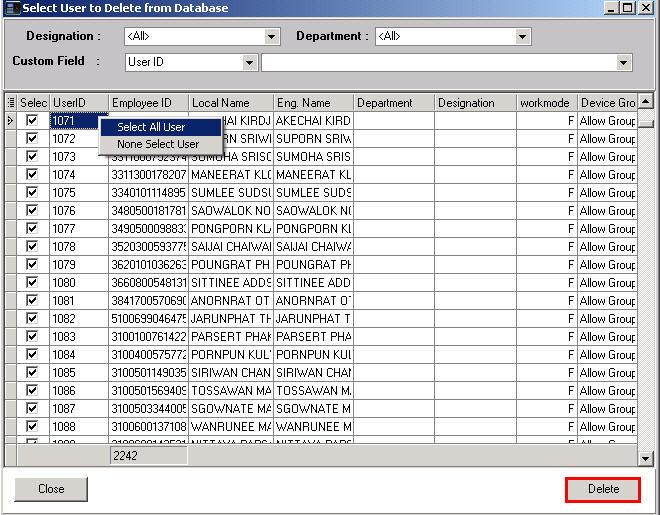
Select the user you want to delete from the database. If you want to delete all, right-click and select
Select All User because it will select all then press the Delete button