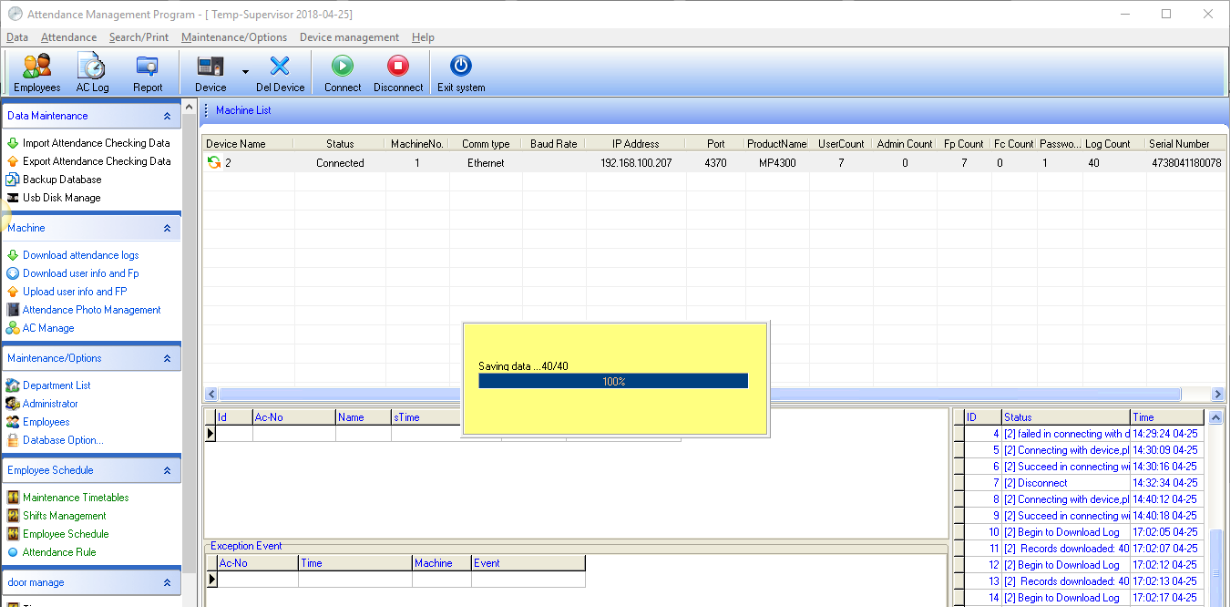
How to Download Data from Scanner Device
How to Download data from the scanner
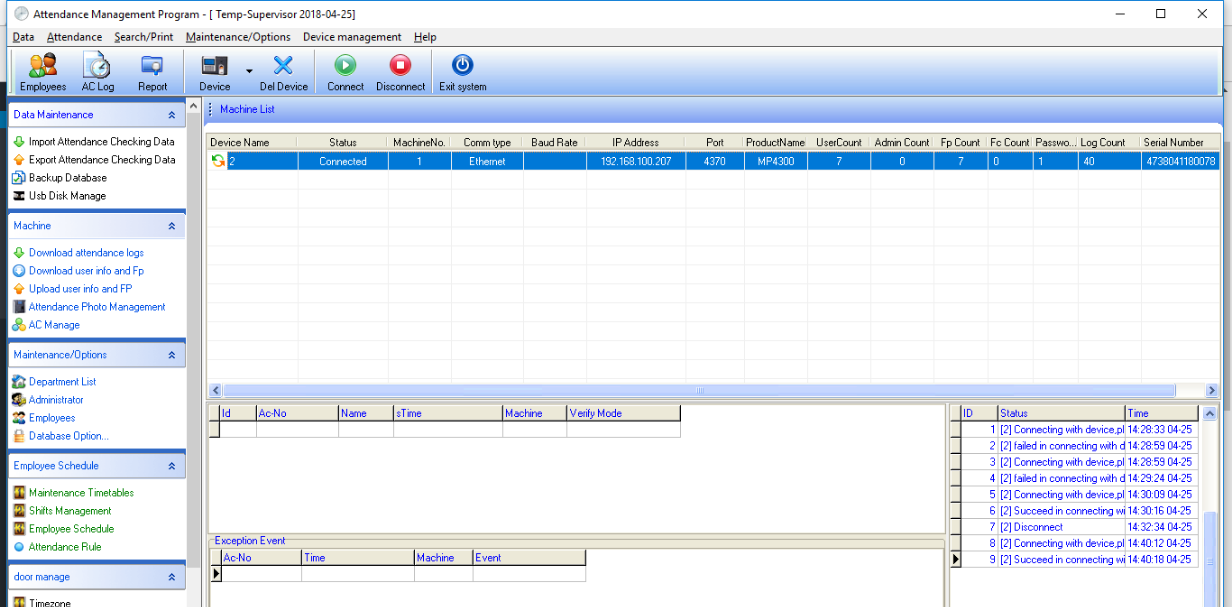
1.Connect the scanner by pressing the Connect menu to connect the device. If the device is connected successfully, you will notice an orange/green arrow symbol
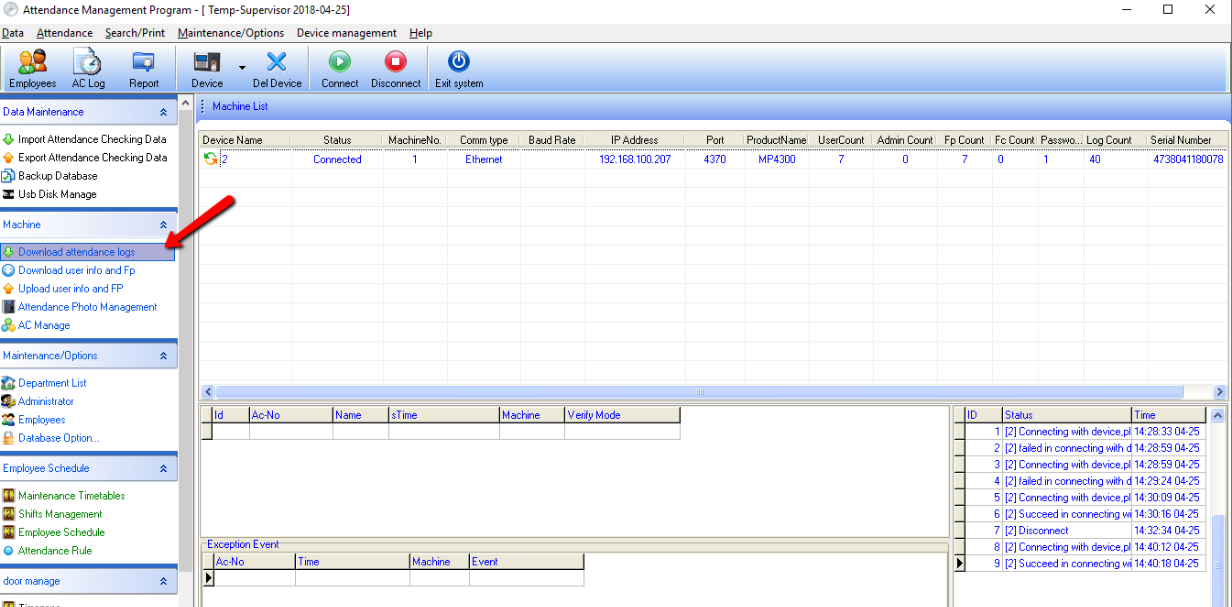
2.Select the "Download Attendance Log" menu to retrieve data from the scanner
3.The system will display the amount of data in the device and the percentage of data retrieval