How to Download Employee Data
1. Click the Equipment menu > Sync Data
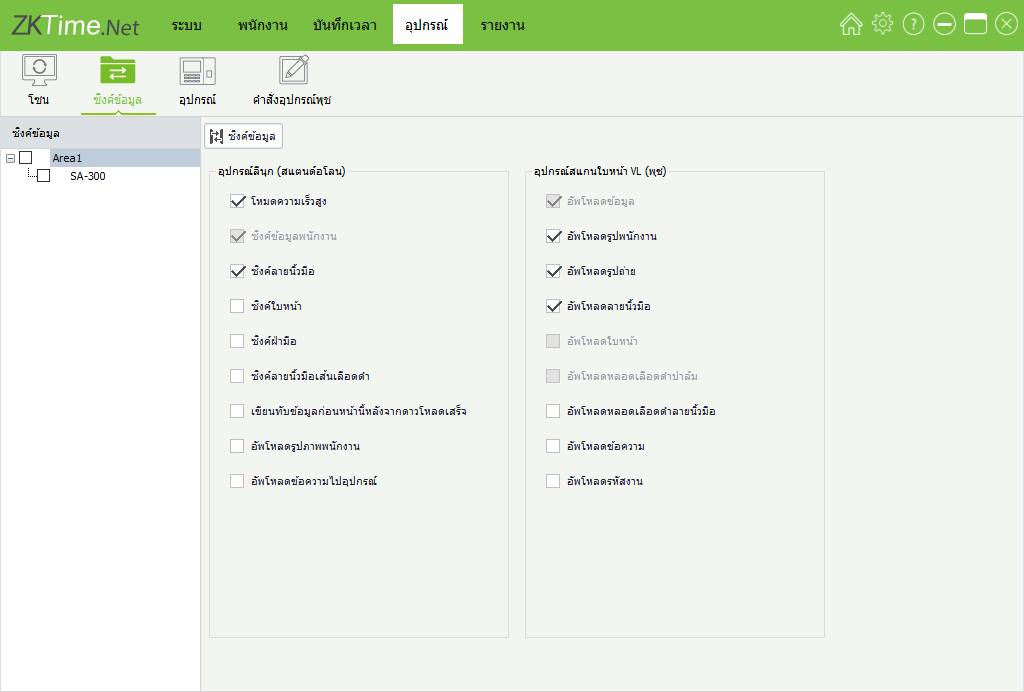
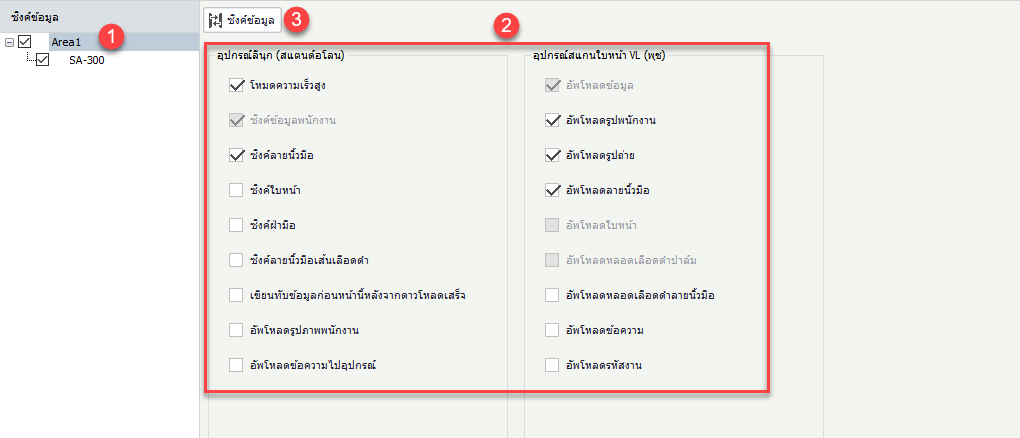
2. Click the scanner device from which you want to pull employee data, then select the details you want, such as fingerprints and employee photos on the page. Once selected, click Sync Data
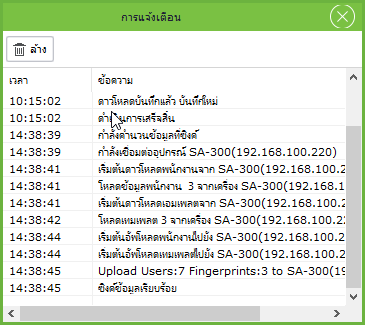
3. The program displays a window for pulling employee data from the device