How to Enroll User Fingerprints
Press the MENU button on the scanner
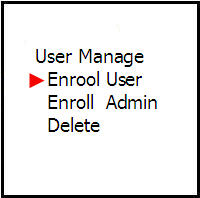
Go to the User Management menu and press OK


Here you can choose whether to save as a user or save as an administrator But here we select save as a user

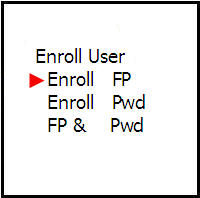
For this section, you can choose the storage method of how you want to store But here select the storage method as fingerprint only
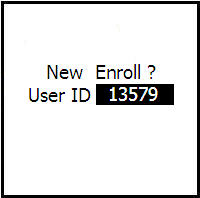
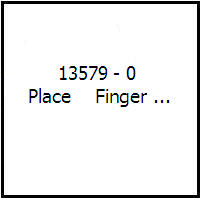
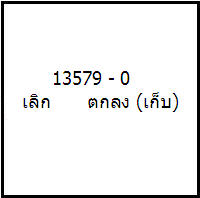
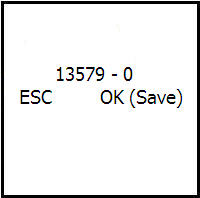
Then press the OK button to confirm Then enter the employee number, no more than 5 digits Then place your finger (recommended to use the index finger) Then place your finger again Place your finger for the 3rd time Then the machine will ask you to save. Press OK
Then the machine will ask if you want to continue. If you want to save a backup fingerprint, press ESC Or if you want to save a new person's fingerprint, press OK