How to Extract and Transfer Data via USB
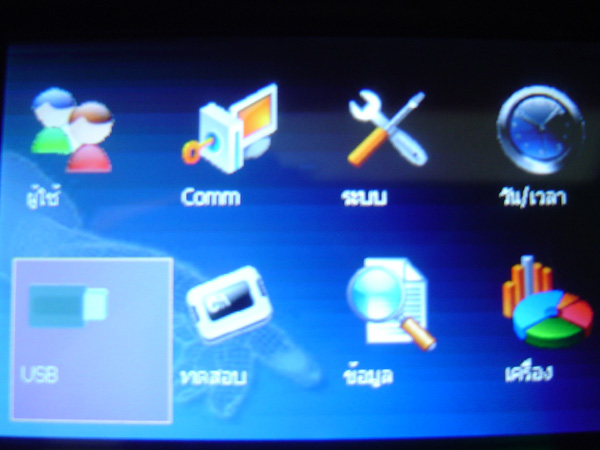
Press and hold the M/OK button to enter the menu. Select the USB menu and press the OK button
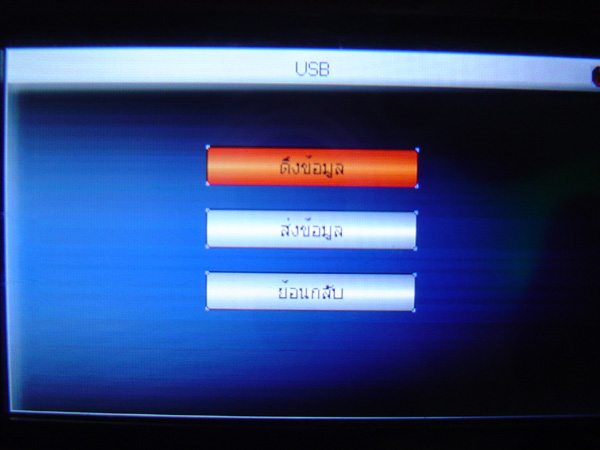
Then select pull data or send data and press the OK button
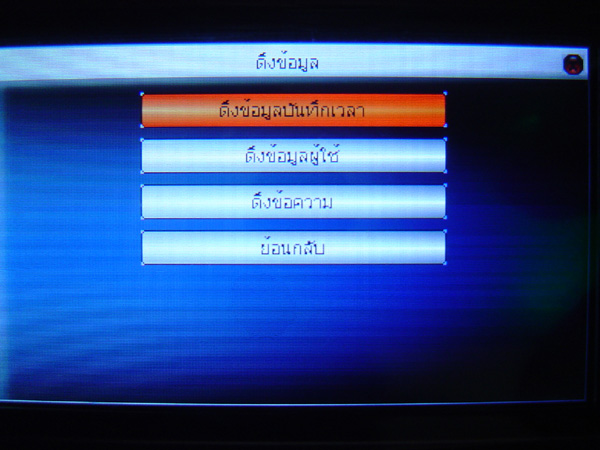
This window allows you to select what data you want to pull or send. Make your selection and press the OK button
Then a message will appear indicating that the data pull or send was successful. Click OK