How to Extract Data via USB on the Scanner Device
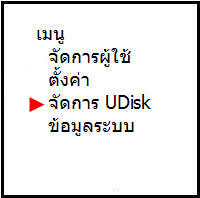
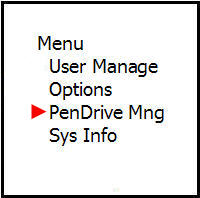
Press the menu scroll button, scroll down to select the Manage UDisk menu, then press the OK button
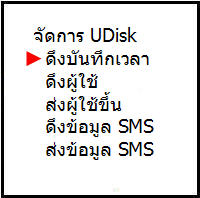
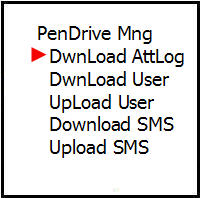
Then select the Pull Time Record menu and press the OK button
The screen displays that the data pull was successful, then press the OK button


Then scroll to the Pull User menu to pull various user data and press the OK button
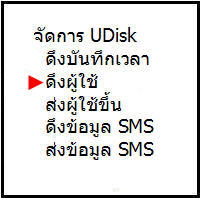
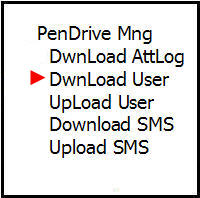
The screen displays that the data pull was successful, then press the OK button