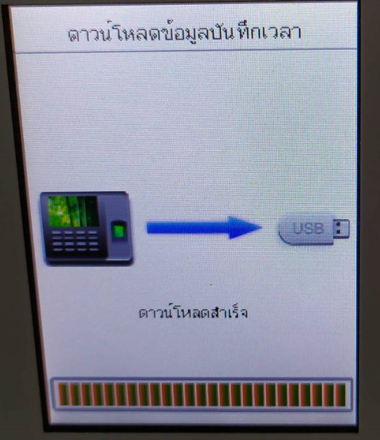
How to Extract Time and Attendance Records from USB
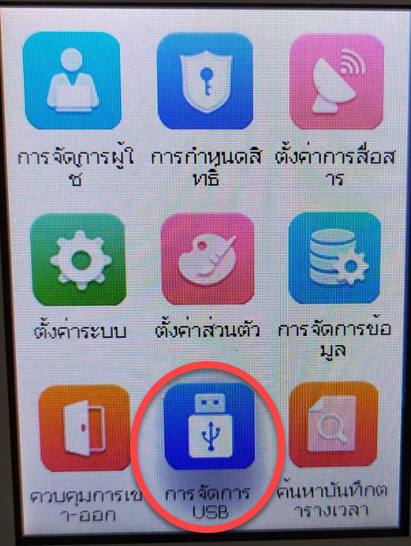
1. Enter the main menu > USB Management press Ok
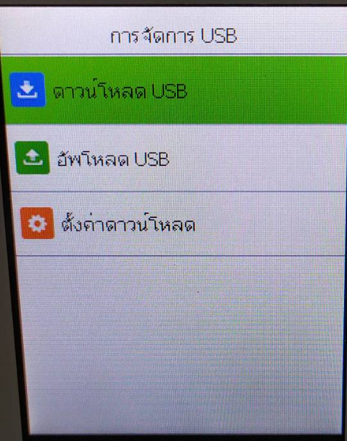
2. Select Download USB press Ok
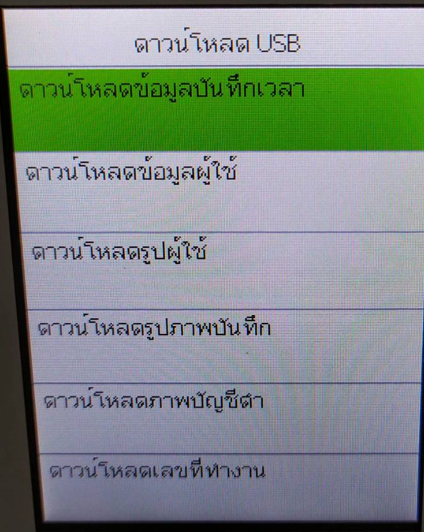
3. Select Download attendance records
4. Select the desired time period such as Today's data, Yesterday, This week, This month, All
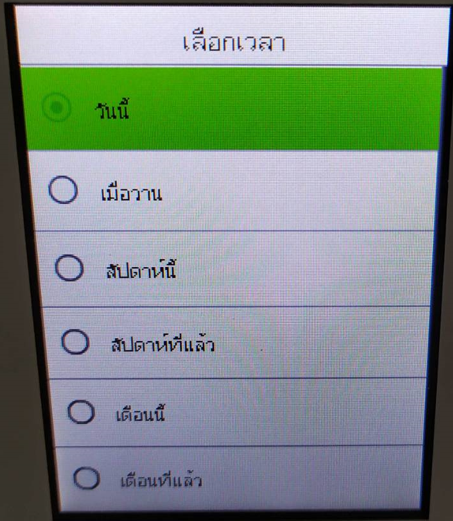
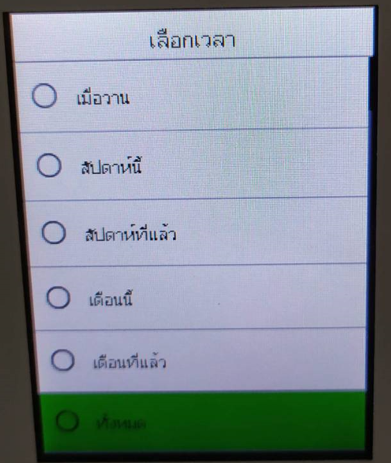
5. After selecting the data, press Ok to retrieve the data, then wait for the device to download