How to Import Employee Data from USB
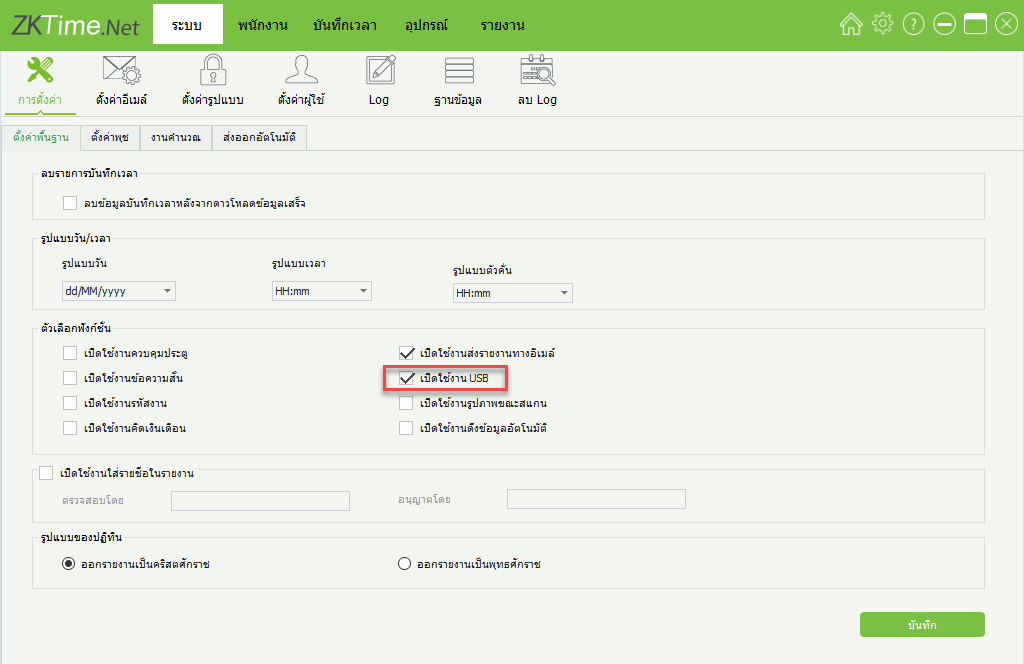
1. Click on the menu System > Settings > Enable USB > Save to enable the USB data import function
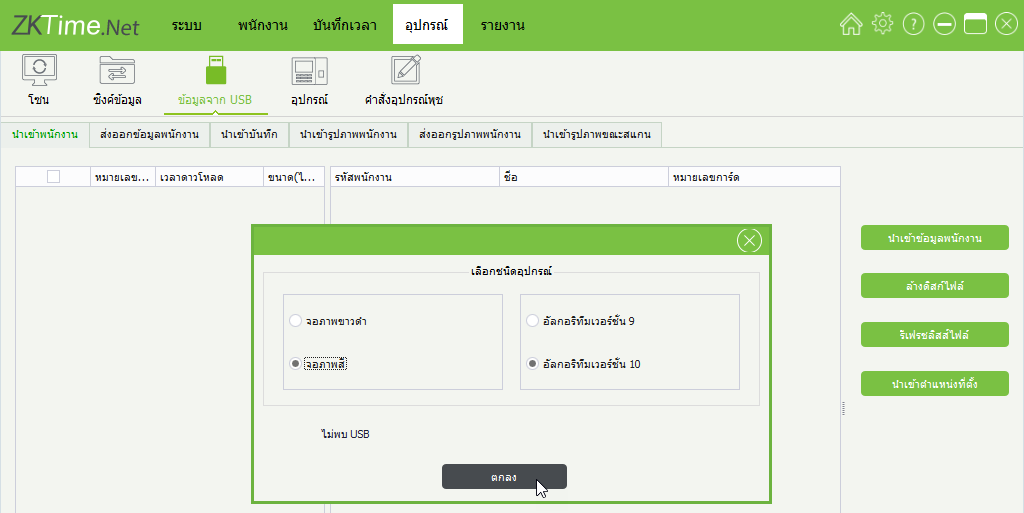
2. Click Device > Data from USB. The program will display a window for the user to select the type of device for import, such as selecting a black/white display device or color display device. Then click OK
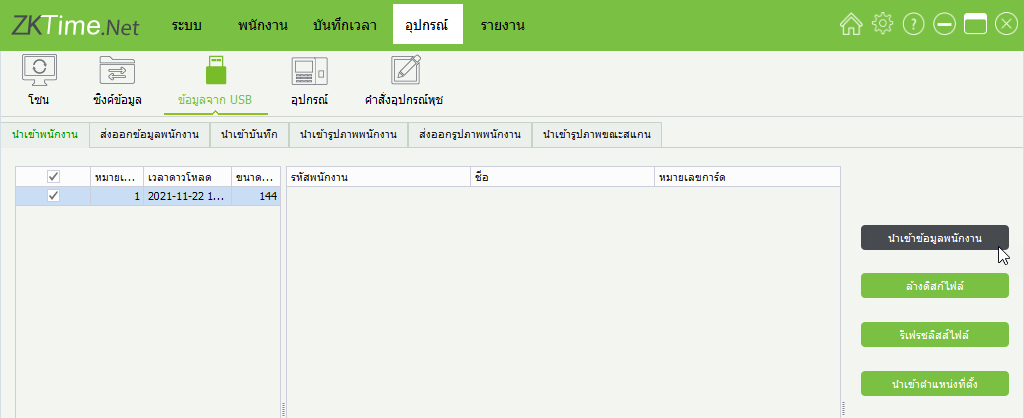
3. The program will display the data downloaded from the device via USB. Then click Import Employee Data if you want to import employees whose data was collected from the device
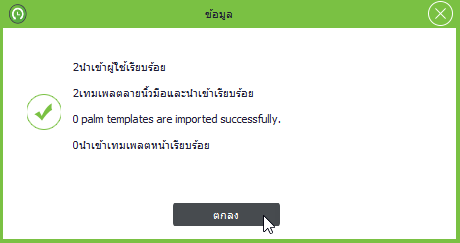
4. The window shows the employee data import is complete. Click OK