How to Import Employee Time and Attendance Records from USB
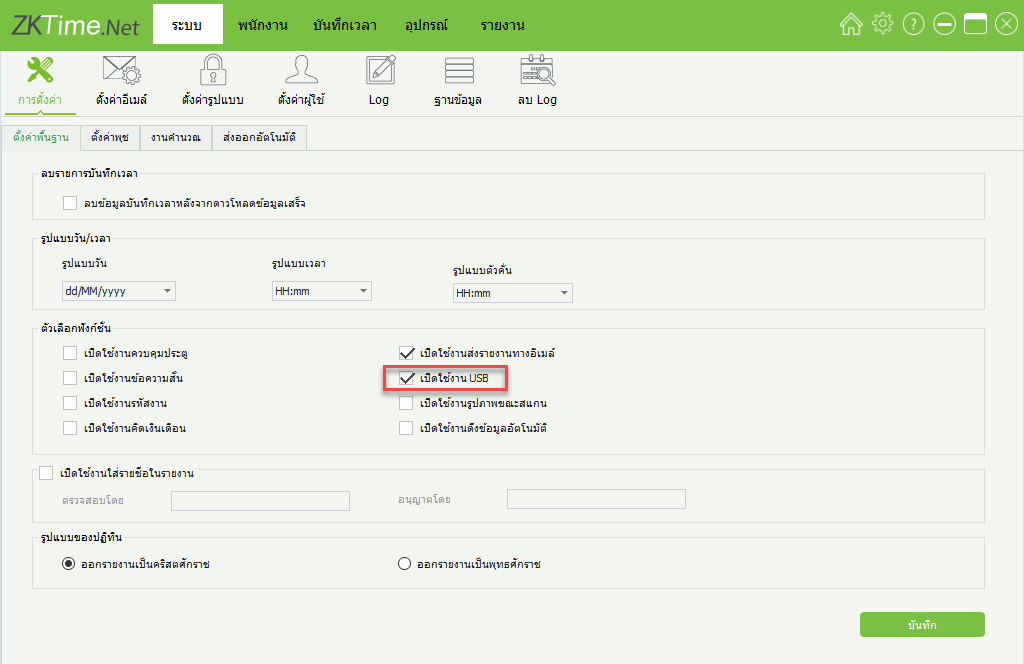
1.Click on the System menu > Settings > Enable USB > Save to enable the USB data import function
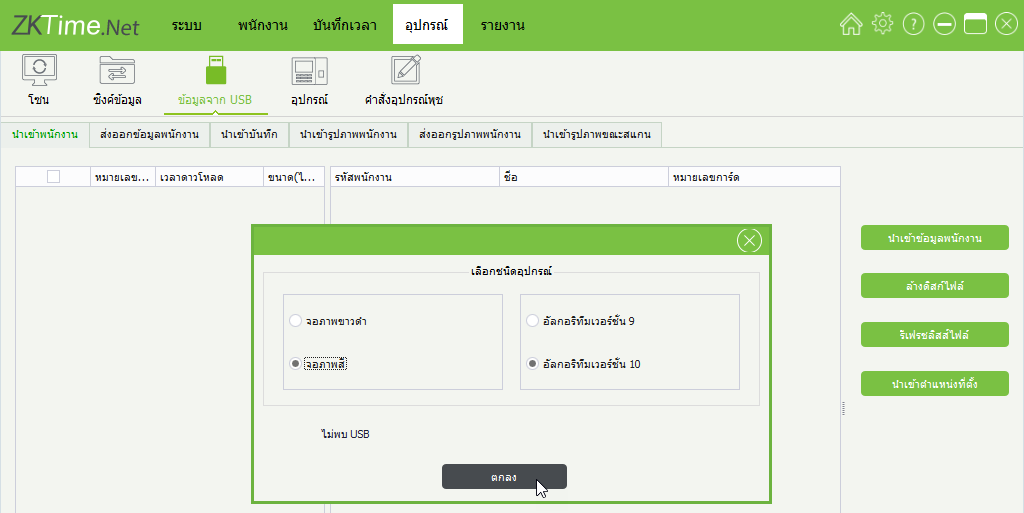
2.Click Device > Data from USB The program will display a window for users to select the type of device to import, such as selecting a black/white display device or a color display device, then click OK
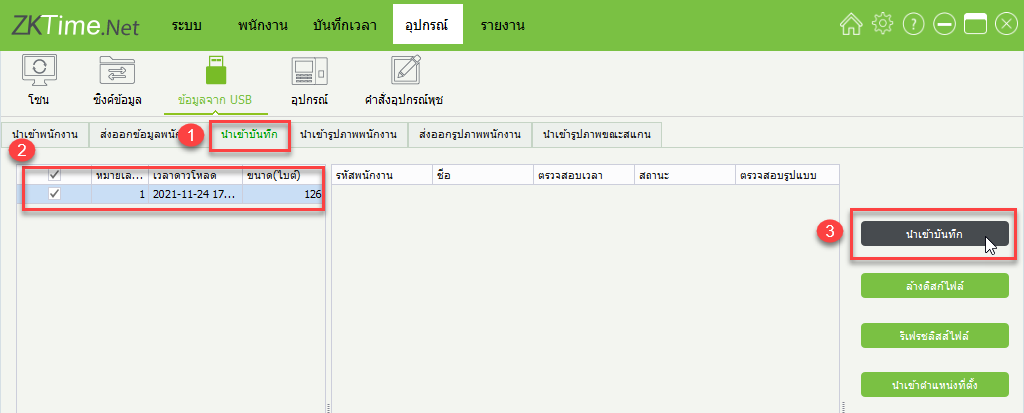
3.Click Import Records, then click the time recording data on the left side and press Import Records
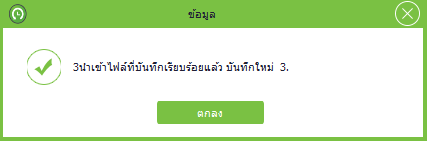
4.The window displays the completion of importing employee time recording data, click OK