How to Install AccessControl Ver.U.S.A
- Double-click the AUTO RUN button

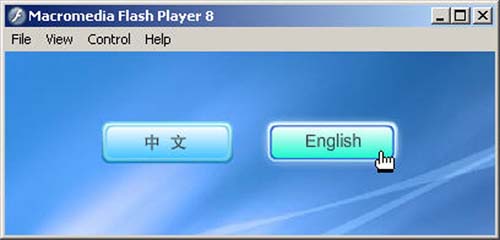
- Select English
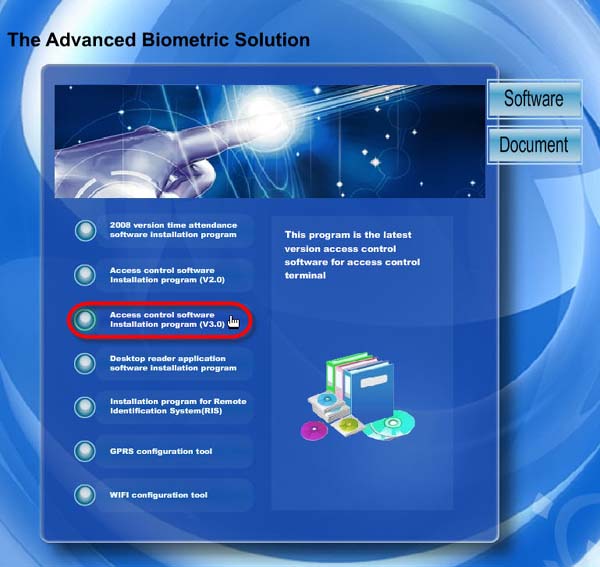
- Then select Access Control Software Installation Program (V3.0)
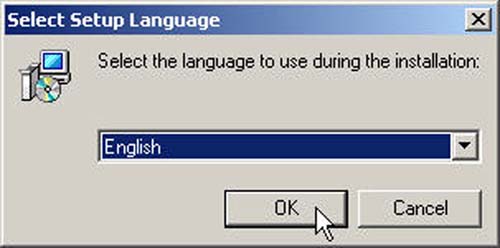
- Click the OK button
- Click the Next button
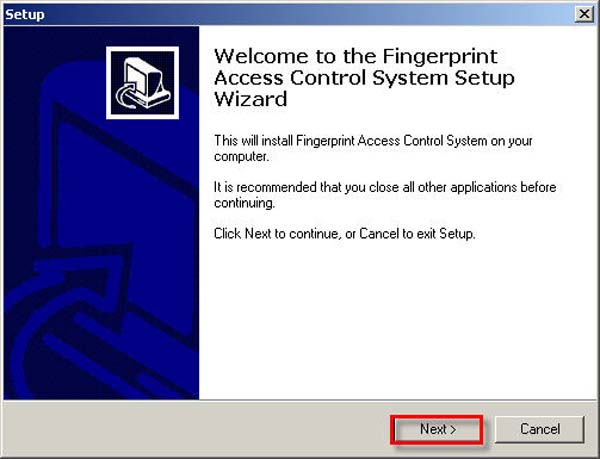
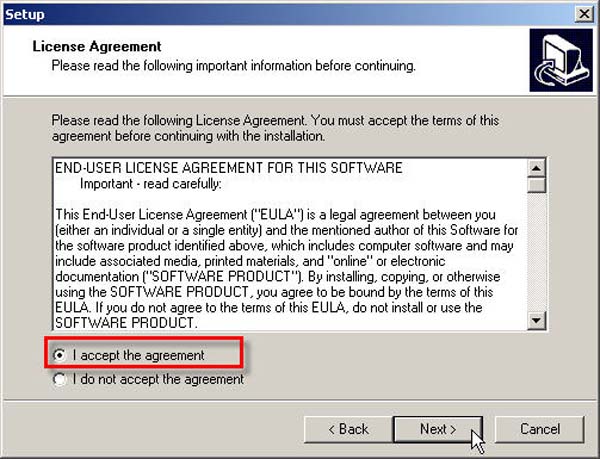
- Select the I accept the agreement option and click the Next button
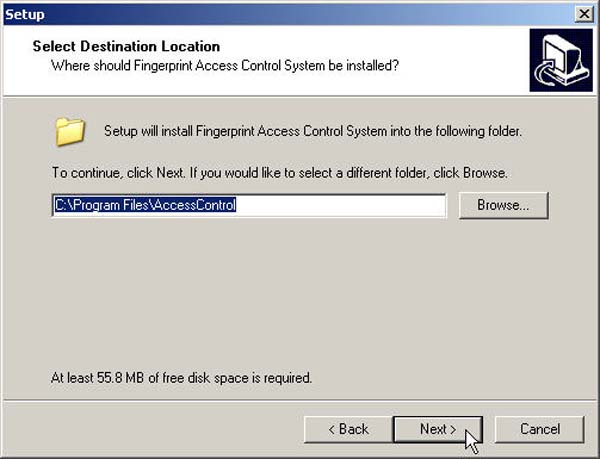
- Select the location where you want to install this program and click the Next button
- On this page, click the Next button
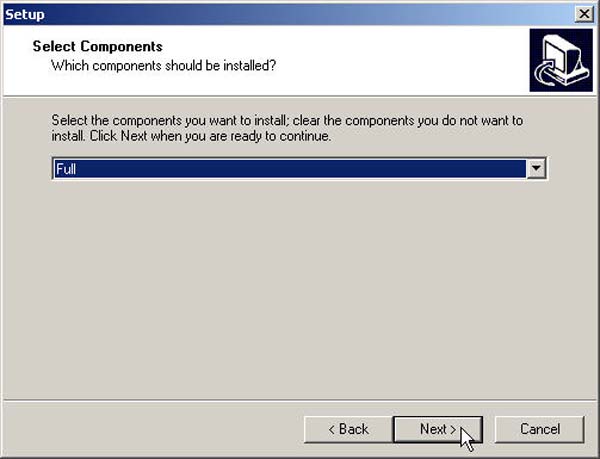
- Click the Next button
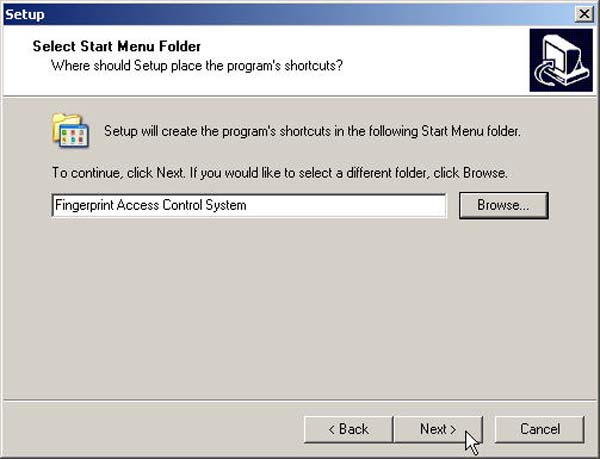
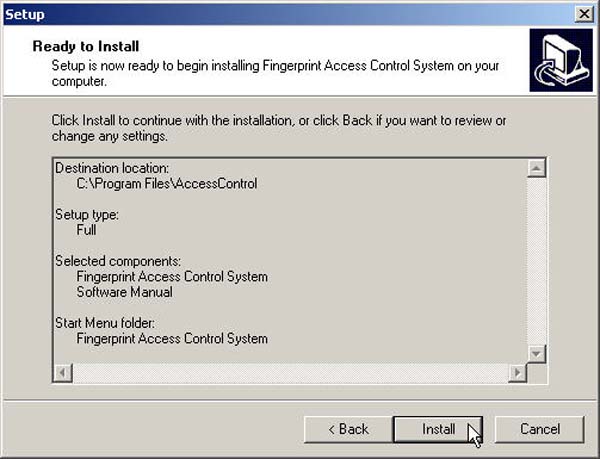
- Then click the Install button
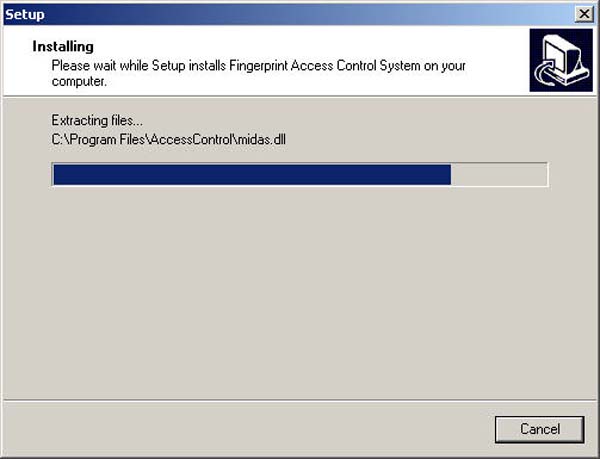
- The program is now installing
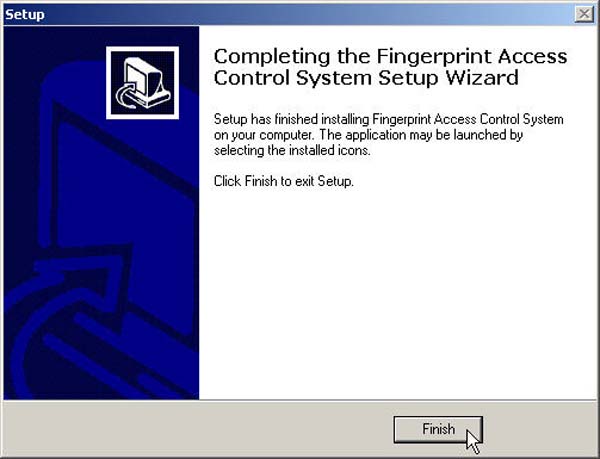
- Click the Finish button to complete the program installation
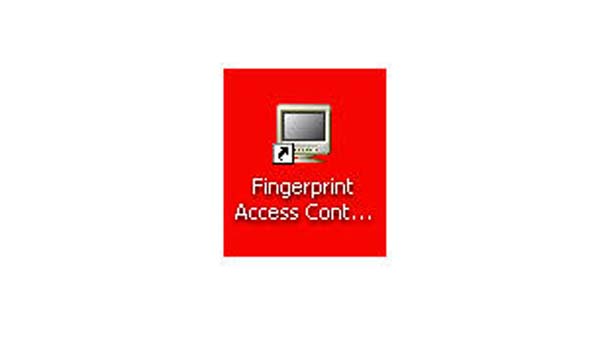
- The program icon will appear in this format