How to Install Biostar2 Software
1. Double-click the Biostar2.exe installer

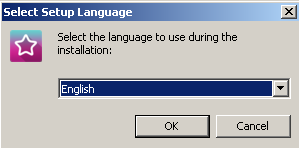
2. Select the language and click the Ok button
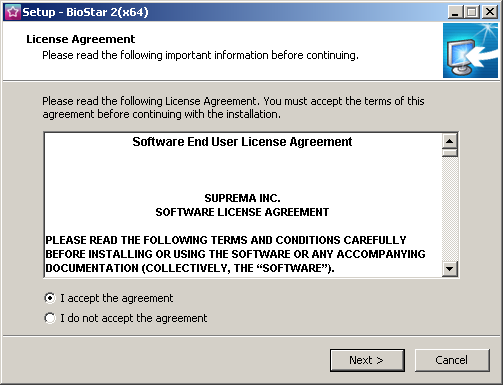
3. Select the I accept the agreement section and click Next to proceed with the installation
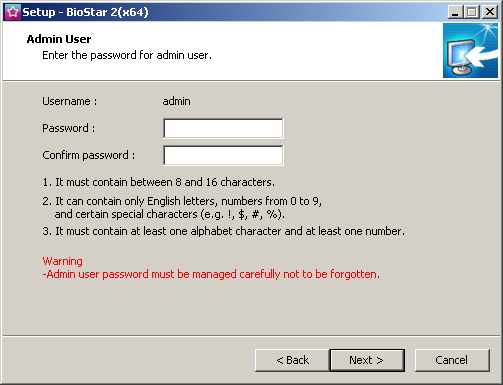
4. Enter a password to login and use the program (enter a combination of numbers and letters)
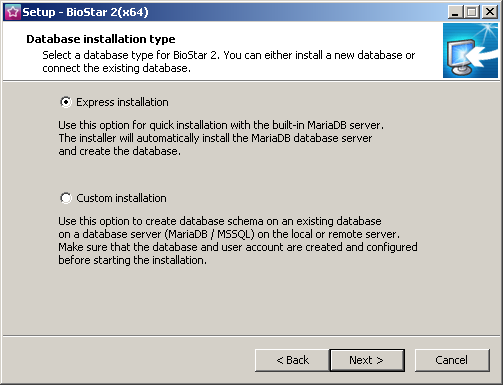
5. Select Express installation and click Next
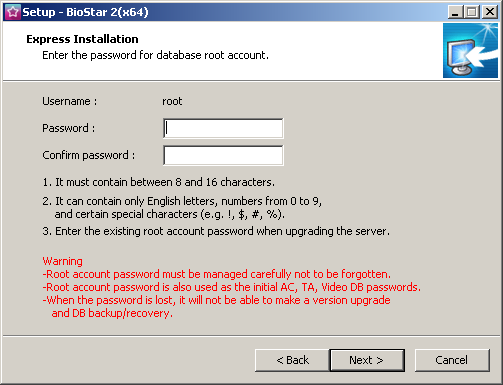
6. Enter a password to login to the MariaDB database (enter a combination of numbers and letters)
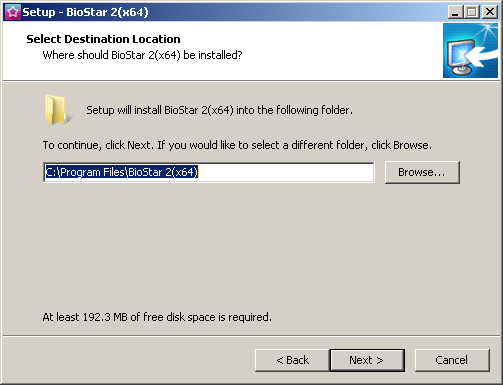
7. Select the installation location for the program and click Next
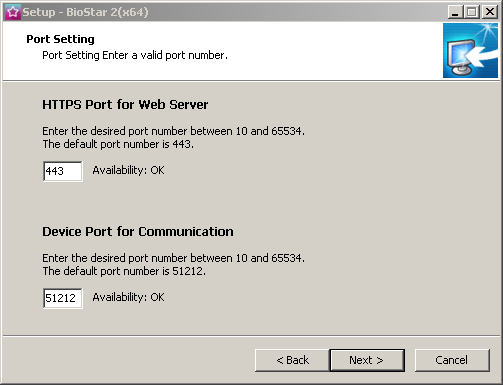
8. Configure the Port for Software connection (If Port 443 is already in use, change it to Port 450 instead) and click Next
9. Confirm the Software installation and click the Next button
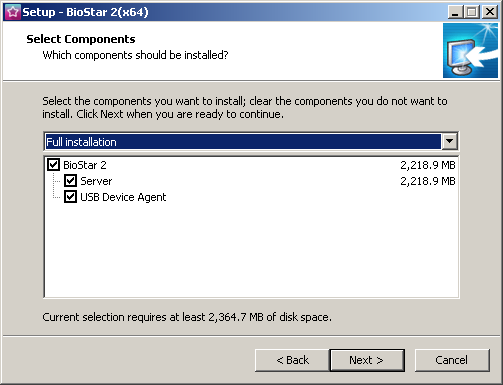
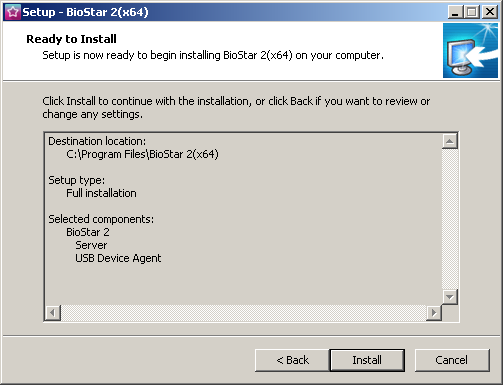
10. Click Next to begin the program installation
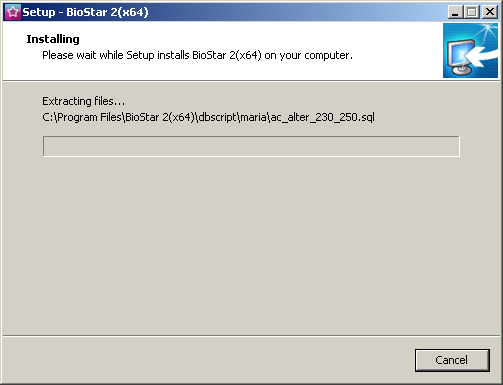
11. Wait for the program to install
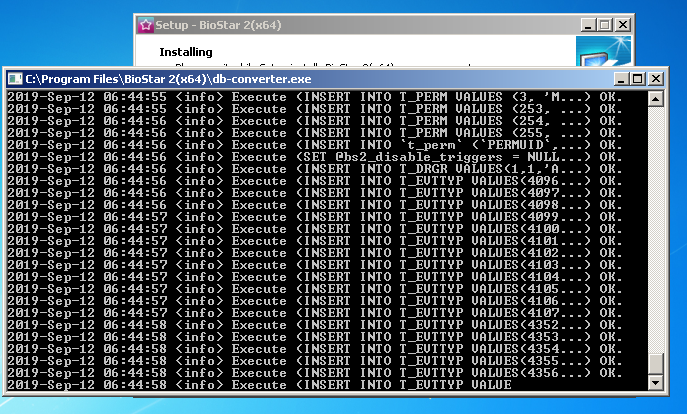
12. The screen shows the database creation. Wait until it disappears on its own, do not close it
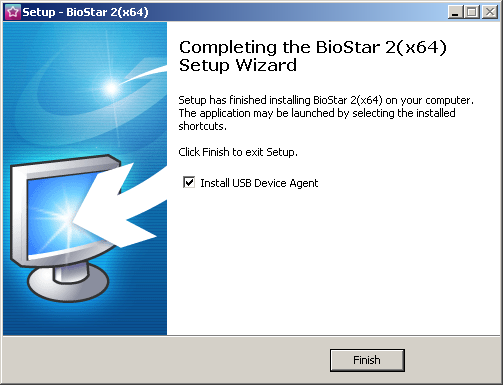
13. Program installation is complete, click Finish