How to Register Password at the Device Interface
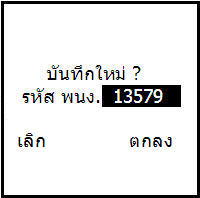
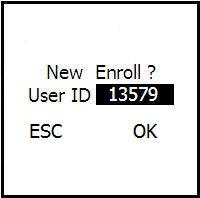
Press the PW/Card button and the system will ask if you want to save a new record
(If there is already a fingerprint saved, select Cancel by pressing the ESC button
then enter the ID number and press the OK button followed by entering the desired password)
For users who do not yet have a fingerprint, press the OK button to save a new record


Then enter the user number, not exceeding 5 digits

Enter a password for the user, not exceeding 5 digits
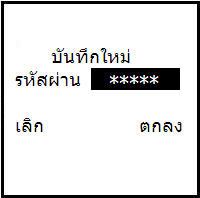
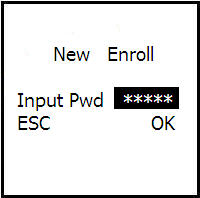
Then enter the same password again to confirm the password
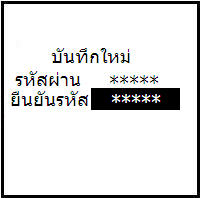
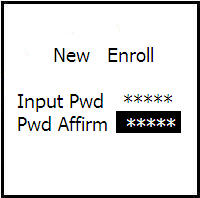
Then press the OK button to save the password
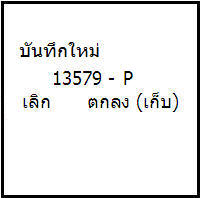
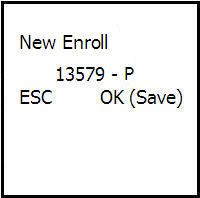
The system will ask if you want to continue. If not, press the ESC button. If you want to continue, press the OK button