How to Remove a Device from the Program
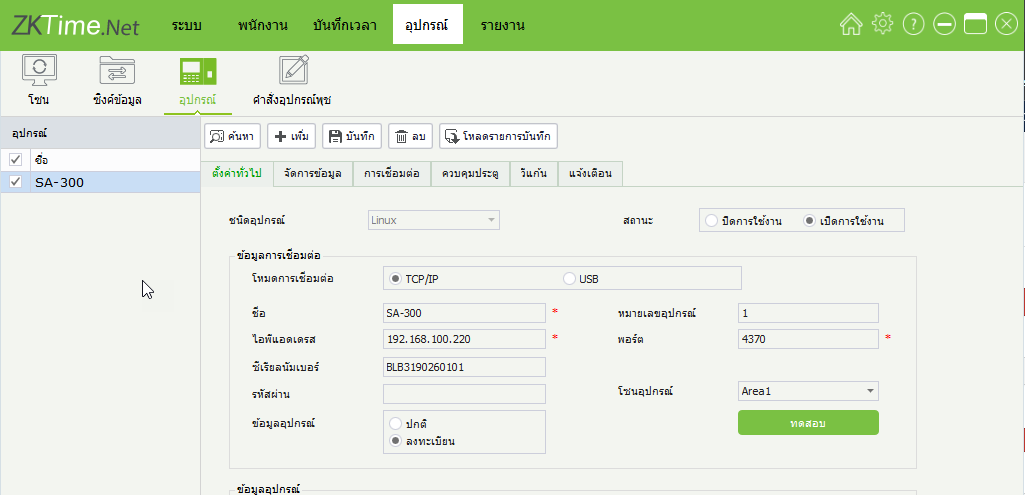
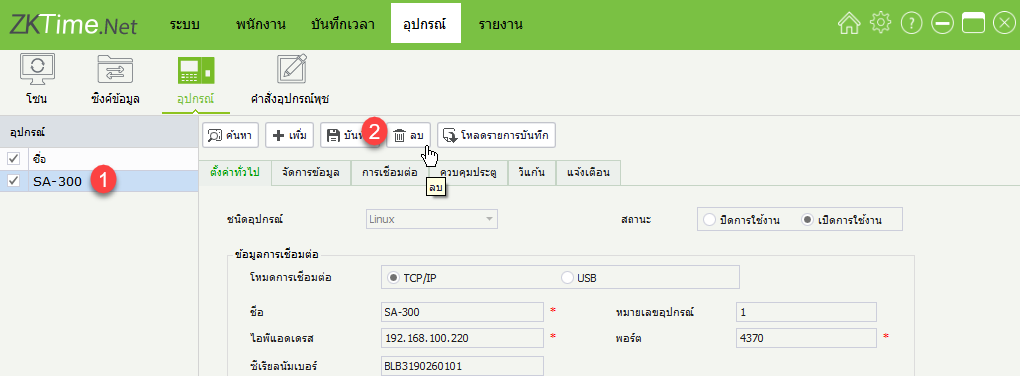
1. Click on the Devices menu, then click on the name of the device you want to delete
2. Click on the Delete menu
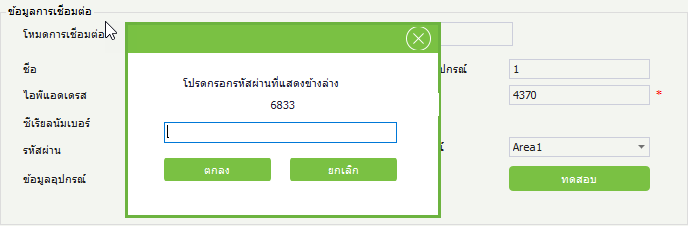
3. The system will display a dialog box to confirm the device deletion and provide a number for confirmation
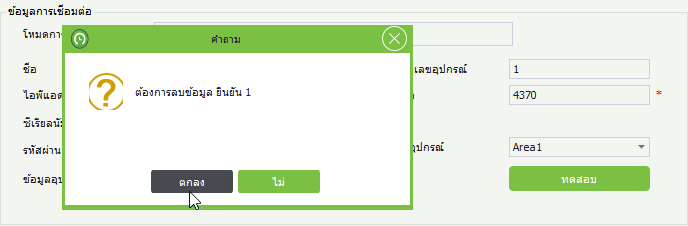
Enter the 4-digit number and click OK to confirm the device deletion