How to Set Date Format and Configure Sound Settings on the Scanner
Press and hold the M/OK button to enter the menu. Select System and then press the OK button
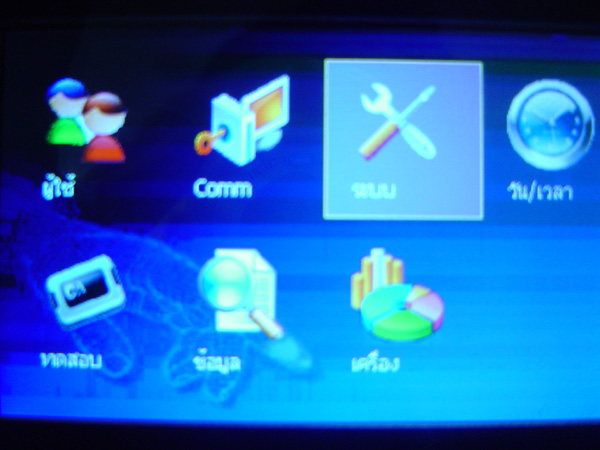
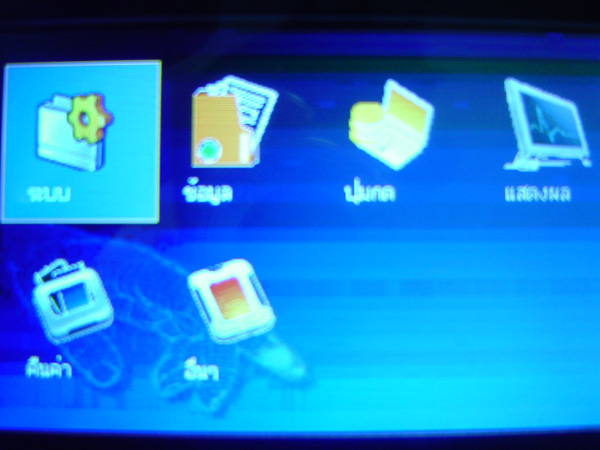
Select the System menu and press the OK button
Check section: Set and calibrate the fingerprint scan resolution
Date format section: Select the format you want to use
Key tone section: If enabled, there will be a sound when pressing buttons on the scanner
Sound section: If you do not want sound feedback when scanning fingerprints, select
Off or if you want to lower the volume or increase it, you can select from this section
Then press the OK button to save
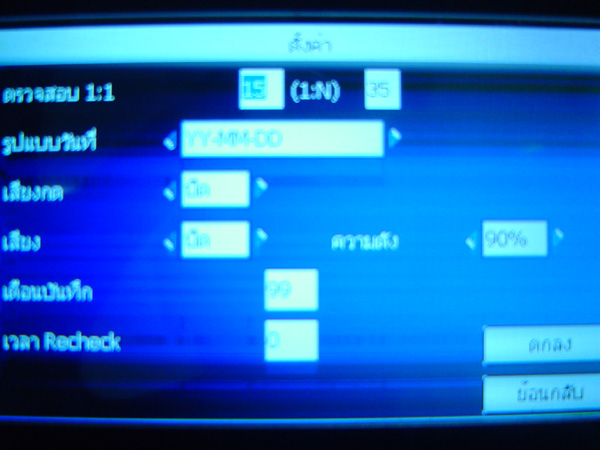
Then press the OK button to save