How to Set Screen Timeout on Scanner Device
Press the Menu button, navigate to Settings menu and press OK button
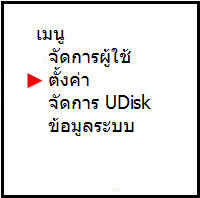
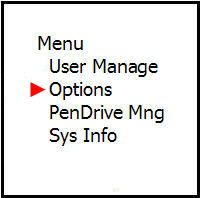
Navigate to the Power On/Off Settings menu and press OK button

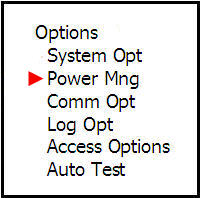
Then go to the Power On menu to set the automatic power on time
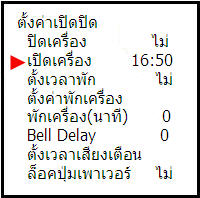
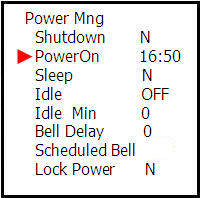
Go to the Rest Time Settings menu to set what time you want the screen to go into rest mode
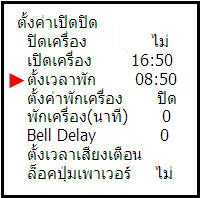
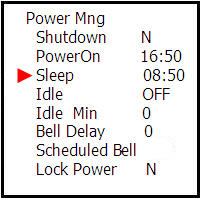
Then go to the Device Rest Settings menu and choose whether to put the device in rest mode or turn it off
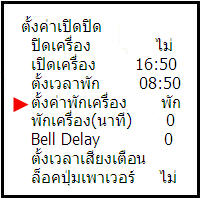
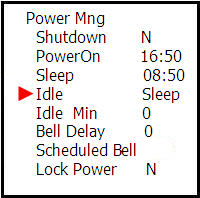
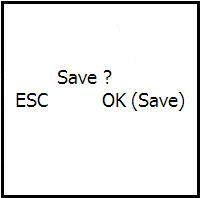
Then press the ESC button once and press OK button to save the settings